Dell Unity: FAST Cache Drives Are Not Visible for FAST Cache Configuration
Summary: Dell Unity FAST Cache solid state drives (SSD) are not seen while configuring FAST Cache. (Error Code: 0x67001a7)
Symptoms
UEMCLI
Drives are not seen as available or valid to use in the FAST Cache:
16:48:14 service@UnityXT spb:~/user# uemcli /stor/config/dg show
1: ID = dg_16 Drive type = SAS FAST Cache = no Drive size = 590894538752 (550.3G) Vendor size = 600.0G Rotational speed = 10000 rpm Number of drives = 12 Unconfigured drives = 0 Capacity = 7090734465024 (6.4T) Recommended number of spares = 0
Attempting to configure the FAST Cache fails:
16:48:37 service@UnityXT spb:~/user# uemcli /stor/config/fastcache create -diskGroup dg_16 -drivesNumber 2
Operation failed. Error code: 0x67001a7Specified disk group is not allowable for FAST Cache on the running platform. (Error Code:0x67001a7)
Unisphere
Unisphere > Settings > Storage Configuration > FAST Cache > Create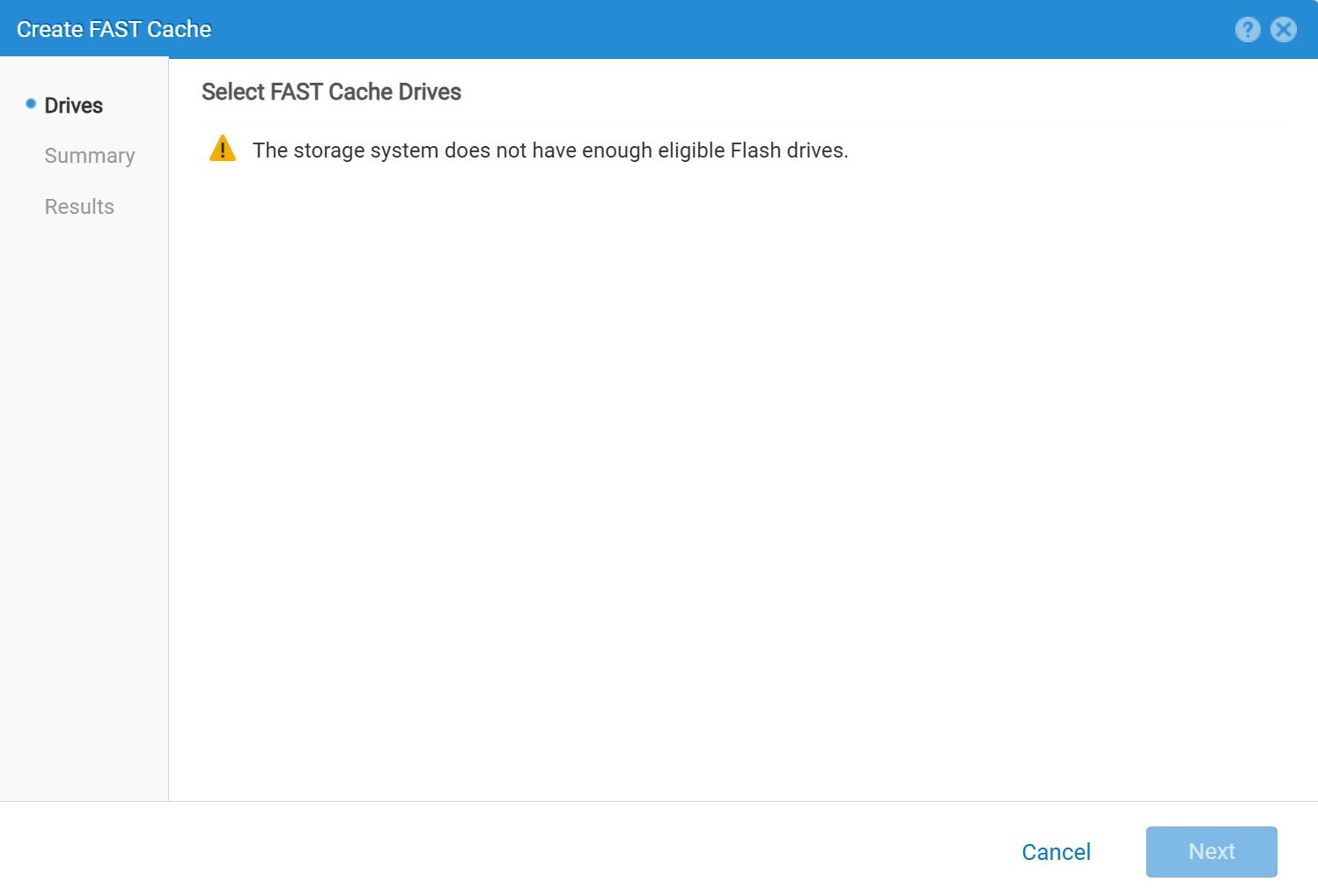
Cause
Sometimes, the issue is with management and restarting the Unity Management Service resolves the issue.
However, this can also be a genuine error due to either an incompatible setup or drives.
Resolution
For guidance on how to restart the Unity Management Service, see Dell Knowledgebase Article:
service@(none) spa:~> uemcli /stor/config/dg show
      ID                           = dg_2

            Drive type                   = SAS Flash 2
      FAST Cache                   = yes   <<<<<<<<<<<<<<<<<<<<<<<<

            Drive size                   = 196971960832 (183.4G)

            Vendor size                  = 200.0G

            Rotational speed             = 0 rpm

            Number of drives             = 3

            Unconfigured drives          = 3

            Capacity                     = 590915882496 (550.3G)

            Recommended number of spares = 1
Refer to the following Dell Knowledgebase Articles and White Papers to verify that the current setup is valid for FAST cache creation.
- Dell Unity™ Family Configuring Pools Version 5.x (September 2024)
- Dell Unity™ Family Unisphere® Command Line Interface User Guide Version 5.5.1 (July 2025)
- Dell Storage Compatibility Matrix Support Policy Statement
- Dell EMC Unity: FAST Technology Overview (February 2021)
- Dell Unity: Basic FAST Cache Management