如何获得 Alienware Update 支持
Summary: 本文介绍如何获得对 Alienware Update 的支持。
This article applies to
This article does not apply to
This article is not tied to any specific product.
Not all product versions are identified in this article.
Instructions
受影响的产品:
- Alienware Update
Alienware Update 是一款软件,可在关键修补程序和重要设备驱动程序推出时自动进行更新。这无需在线检查即可确保您的 Alienware 个人计算机具有最重要的更新,并且它们会自行安装。
支持的品牌:
- Alienware
支持的操作系统:
- Windows 10
- Windows 11
设备驱动程序和应用程序更新有以下方面的作用:
- 性能提高
- 扩展兼容性
- 解决次要问题
自助选项
大多数技术信息可以通过参考以下项找到:
自助选项
大多数技术信息可以通过参考戴尔知识库找到。
要获得支持:
技术支持
- 转至 https://www.dell.com/support/home。
- 在页面右侧,选择 Contact Support,然后单击以下任一项:
- Contact Technical Support:如果有可用的戴尔服务编号。
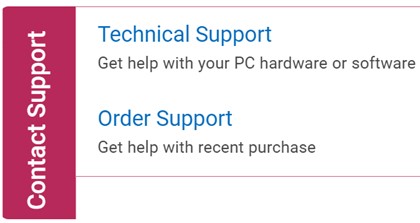
- Contact Technical Support:如果有可用的戴尔服务编号。
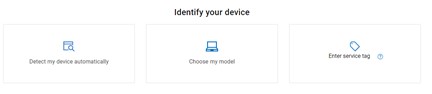
- 单击 Enter service tag。
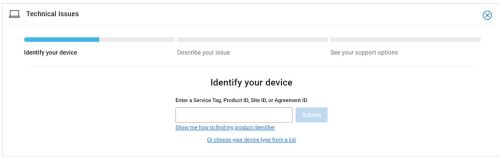
- 键入客户端(而非服务器)服务编号 ,然后单击 Submit。
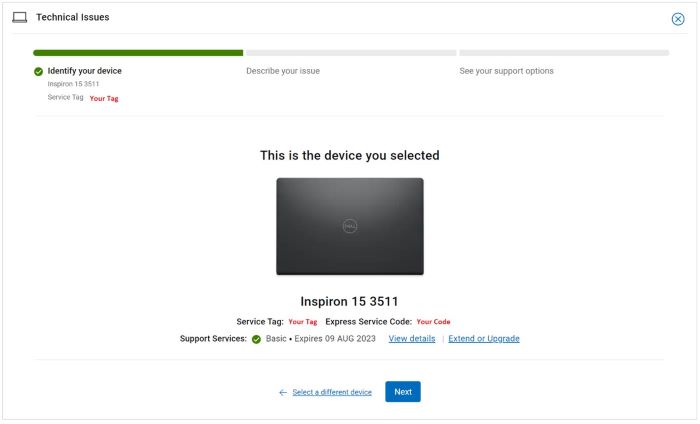
- 确认您的型号和服务编号,然后单击下一步。
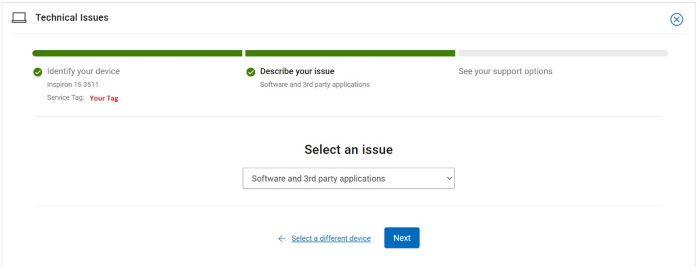
- 从下拉菜单中,选择 Software and 3rd party applications,然后单击 Next。
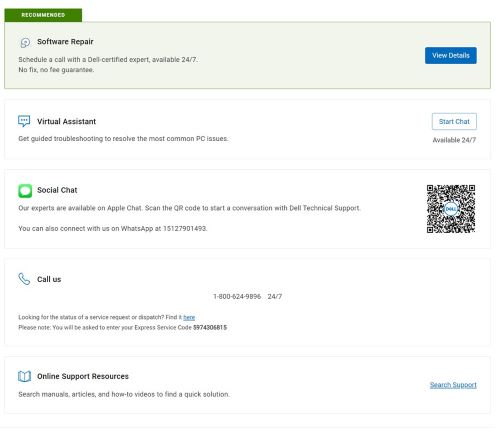
- 选择可用的联系人选项。
订单支持
- 转至 https://www.dell.com/support/home。
- 在页面右侧,选择 Contact Support,然后单击以下任一项:
- Contact Order Support:如果没有戴尔服务编号且需要帮助才能访问软件。
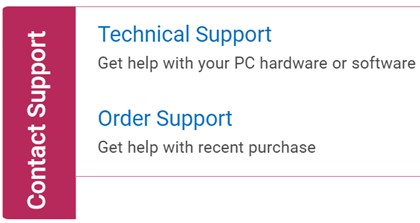
- Contact Order Support:如果没有戴尔服务编号且需要帮助才能访问软件。
- 键入您的订单编号,然后单击 Find My Order。

- 在页面右侧,单击 Contact Customer Support。

- 从下拉列表中,选择 Missing Items。
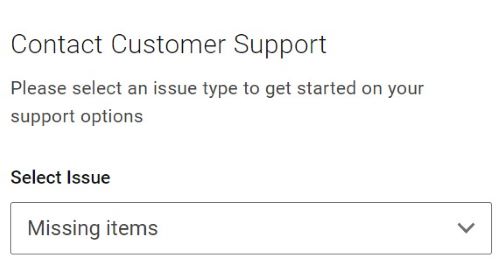
- 选择可用的联系人选项。
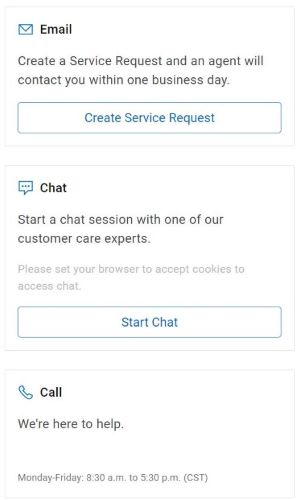
提醒:
- 联系方式选项可能因地区而异。
- 联系技术支持时,请参阅此文章 (000191580)。
Affected Products
Alienware UpdateArticle Properties
Article Number: 000191580
Article Type: How To
Last Modified: 22 Apr 2025
Version: 14
Find answers to your questions from other Dell users
Support Services
Check if your device is covered by Support Services.