VxRail: What is the vCenter VAMI
Summary: What is vCenter Virtual Appliance Management Infrastructure (VAMI)?
This article applies to
This article does not apply to
This article is not tied to any specific product.
Not all product versions are identified in this article.
Instructions
vSphere vCenter Virtual Appliance Management Infrastructure (VAMI)
VAMI provides with an HTML5 Web console and command-line commands to manage vCenter:
- Check and install updates
- Shutdown and reboot of virtual appliance
- Enable SSH/DCUI access
How to access:
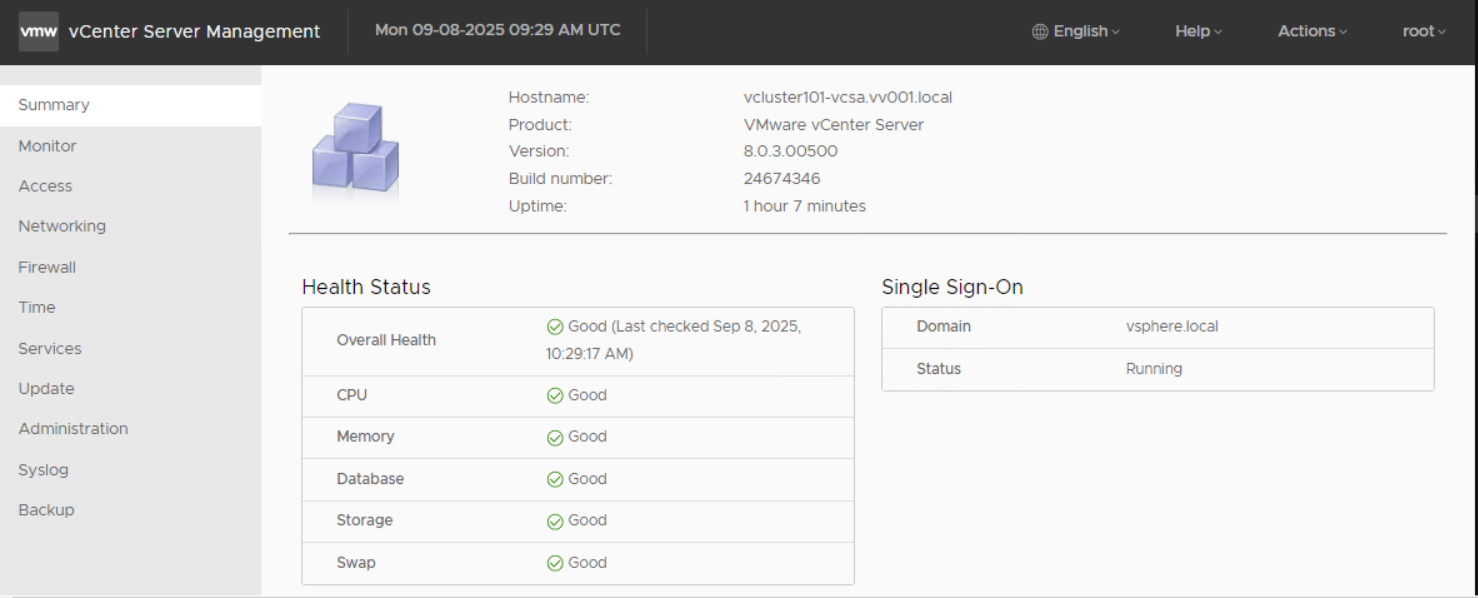
- The VAMI UI can be accessed at port 5480 port by visiting the following URL of the VCSA:
https://[VCSA]:5480 - It requires a local OS account to log in (use root user account).
Sample UI interface
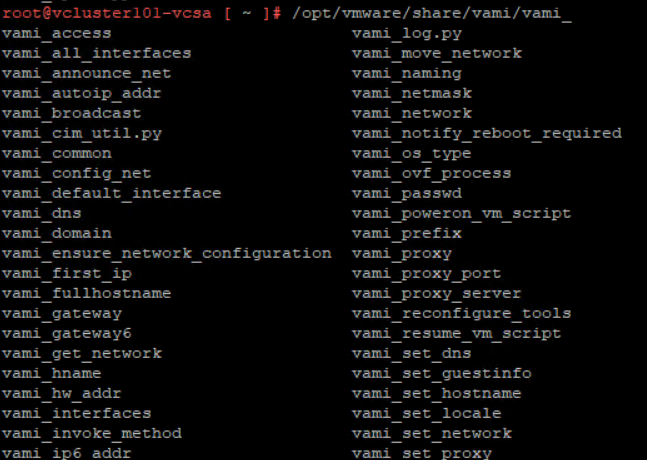
Sample commands available on the /opt/vmware/share/vami/ folder:
Affected Products
VxRail, VxRail Appliance Series, VxRail SoftwareArticle Properties
Article Number: 000010238
Article Type: How To
Last Modified: 24 Oct 2025
Version: 8
Find answers to your questions from other Dell users
Support Services
Check if your device is covered by Support Services.