Issues in Data Science Stack Application Environment Configuration
Summary: This article provides more information about incorrect or incomplete setup of the Data Science Stack (DSS) configuration environment.
Instructions
Affected Operating Systems:
- Ubuntu
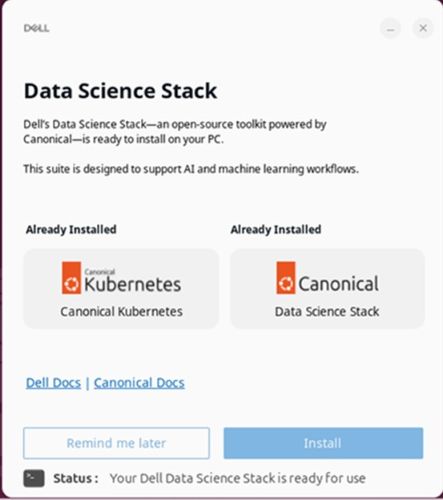
Users may encounter issues related to incorrect or incomplete setup of the DSS configuration and setup environment, which can affect performance, compatibility, or functionality. They may encounter this issue during the Dell’s Data Science (DDS) application’s (Installer for DSS) environment setup phase. This happens if the application fails to initialize or configure correctly due to internal errors.
Ensure that the device connects to a valid and stable Internet connection before launching the DDS application. The application includes a link to the Canonical official environment setup documentation for DSS. This site provides detailed configuration instructions and troubleshooting steps. Click Canonical Docs on the Data Science Stack application.