Avamar:Unity NDMPユーザー設定を作成、変更、または確認する方法
Summary: このKB記事では、Unity Network Data Management Protocol (NDMP)ユーザー設定を作成、変更、または検証する方法について説明します。
This article applies to
This article does not apply to
This article is not tied to any specific product.
Not all product versions are identified in this article.
Instructions
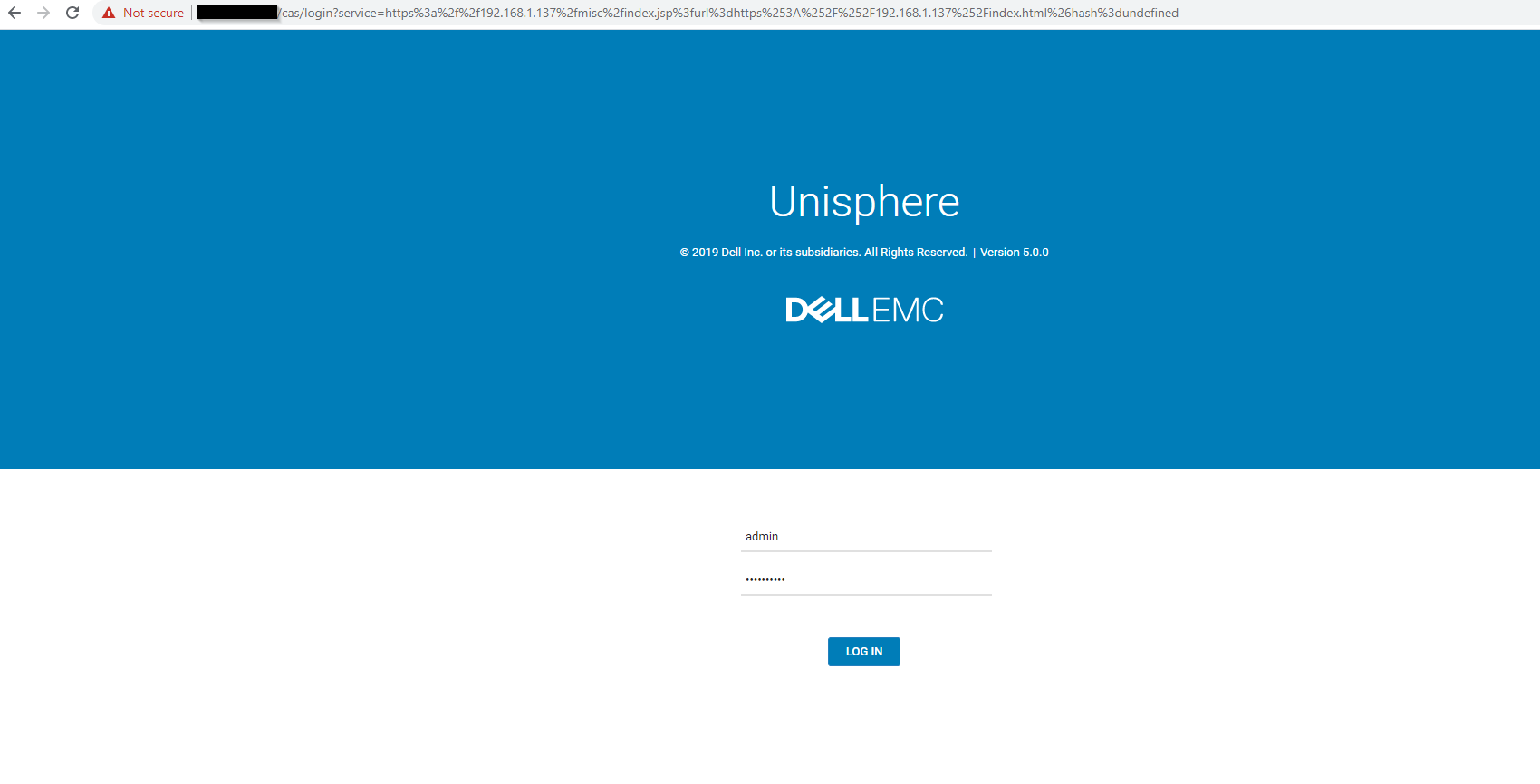
- 管理者アカウントでUnity Unisphereにログインします。
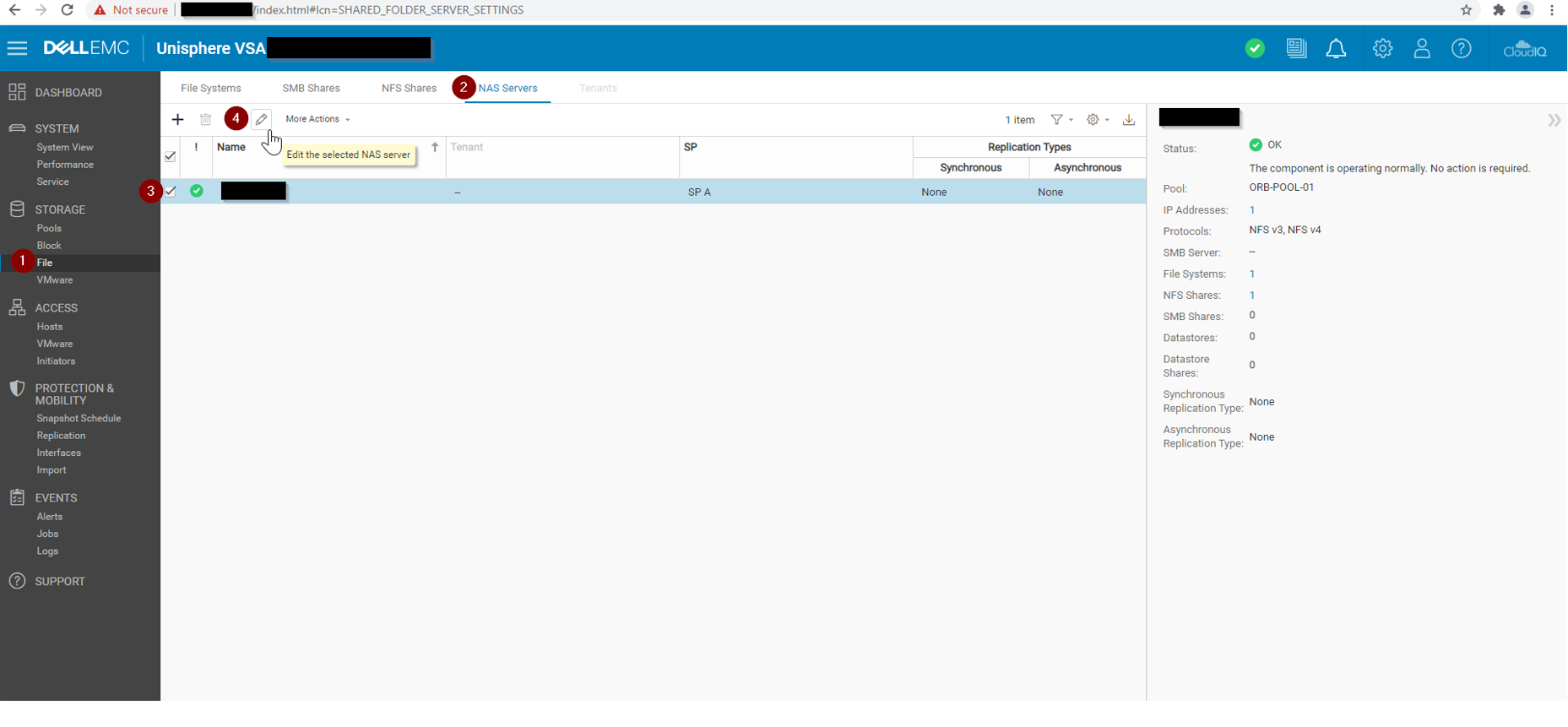
- Unisphere > File > NAS Serversに移動します。
- ターゲットNASサーバーを選択し、 編集をクリックします。
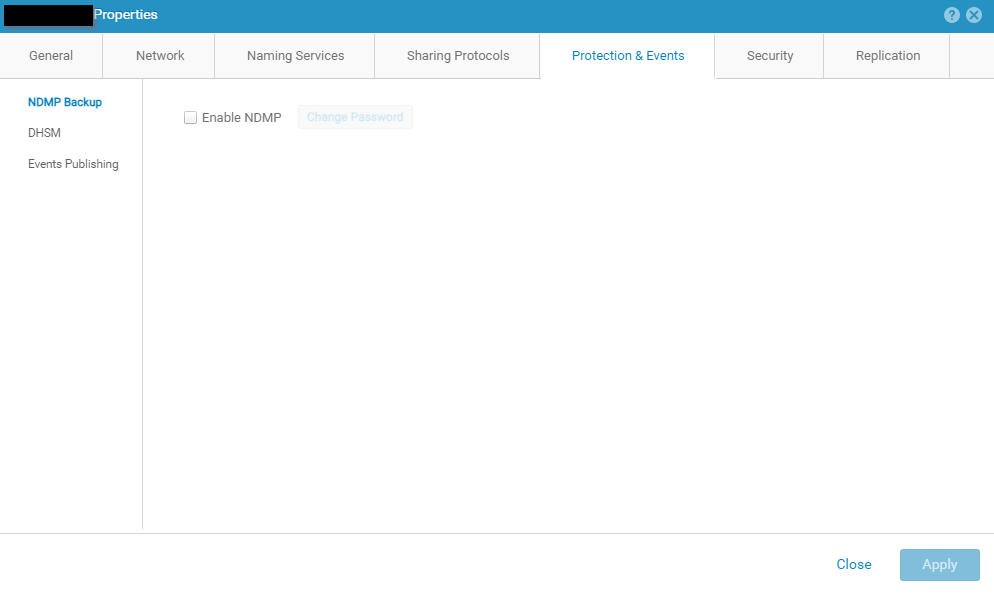
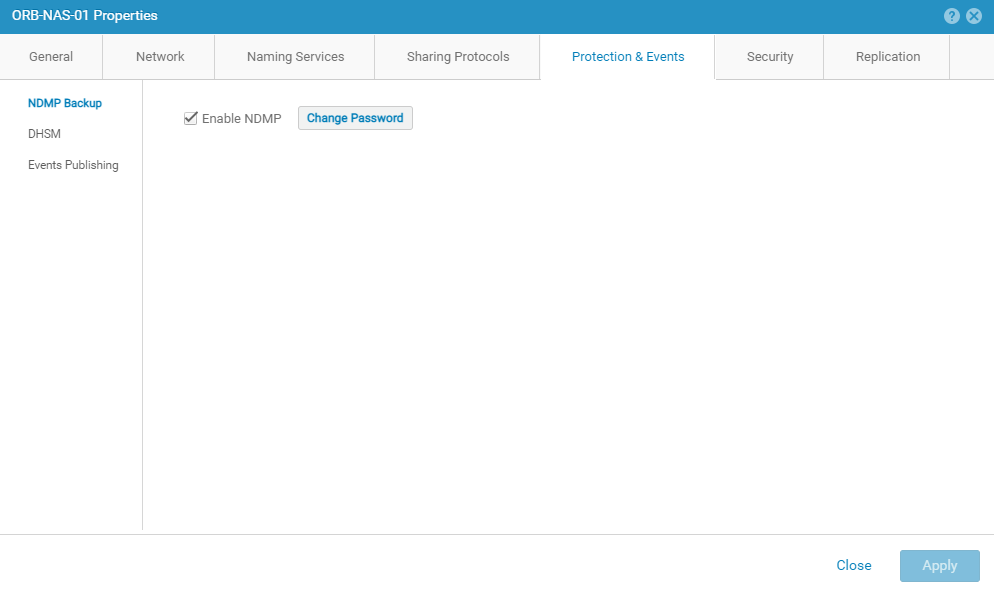
- Unityの新規インストールの場合、NDMP設定ページは次のように表示されます。
- NDMPの有効化ボックスにチェックを入れます。
- NDMPユーザー パスワードを入力して確認します。
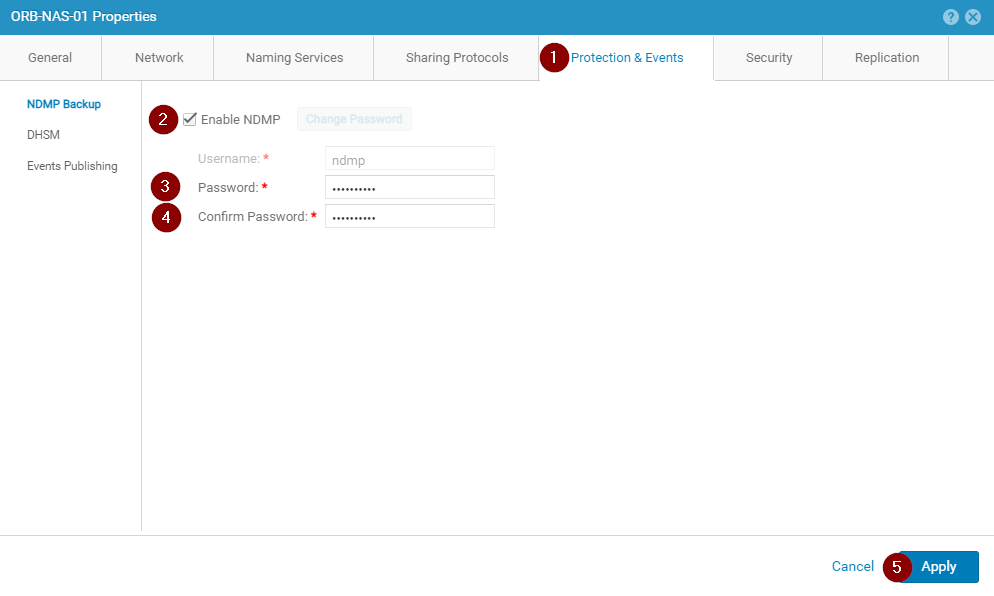
- NDMPサービス設定が正しく表示されていることを確認します。
Article Properties
Article Number: 000189645
Article Type: How To
Last Modified: 09 Dec 2025
Version: 5
Find answers to your questions from other Dell users
Support Services
Check if your device is covered by Support Services.