PowerStore Alerts-The Internal Database Tables are Too Large
Summary: This article describes the PowerStore alert for "The internal database tables are too large."
Symptoms
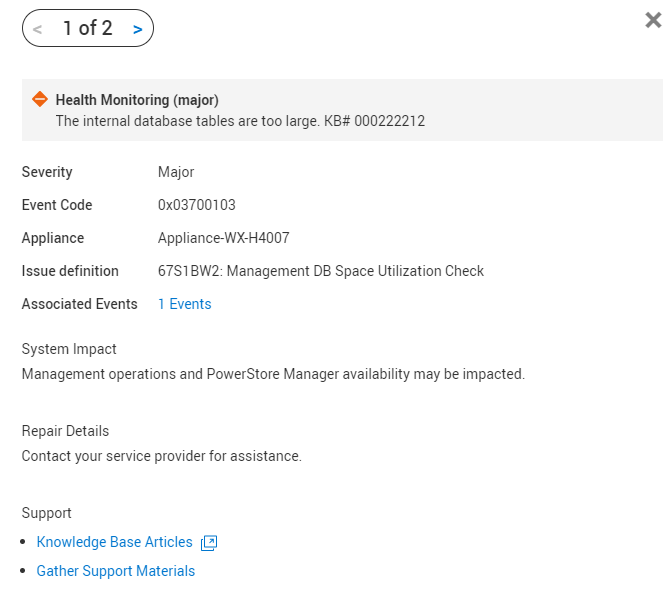
A health check in the RxDefinitions package detects this issue. The alert 0x03700103 was raised for:
"The Internal database tables are too large"
Alert raised by this RxDefinition health check:
Cause
PowerStore's internal database has approximately 20 GB of reserved space. Sometimes the size of the tables inside the database becomes large and due to this the database may exhaust its allocated space.
When database tables grow, it affects PowerStore management and UI operations. In the worst-case, when the entire available space for the database is used, the database shuts down. This may lead to a loss of management access to the PowerStore cluster.
This alert is raised when the database tables grow beyond a predefined threshold.
Resolution
Contact Technical Support so they can review the underlying cause of the error to determine the best course of action. Mention this KB article ID to expedite processing.
Additional Information
See KB 000193518 PowerStore: Landing for Page RxDefinitions Issues for more information of the health check mechanism, the RxDefinitions package, and a complete list of RxDefinitions alerts.