Dell Unity:如何创建隐藏共享
Summary: 本文介绍如何在 Dell Unity 中创建隐藏的共享。隐藏共享是未显示在网络中的共享。隐藏共享具有与普通共享相同的安全权限。(用户可纠正) 如果您想要共享文件或文件夹,但不想将其发布给所有人,则隐藏共享可能很有用。
This article applies to
This article does not apply to
This article is not tied to any specific product.
Not all product versions are identified in this article.
Instructions
创建和访问隐藏共享的步骤:

在共享名称字段中, 添加

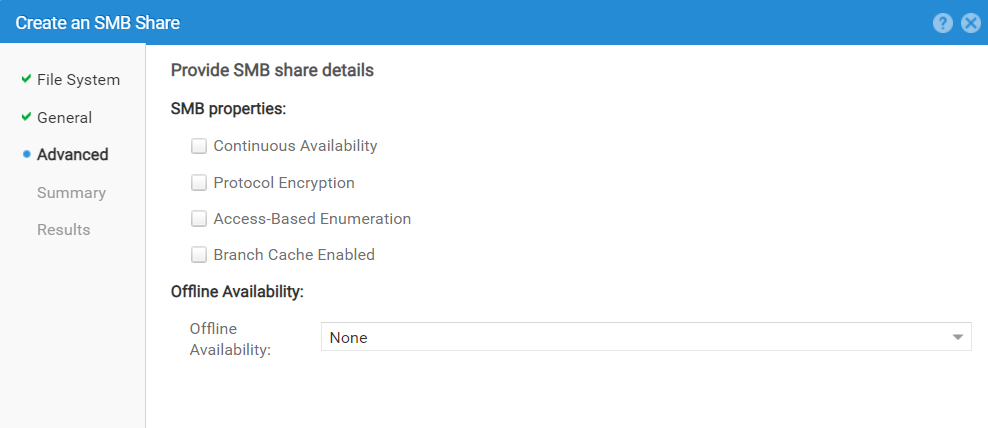
选择任何选项:
验证详细信息,然后单击完成: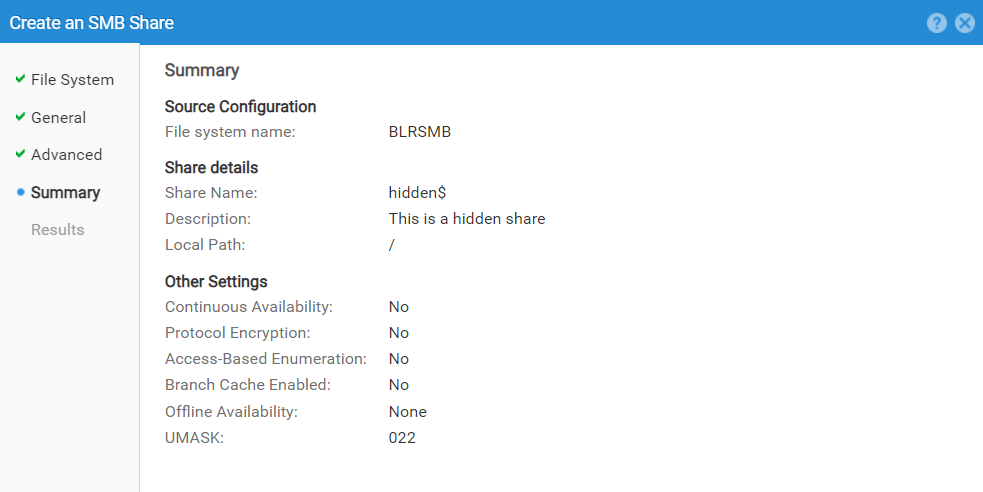
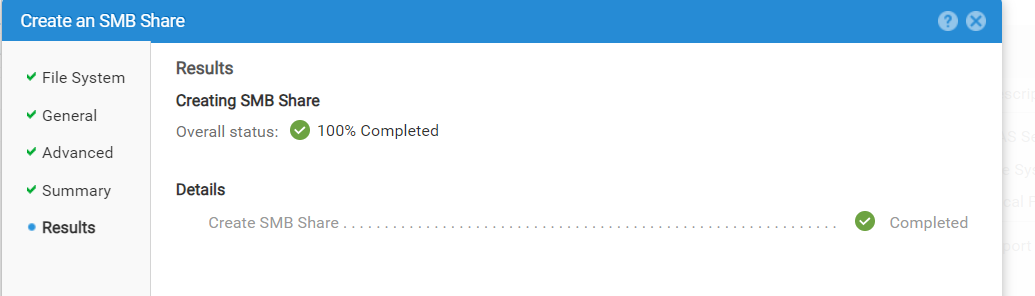
隐藏的共享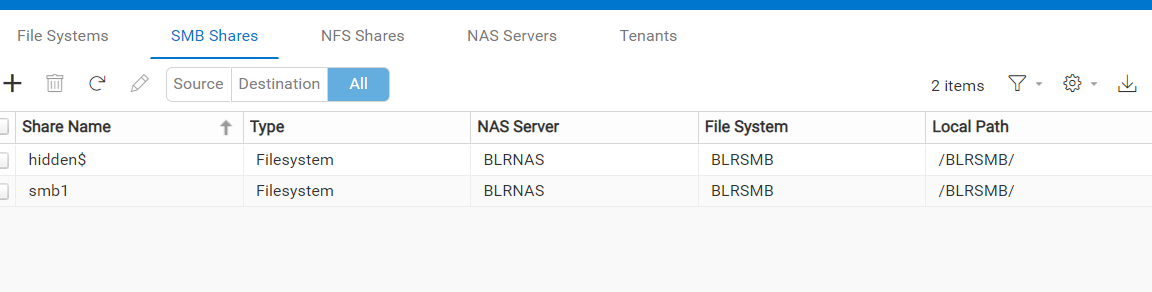
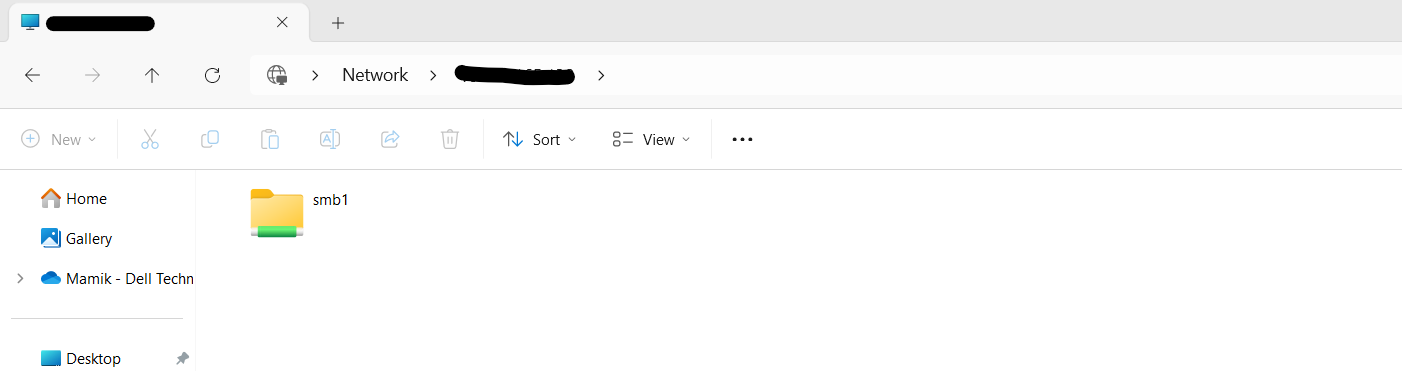
在主机中,我们看不到隐藏的共享:
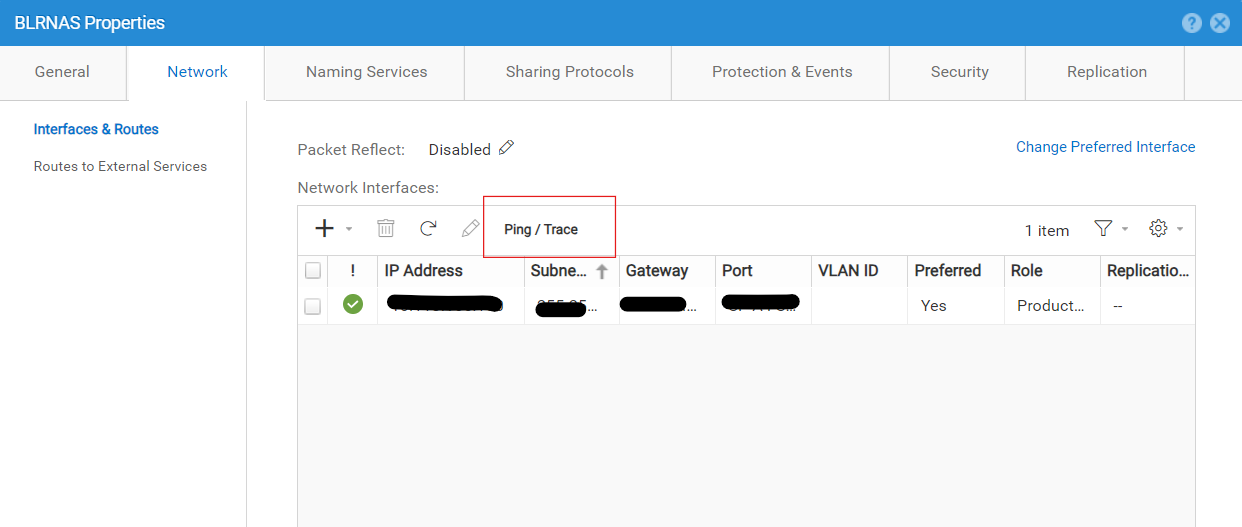
- 确认 NAS 服务器 以创建共享并验证其协议。
在此示例中,NAS 服务器名称为
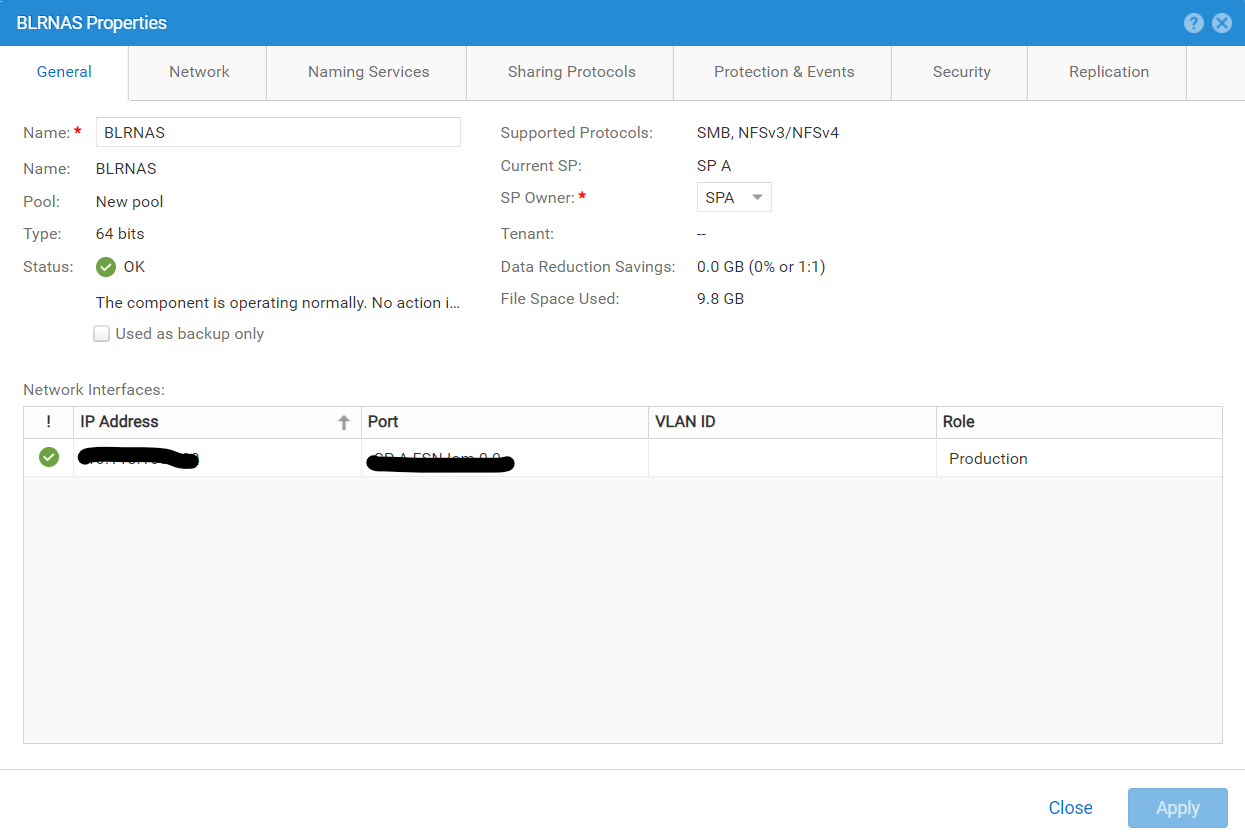
BLRNAS。
BLRNAS 是启用了 SMB 和 NFS 协议的独立 NAS 服务器:
- 使用 ping 确认从 NAS 服务器到主机的连接:
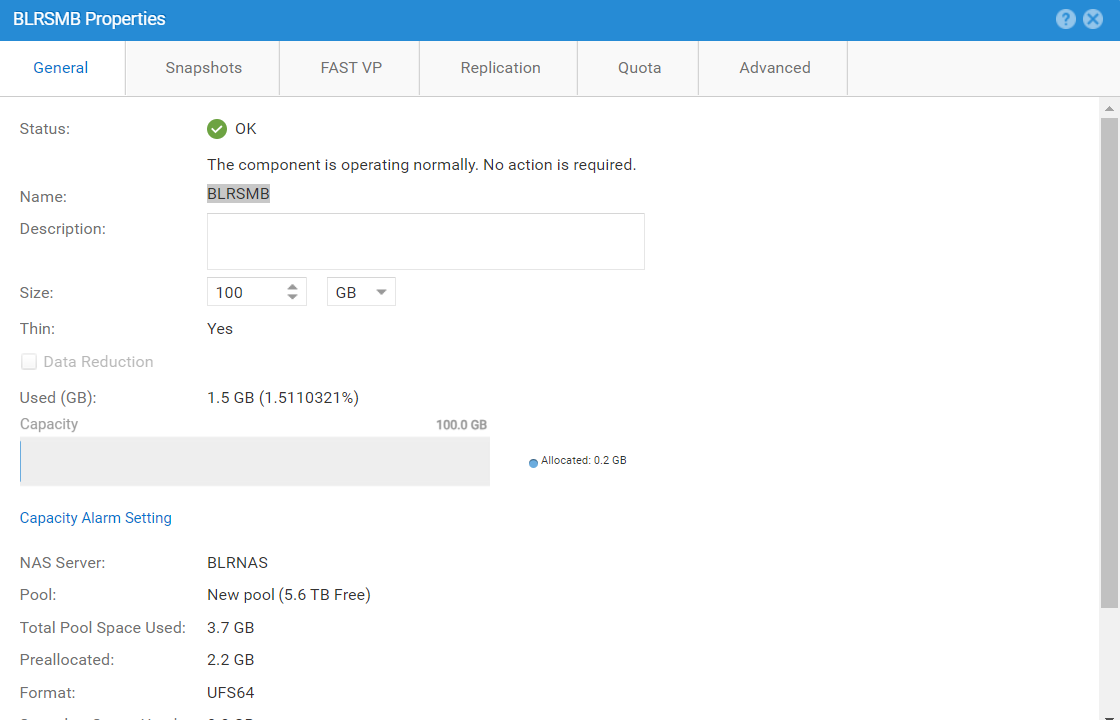
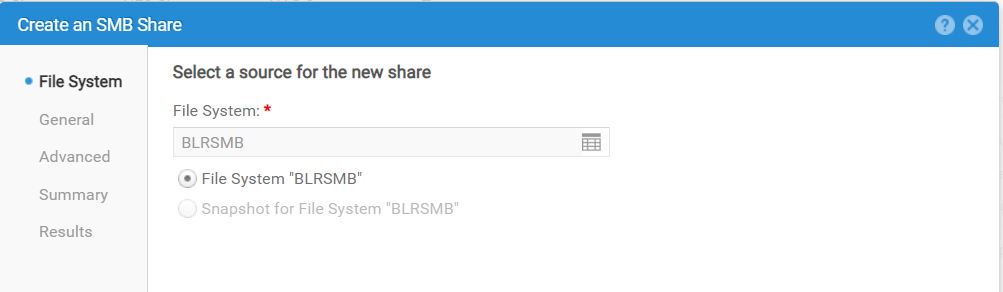
- 选择文件系统以 创建隐藏的共享。
在此示例中,文件系统为 BLRSMB:
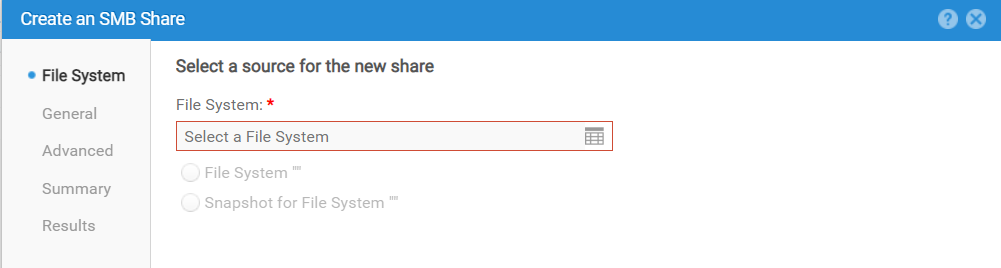
- 转至 SMB Shares 以创建隐藏的共享:
在共享名称字段中, 添加
$ 共享名称末尾的符号。在此示例中,共享名称为 hidden$ 或 <share_name>$。
选择任何选项:
验证详细信息,然后单击完成:
隐藏的共享
hidden$ 创建时间:
在主机中,我们看不到隐藏的共享:
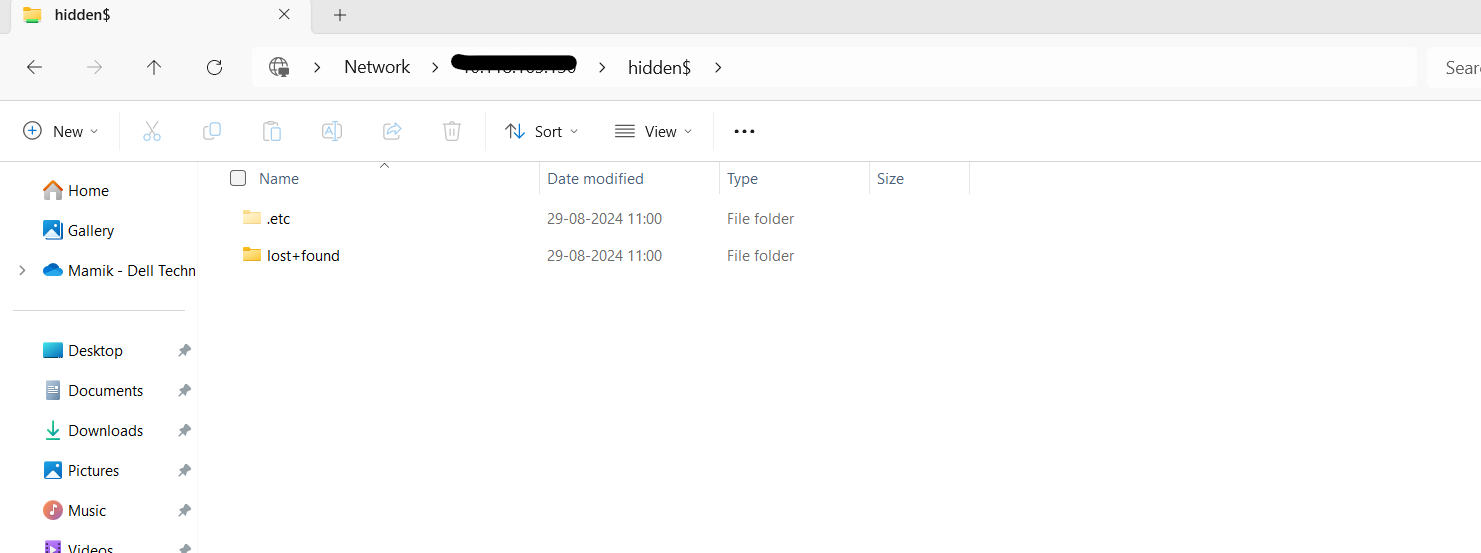
指定隐藏的共享完整路径
\\<NAS_IP or NAME>\hidden$ 要查看隐藏的共享,请执行以下操作:
Affected Products
Dell EMC UnityArticle Properties
Article Number: 000228216
Article Type: How To
Last Modified: 11 Oct 2024
Version: 2
Find answers to your questions from other Dell users
Support Services
Check if your device is covered by Support Services.