PowerProtect Data Manager: Upgrade Package Stays In 'Processing' State
Summary: PowerProtect Data Manager Upgrade Package Stays In 'Processing' State.
This article applies to
This article does not apply to
This article is not tied to any specific product.
Not all product versions are identified in this article.
Symptoms
When a PowerProtect Data Manager upgrade package is uploaded, the package goes into a "Processing" state.
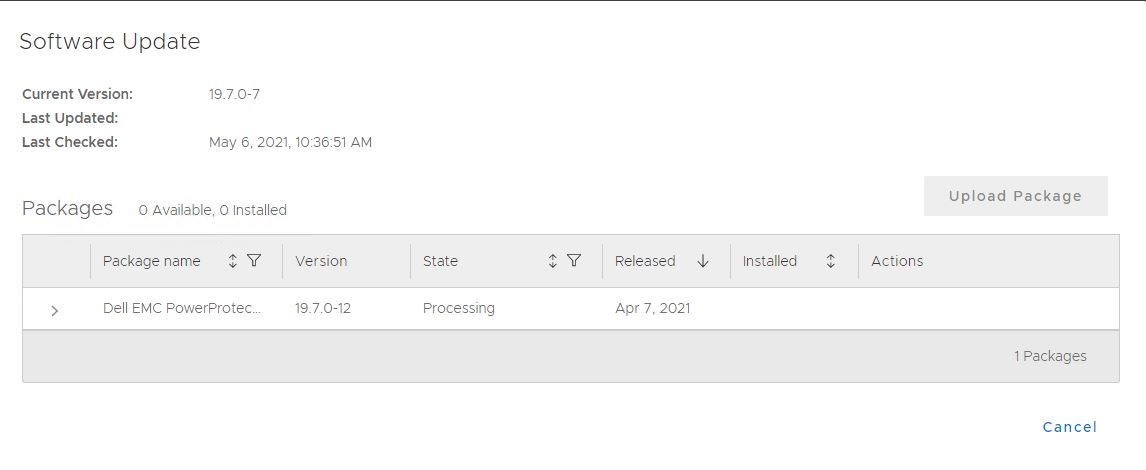
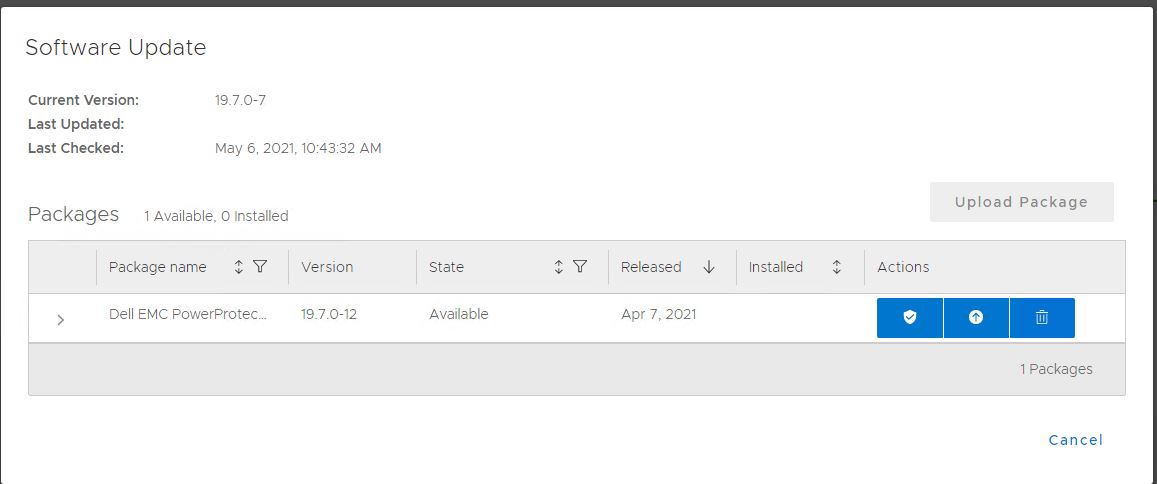
This "Processing" phase only lasts between 10- 20 minutes before the state changes to "Available."
In certain circumstances, when the package is either uploaded from a local machine or downloaded from Secure Remote Services, it stays in the "Processing" state indefinitely.
This "Processing" phase only lasts between 10- 20 minutes before the state changes to "Available."
In certain circumstances, when the package is either uploaded from a local machine or downloaded from Secure Remote Services, it stays in the "Processing" state indefinitely.
Cause
PowerProtect Data Manager becomes stuck when processing the upgrade package.
Resolution
- Open a WINSCP connection to the PowerProtect Data Manager and go to /data/01/brs/uploads folder and copy the file to another directory (/data/01/brs).
- Click Settings > Software Update. The upgrade package is no longer there.
- In WINSCP, move the upgrade package back to the /data/01/brs/uploads folder.
Article Properties
Article Number: 000186242
Article Type: Solution
Last Modified: 30 Mar 2022
Version: 1
Find answers to your questions from other Dell users
Support Services
Check if your device is covered by Support Services.