Dell EMC Unity:上传用于升级的 Unity OE 代码时 UI 中显示非特定错误(Dell EMC 可纠正)
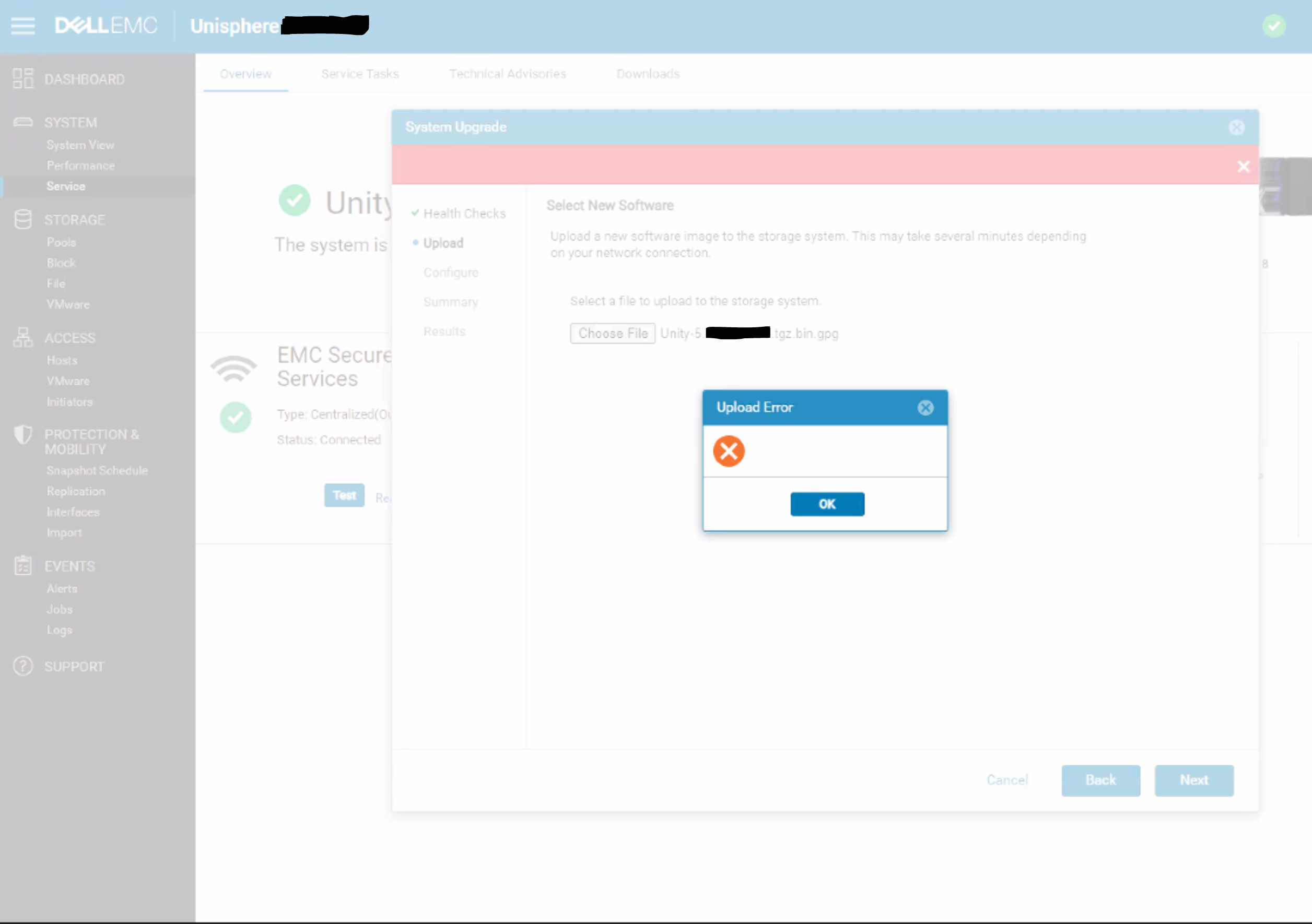
Summary: Unisphere 对话中显示空上传错误,并且没有特定的错误消息或错误代码。
This article applies to
This article does not apply to
This article is not tied to any specific product.
Not all product versions are identified in this article.
Symptoms
上传用于升级的 OE 代码时,Unity Unisphere 上出现以下错误:
Cause
这是一个 UI 问题,UI 无法正确处理 REST 请求的 HTTP 500 或 HTTP 409 错误。
409 冲突:
当请求与服务器的当前状态冲突时,将发送此响应。
500 内部服务器错误:
服务器遇到不知道如何处理的情况。
当请求与服务器的当前状态冲突时,将发送此响应。
500 内部服务器错误:
服务器遇到不知道如何处理的情况。
Resolution
解决办法:
解决方案:
此问题的修复预计在 5.2 版本中提供。
- 使用 uemcli 命令而不是从 UI 上传升级映像:
uemcli -upload -f Unity-xxx.tgz.bin.gpg upgrade
或者
- 从与 Unity 阵列位于同一子网的系统上传升级映像。
解决方案:
此问题的修复预计在 5.2 版本中提供。
Affected Products
Dell EMC UnityArticle Properties
Article Number: 000190184
Article Type: Solution
Last Modified: 11 May 2026
Version: 5
Find answers to your questions from other Dell users
Support Services
Check if your device is covered by Support Services.