SupportAssist-waarschuwing "Ongeldige configuratiegegevens - voer het SETUP-programma uit" bij het inschakelen
Summary: Informatie over twee waarschuwingsberichten voor tijd- en configuratie-instellingen die in SupportAssist verschijnen na het inschakelen.
This article applies to
This article does not apply to
This article is not tied to any specific product.
Not all product versions are identified in this article.
Symptoms
Als u uw computer inschakelt, wordt een SupportAssist-scherm weergegeven en worden de volgende waarschuwingsberichten weergegeven:
- Tijd van de dag niet ingesteld - voer het SETUP-programma uit.
- Ongeldige configuratie-informatie - voer het SETUP-programma uit.
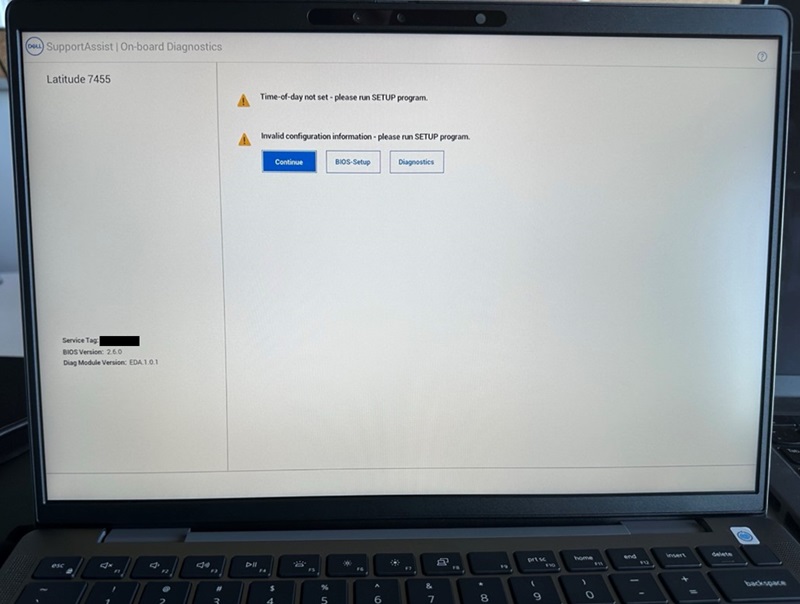
Als u op de knop "Continue" klikt en opstart naar het BIOS, ziet u dat de optie "Secure Boot" is uitgeschakeld.
Betreffende computers:
- Inspiron 14 5441
- Inspiron 14 Plus 7441
- Latitude 5455
- Latitude 7455
Cause
Dit gebeurt als gevolg van een reset van het systeem-BIOS.
Resolution
Standaard BIOS-instellingen en Secure Boot inschakelen
U kunt dit probleem oplossen door het BIOS terug te zetten naar "Default" en "Secure Boot" in te schakelen.
- Sluit de voedingsadapter aan om ervoor te zorgen dat de computer stroom heeft om in te schakelen.
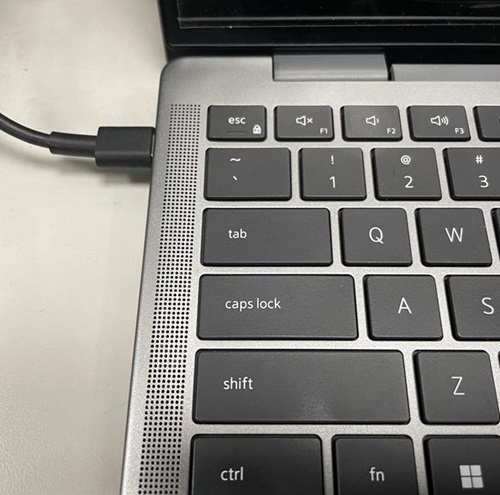
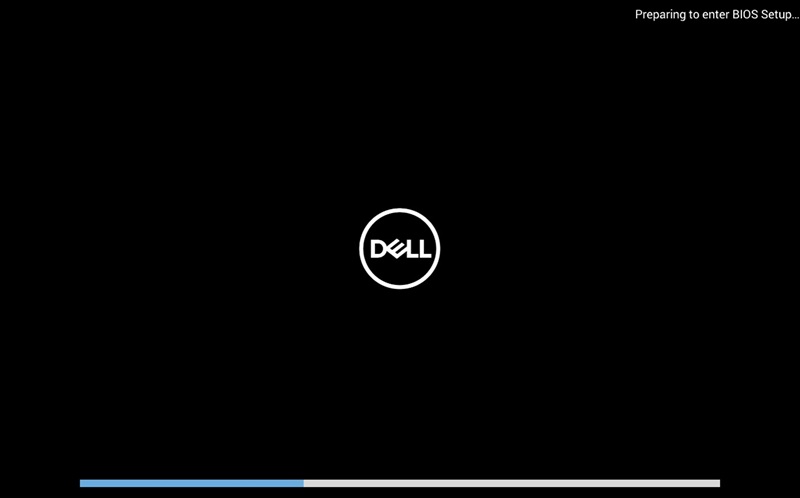
- Schakel de computer in en druk op F2 wanneer het DELL logo verschijnt om het BIOS-menu te openen.
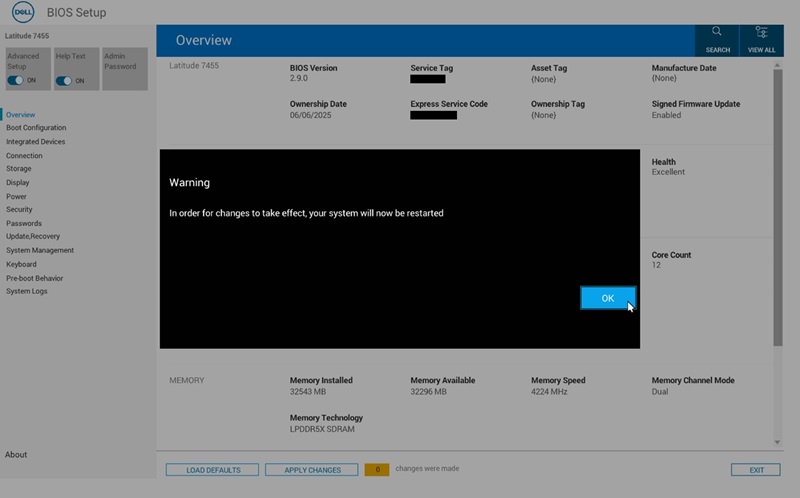
- Klik op de knop "LOAD DEFAULTS" onderaan het scherm.

- Klik op "OK" wanneer "Restore Settings" en het dialoogvenster "Warning" verschijnt, waarna de computer opnieuw wordt opgestart.
- Volg stap 2 om het BIOS-menu opnieuw te openen.
- Selecteer de pagina "Boot Configuration".
Zoek "Secure Boot" en zet het op "ON".
Klik op 'WIJZIGINGEN TOEPASSEN'.
- Klik op "OK" wanneer het dialoogvenster "Apply Settings Confirmation" verschijnt.
- Voer een update uit naar BIOS-versie 2.12.2 of hoger om dit probleem in de toekomst te voorkomen.
Affected Products
Inspiron 14 5441, Inspiron 14 Plus 7441, Latitude 5455, Latitude 7455Article Properties
Article Number: 000353653
Article Type: Solution
Last Modified: 04 Dec 2025
Version: 2
Find answers to your questions from other Dell users
Support Services
Check if your device is covered by Support Services.