Maximize Your Alienware AW920H Battery Performance
Summary: Maximize your Alienware Tri-Mode Wireless Gaming Headset AW920H experience! Learn why 'Short Battery Life for AW920H' does not have to be your reality - get the most out of each charge. ...
Instructions
Alienware Tri-Mode Wireless Gaming Headset AW920H users may report that the battery life of the headphones does not meet their expectations.
Here are some tips to get the maximum battery life from the Alienware AW920H headset.
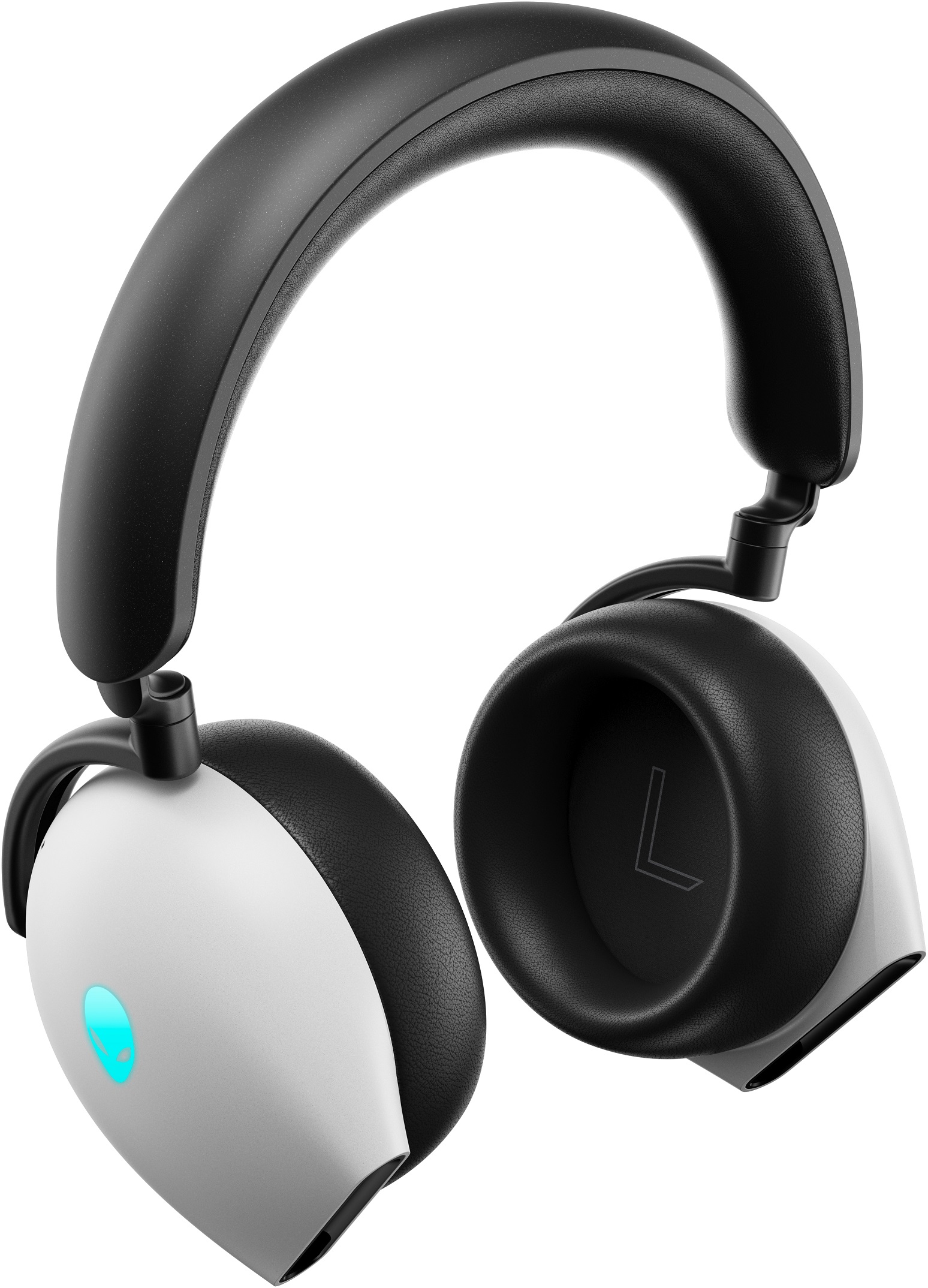
(Figure 1 - Alienware Tri-Mode Wireless Gaming Headset AW920H)
Lighting
Turn the Alienware AW920H headset off and plug it into a computer or power source with the provided USB cable. When charging is in progress, the LED light and Alien head logo continue to flash yellow and green. When fully charged, the LED light and Alien head logo show static green light. Connecting AW920H to a USB 3.0 port charges faster than a USB 2.0 port.
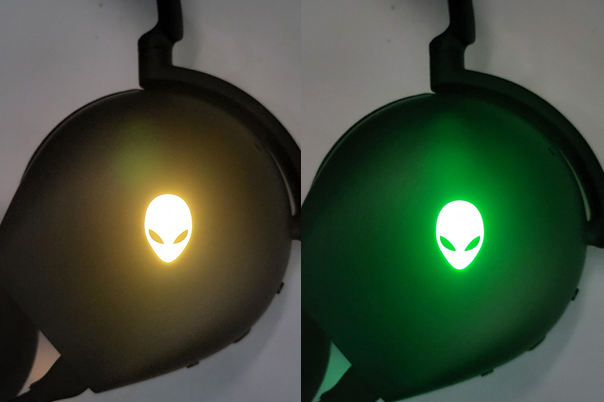
(Figure 2 - Alien head logo - Yellow, Green)
Alienware Command Center
The battery level can be viewed in Alienware Command Center. Download the Alienware Command Center Application from the AW920H Drivers & Downloads page on Dell.com. After installation, open the application to be directed to the home page. When on the home page, hover your mouse cursor over the small blue battery icon next to the image of AW920H to see its current battery level percentage.
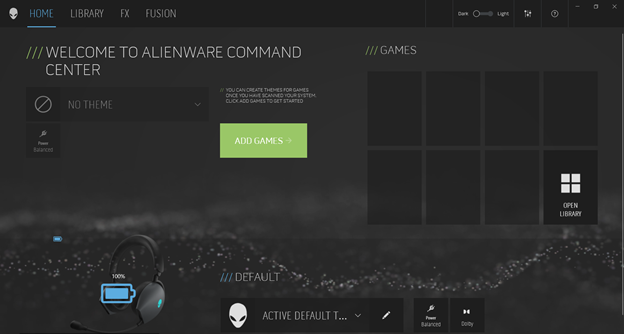
(Figure 3 - Battery Level - Alienware Command Center)
Follow these options to increase the battery life of your Alienware Tri-Mode Wireless Gaming Headset AW920H.
Battery life varies based on the settings during use.
- The RGB lighting and Automatic Noise Cancelling (ANC) reduce the operational battery life.
- The dongle mode also consumes more battery power than the Bluetooth mode.
After turning the RGB lighting and ANC off, the expectation for battery life is up to 30 hours on dongle mode. In Bluetooth mode, the battery may last up to 55 hours.
Turn off your Alienware AW920H headset when not in use.
When the headset is on, press and hold the power button for three s before releasing. Listen for the "turn off" prompt and see that the white LED indicator next to the power button turns off.
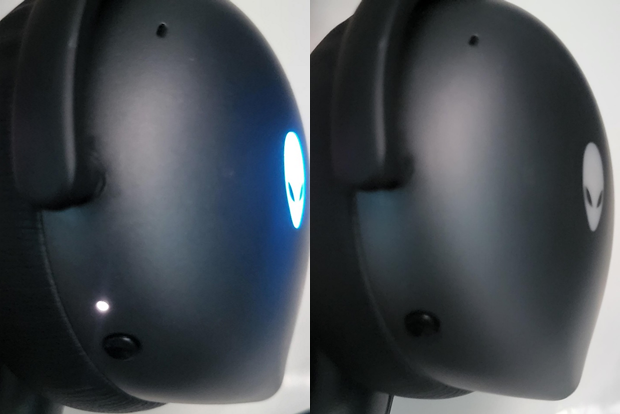
(Figure 4 - Power LED - On, Off)