PowerEdge:M1000e - 如何檢查如何透過 CMC 變更電源備援模式
Summary: 本文提供使用 CMC Web 介面檢查和變更 M1000e 電源備援模式的方法。
This article applies to
This article does not apply to
This article is not tied to any specific product.
Not all product versions are identified in this article.
Instructions
- 登入 CMC Web 介面。
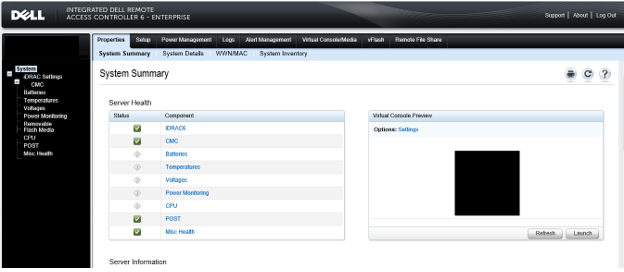
- 選擇「機箱」, 然後按一下「電源管理」。
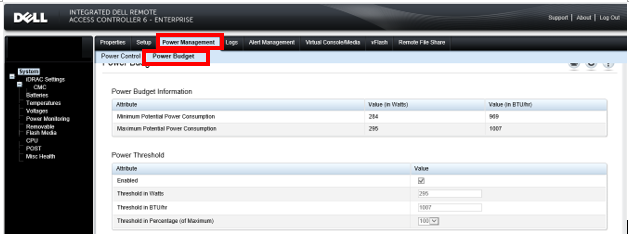
- 按一下「Configuration」,並顯示「Budget/Redundancy Configuration」請在此處勾選並變更電源備援模式。
如需 PowerEdge M1000e 電源備援模式的進一步說明,請參閱 Dell M1000e 刀鋒配電系統ere。
Affected Products
Dell Chassis Management Controller Version 6.21 For Dell PowerEdge M1000e, PowerEdge M1000EArticle Properties
Article Number: 000135717
Article Type: How To
Last Modified: 15 Apr 2025
Version: 6
Find answers to your questions from other Dell users
Support Services
Check if your device is covered by Support Services.