PowerFlexのハウツー enable_background_device_scanner
Summary: 方法:指定したストレージ プール内のデバイスでバックグラウンド デバイス スキャナーを有効にして、エラーをチェックします(Fine Granularityストレージ プールではサポートされていません)。 ユーザー インターフェイスでのエラーの報告方法。
This article applies to
This article does not apply to
This article is not tied to any specific product.
Not all product versions are identified in this article.
Instructions
手順
レポートと修正
次のコマンドを使用して、バックグラウンド デバイス スキャナーを実行できます
scli --enable_background_device_scanner --protection_domain_name pd1 --storage_pool_name pool --scanner_mode device_only --report_and_fix

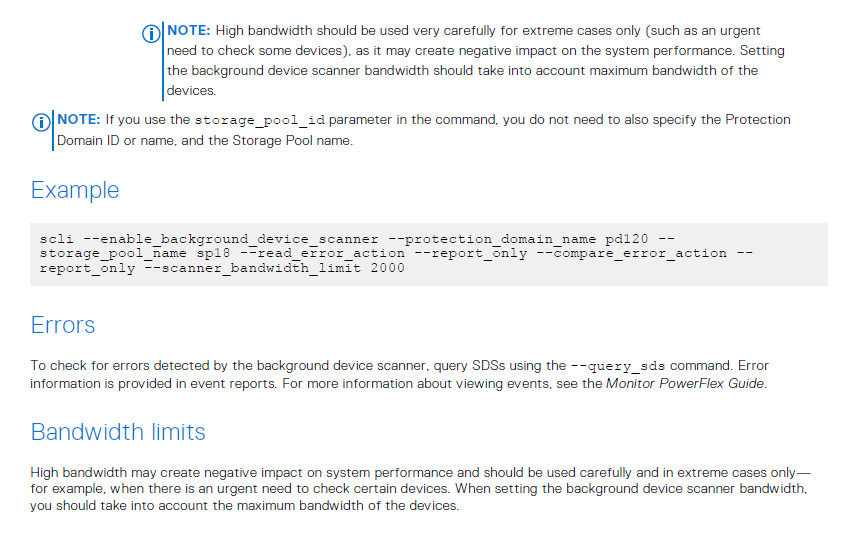
メモ:[report_and_fix]設定を行うと、GUIでデバイス スキャナー エラーが報告されます
例#1: PowerFlex 3.5以降のプレゼンテーション サーバー アラート:
デバイスからの読み取りに失敗しました。データは他のコピーから修正されました。アクションは必要ありませんが、デバイスに障害が発生している可能性があることに注意してください。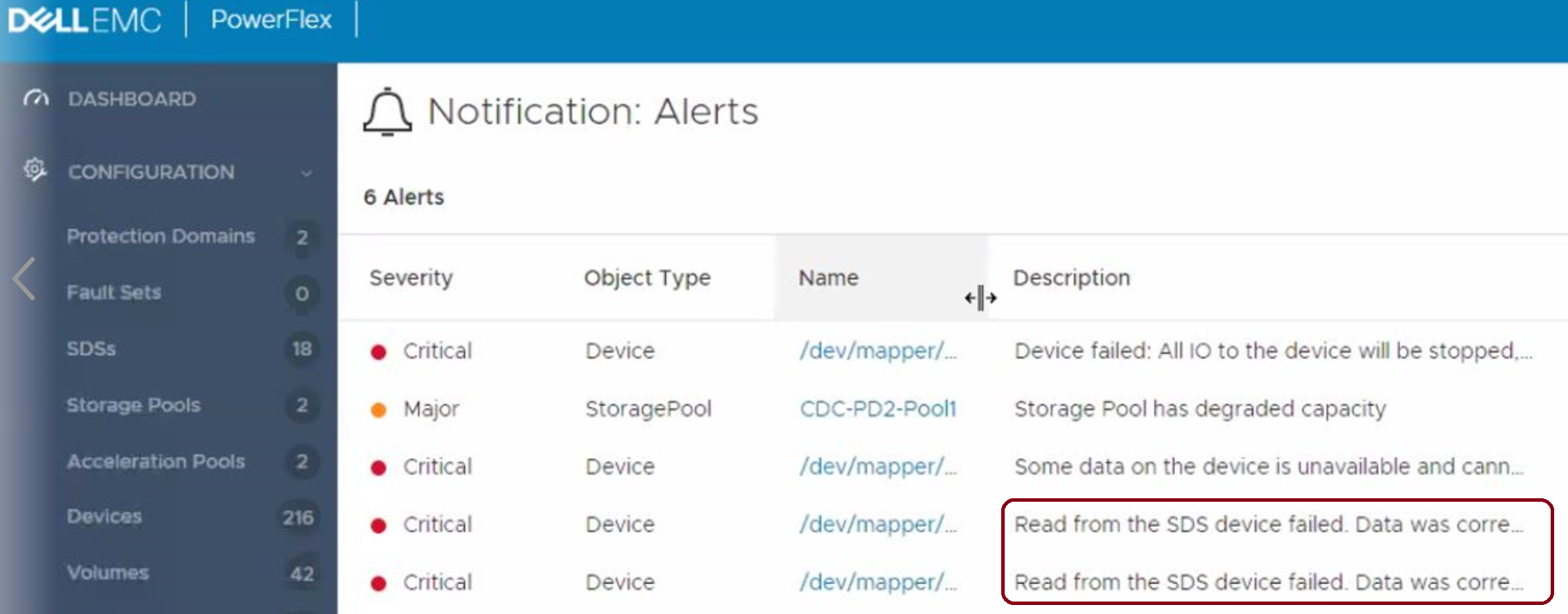
例#2: 3.5より前のPowerFlexバージョン:
SDSデバイスの読み取りが5回以上失敗しました。物理デバイスを交換します。
これは、VxFlex OSバージョン3.0のデフォルトの動作でもあります。
エラーは修正されません(report_only):
scli --enable_background_device_scanner --protection_domain_name pd1 --storage_pool_name pool --scanner_mode device_only --report_only
メモ: 設定 "report_only" を指定すると、GUI ではレポートされませんが、比較レポートではレポートされます。XXファイルを以下に記載します。
comparison という名前のファイルがあります。SDSログ フォルダー内のXXには、スキャナーによって検出された各読み取りエラーに関する情報が含まれています。たとえば、次のようになります。
" lwc-ocu6ikr8h3="">24/02 11:21:03.278967 vtreeId adf1ced400000009 Comb 4ab780000163, offset 2928640 - skipping fixing read error from primary due to configuration flag. primary failed on rc= 65
Additional Information
Affected Products
VxFlex Product FamilyProducts
PowerFlex Software, VxFlex Product Family, VxFlex Ready NodeArticle Properties
Article Number: 000022259
Article Type: How To
Last Modified: 15 Sept 2025
Version: 7
Find answers to your questions from other Dell users
Support Services
Check if your device is covered by Support Services.