PowerFlex 4.x: PFMP Update Password With SSH Key Pairs Uses Wrong Key
Summary: When using the PowerFlex Management Platform (PFMP) password update feature with SSH key pairs, the process mistakenly sends an incorrect key to the servers.
Symptoms
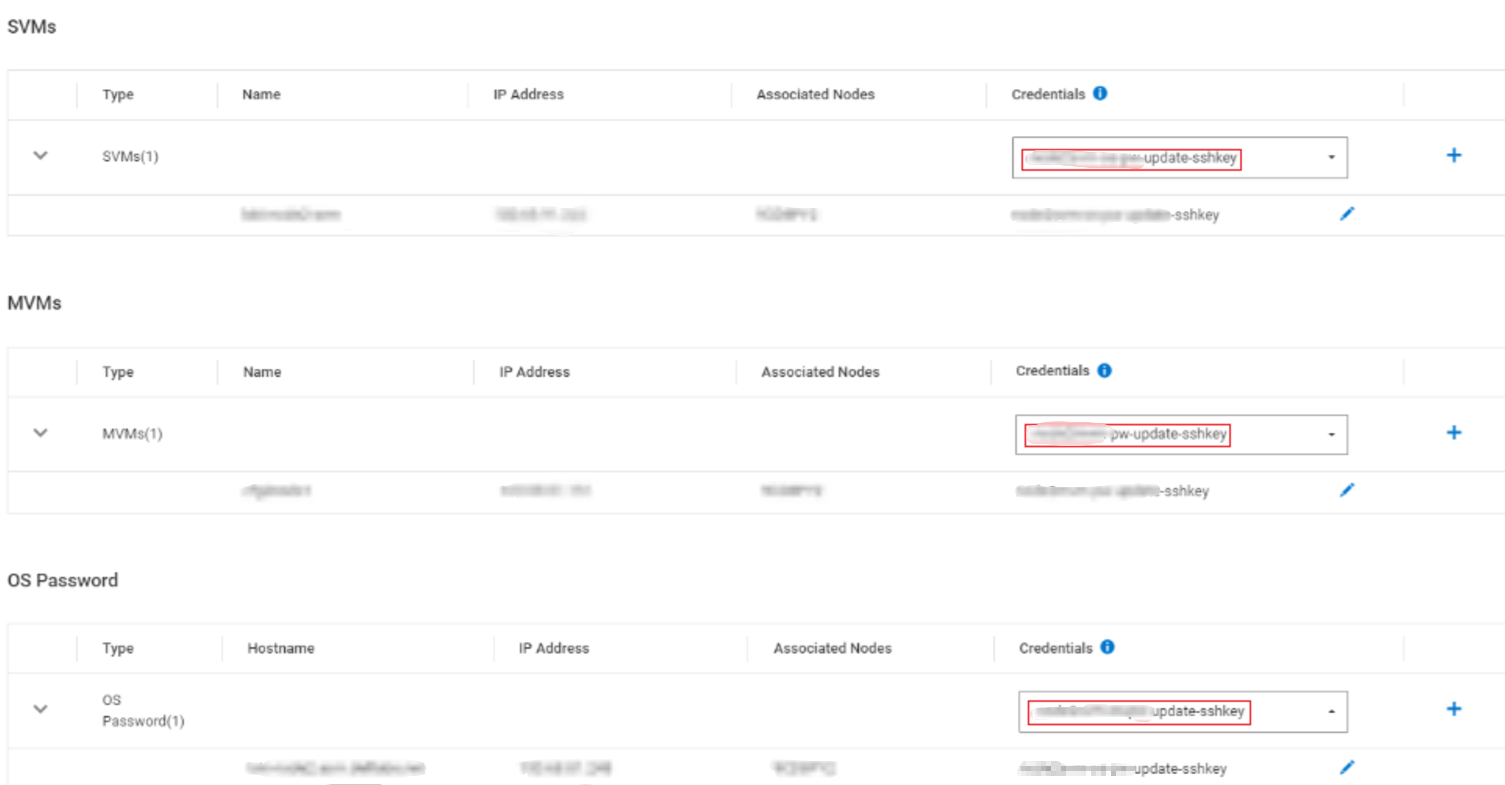
PFMP cannot inventory and connect the server properly. Screenshot from PFxM showing multiple different SSH keys being used:
Cause
While updating passwords on PFMP nodes, if different SSH keys are specified for the Base OS, SVM, or MVM, a race condition can occur. This may cause the wrong key to be added to the node's ~/.ssh/authorized_keys.
Resolution
To avoid or resolve the issue of incorrect SSH keys being added during password updates for PFxM nodes, use one of the following approaches:
-
Use a Single Key Across Components
Ensure that the same SSH key is specified for all components (Base OS, SVM, and MVM) during the update process to prevent conflicts. -
Update One Component at a Time
Update the credentials for each component (Base OS, SVM, or MVM) individually to avoid overlapping operations that may cause a race condition. -
Manually Correct the Authorized Keys
If the issue has already occurred, log in to the node manually, and edit the~/.ssh/authorized_keysfile to add the correct SSH key.
Impacted Versions
PowerFlex Manager 4.x
Fixed In Version
N/A - TBD