AppSync:無法在日文 Windows Server 2019 上開啟具有ERR_SSL_VERSION_OR_CIPHER_MISMATCH的 AppSync 4.5 主控台
Summary: 當 AppSync 4.5 安裝在日文版 Windows Server 2019 上時,無法存取 AppSync 4.5 主控台。如果 AppSync 伺服器在日本 Windows Server 2019 上從 4.4.1.0 升級,AppSync 4.5 主控台就不會發生此問題。
This article applies to
This article does not apply to
This article is not tied to any specific product.
Not all product versions are identified in this article.
Symptoms
在日文版 Windows Server 2019 上安裝 AppSync 4.5 後,無法以ERR_SSL_VERSION_OR_CIPHER_MISMATCH開啟 AppSync 4.5 主控台。
從已安裝 AppSync 4.5 的日文版 Windows Server 2019 存取 AppSync 主控台。
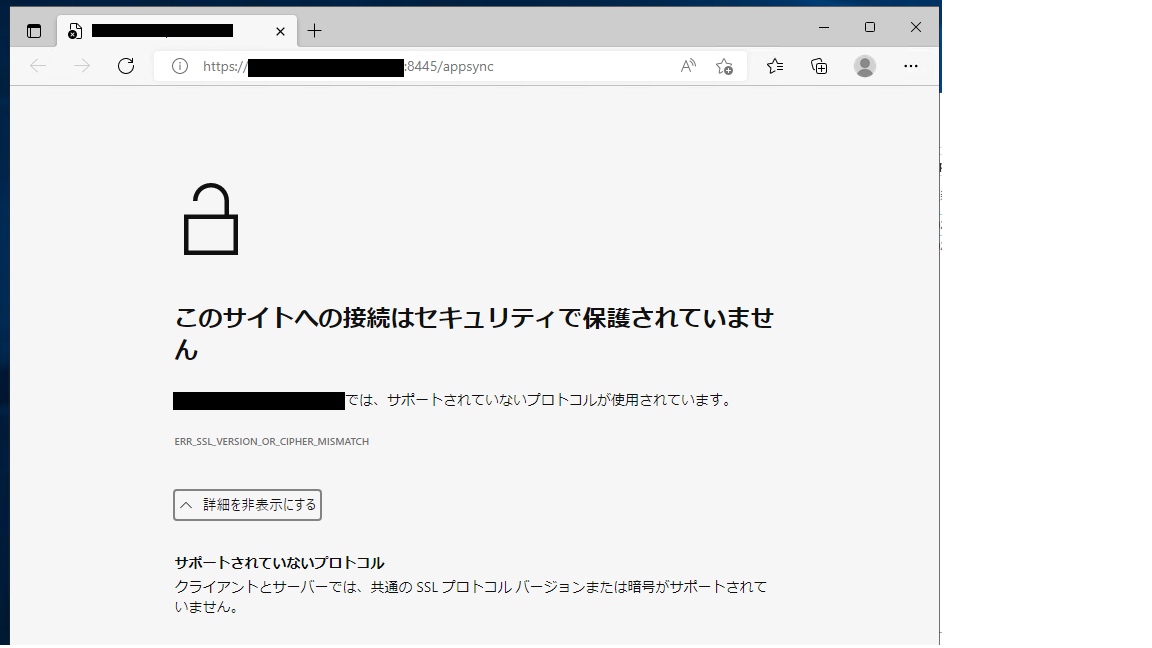
AppSync 主控台透過網路從英文 Windows Server 2019 存取日文版 Windows Server 2019 上的 AppSync 4.5 伺服器。
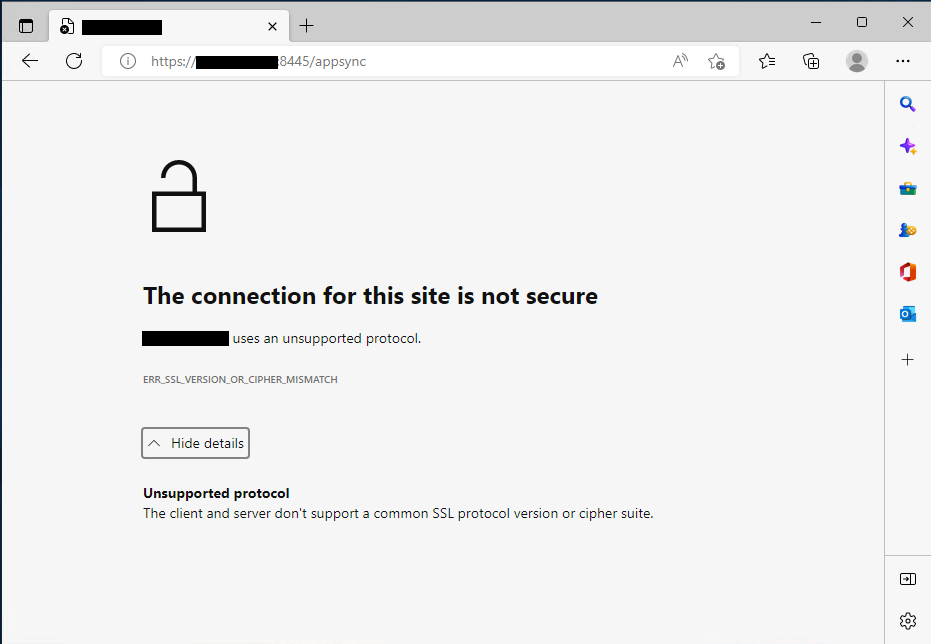
症狀詳細資料:
名為「Dell_AppSync_Install_xx_xx_xxxx_xx_xx_xx.log」的安裝記錄指出未擷取 IP。
從已安裝 AppSync 4.5 的日文版 Windows Server 2019 存取 AppSync 主控台。
AppSync 主控台透過網路從英文 Windows Server 2019 存取日文版 Windows Server 2019 上的 AppSync 4.5 伺服器。
注意:如果 AppSync 伺服器在日本 Windows Server 2019 上從 4.4.1.0 升級至 4.5,則 AppSync 主控台存取是可以的。
症狀詳細資料:
名為「Dell_AppSync_Install_xx_xx_xxxx_xx_xx_xx.log」的安裝記錄指出未擷取 IP。
command.run():C:\Users\Administrator\AppData\Local\Temp\2\492110.tmp\executeScriptTmp0.bat:stdout [C:\Users\Administrator\AppData\Local\Temp\2\I1662800479\Windows>set IP= ]Cause
由於未在以上擷取 IP,因此我們在建立憑證和 keycloak 領域時看到問題。
Command.run(): C:\Users\Administrator\AppData\Local\Temp\2\492110.tmp\executeScriptTmp0.bat:stdout [C:\Users\Administrator\AppData\Local\Temp\2\I1662800479\Windows>"C:\EMC\AppSync"\jboss\_jre\bin\keytool.exe -genkey -alias appsync -keyalg RSA -validity 365 -keystore "C:\EMC\AppSync"\jboss\standalone\configuration\cas.jks -storetype JKS -ext SAN=DNS:win2019-117.ps-hes.local,,DNS:localhost -dname "cn=win2019-117.ps-hes.local, ou=AppSync, o=EMC, c=US" -keypass changeit -storepass changeit ]
Command.run(): C:\Users\Administrator\AppData\Local\Temp\2\492110.tmp\executeScriptTmp0.bat:stdout [keytoolƒGƒ‰�[: java.lang.Exception: Illegal item  in SAN=DNS:win2019-117.ps-hes.local,,DNS:localhost]

Command.run(): C:\Users\Administrator\AppData\Local\Temp\2\492110.tmp\executeScriptTmp0.bat:stdout [AppSync-INFO Keycloak Realm Creation]
Command.run(): C:\Users\Administrator\AppData\Local\Temp\2\492110.tmp\executeScriptTmp0.bat:stderr [Not a valid JSON document - Unexpected character (',' (code 44)): expected a valid value (JSON String, Number, Array, Object or token 'null', 'true' or 'false']
Command.run(): C:\Users\Administrator\AppData\Local\Temp\2\492110.tmp\executeScriptTmp0.bat:stderr [ at [Source: (StringReader); line: 888, column: 10]]
Command.complete(): process completed with exit code: 1
Resolution
解決方案:
請使用支援的英文版 AppSync。
根據 2022 年 9 月 15 日的 AppSync 支援矩陣,不支援非英文作業系統版本。
安裝指南中對非英文作業系統版本的參考會錯誤地註記支援。
如有其他疑慮,請聯絡您當地的 Dell 團隊,或致電提出服務要求,並記下本文。
請使用支援的英文版 AppSync。
根據 2022 年 9 月 15 日的 AppSync 支援矩陣,不支援非英文作業系統版本。
安裝指南中對非英文作業系統版本的參考會錯誤地註記支援。
如有其他疑慮,請聯絡您當地的 Dell 團隊,或致電提出服務要求,並記下本文。
Products
AppSyncArticle Properties
Article Number: 000203449
Article Type: Solution
Last Modified: 23 Feb 2023
Version: 6
Find answers to your questions from other Dell users
Support Services
Check if your device is covered by Support Services.