Dell Unity:升級 上傳的檔案格式不正確 (錯誤代碼:0x6000cc4) (使用者可修正)
Summary: 當使用者上傳的檔案格式不正確或校驗和無效時,Unity 會傳回以下錯誤代碼:0x6000cc4 KB 提供識別已下載或已上傳映像至 Windows Server 或 Linux Server 之 SHA256 檢查總和的方法。
This article applies to
This article does not apply to
This article is not tied to any specific product.
Not all product versions are identified in this article.
Symptoms
將影像檔案上傳至 Unisphere 使用者介面時,傳回下列錯誤:「
上傳的檔案格式不正確。請取得升級映像的新複本,並再試一次。(錯誤代碼:0x6000cc4)”
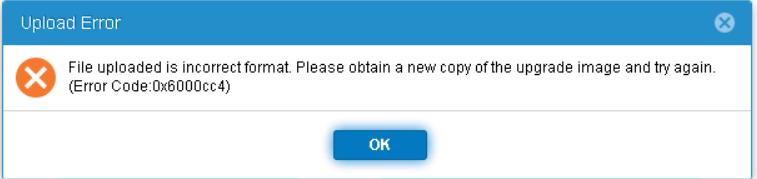
上傳的檔案格式不正確。請取得升級映像的新複本,並再試一次。(錯誤代碼:0x6000cc4)”
Cause
Resolution
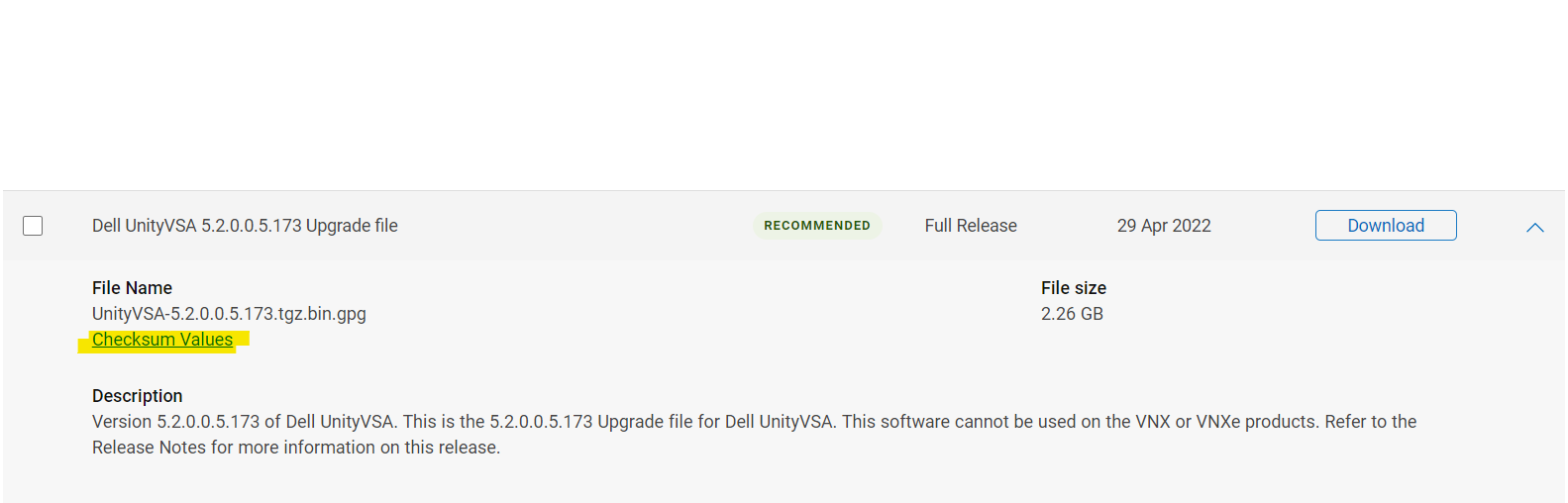
正確的檢查總和值列在 dell.com 支援網站的所需影像「檢查總和值」下。
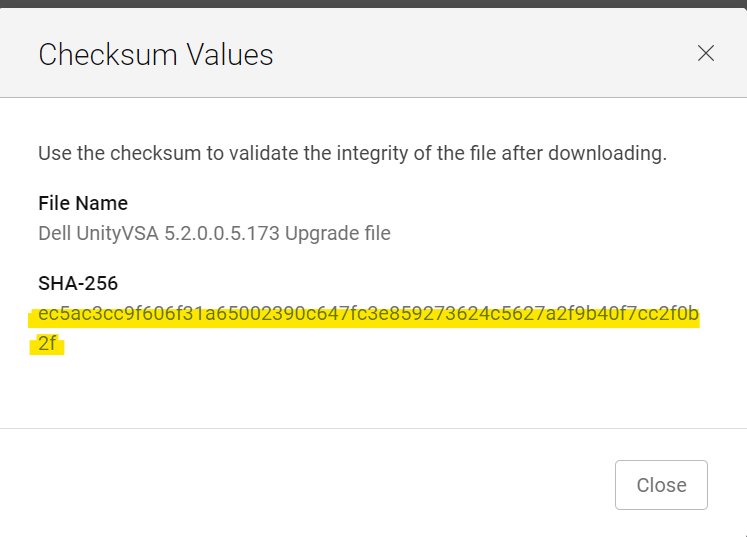
從 Windows 主機將 CMD 開啟至下載檔案的位置。(確保檔案在下載時未變更其名稱;新增 (1) 或 (2),...到它的名字。
在 CMD 視窗中,輸入:
certutil -hashfile Unity-XXXXXX SHA256
範例:
C:\Users\zayedm\Downloads>certutil -hashfile Unity-Drive-Firmware-V19RC-2021-11-30.tgz.bin.gpg SHA256
SHA256 hash of Unity-Drive-Firmware-V19RC-2021-11-30.tgz.bin.gpg:
0fad835123c2508d7f581bead6eaf47f27ebb75ca119ee97b1db5b7e0944e5dd
CertUtil: -hashfile command completed successfully.
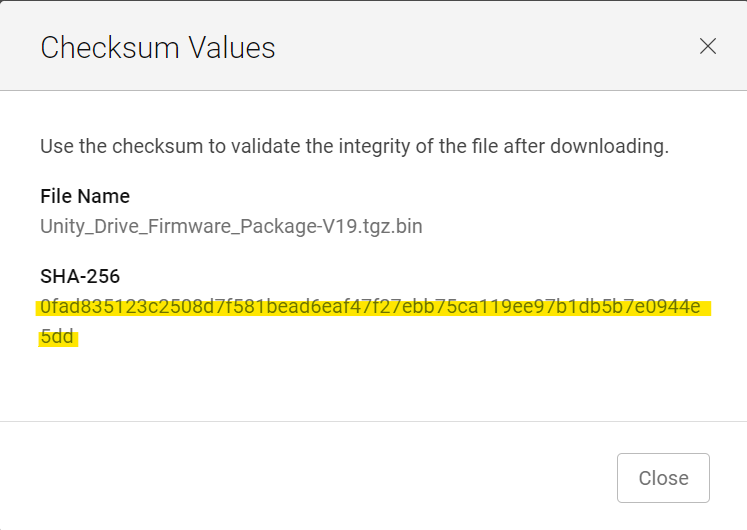
若要從 Linux 主機 (或 Unity 陣列本身,如果已手動上傳檔案) 確認結果相同:
命令:
sha256sum 檔案名稱
範例:
service@XXXX:/mnt/c/Users/xxxx/Downloads$ sha256sum Unity-Drive-Firmware-V19RC-2021-11-30.tgz.bin.gpg
0fad835123c2508d7f581bead6eaf47f27ebb75ca119ee97b1db5b7e0944e5dd  Unity-Drive-Firmware-V19RC-2021-11-30.tgz.bin.gpg
將傳回的輸出與 Dell 支援網站上的檢查總和比對。如果相符且上述錯誤仍出現,請聯絡 Dell EMC 支援。如果不匹配,則檢查總和不準確。嘗試重新下載檔案,並再次比對檢查總和。
Affected Products
Dell EMC Unity Family |Dell EMC Unity All Flash, Dell EMC Unity FamilyArticle Properties
Article Number: 000200001
Article Type: Solution
Last Modified: 14 May 2026
Version: 7
Find answers to your questions from other Dell users
Support Services
Check if your device is covered by Support Services.