如何下载 Netskope 客户端
Summary: 按照以下说明了解如何下载 Netskope 客户端。
This article applies to
This article does not apply to
This article is not tied to any specific product.
Not all product versions are identified in this article.
Instructions
本文提供了下载 Netskope 客户端的步骤。
受影响的产品:
- Netskope Client
受影响的操作系统:
- Windows
- Mac
- Android
- iOS
Netskope 可以通过邀请电子邮件或 Web 控制台下载。单击相应的过程以了解更多信息。
提醒:Android 客户端和 iOS 配置文件必须通过邀请电子邮件进行下载。
- 在网页浏览器中,导航到 Netskope Web 控制台:
- 美国数据中心:https://[TENANT].goskope.com/
- 欧盟数据中心:https://[TENANT].eu.goskope.com/
- 法兰克福数据中心:https://[TENANT].de.goskope.com/
提醒:[TENANT] = 您的环境中的租户名称 - 登录到 Netskope Web 控制台。

- 单击设置。

- 单击 Security Cloud Platform。

- 单击 Users。

- 选择要向其发送部署电子邮件的所有用户,然后单击 发送邀请。

- 从目标端点,找到来自 onboarding@netskope.com 的电子邮件,然后单击相应的下载链接。
 提醒:下载链接是唯一的。安装已绑定到与该链接关联的用户。
 - 单击 Download。

提醒:[TENANT] = 您的环境中的租户名称
- 在网页浏览器中,导航到 Netskope Web 控制台:
- 美国数据中心:https://[TENANT].goskope.com/
- 欧盟数据中心:https://[TENANT].eu.goskope.com/
- 法兰克福数据中心:https://[TENANT].de.goskope.com/
提醒:[TENANT] = 您的环境中的租户名称 - 登录到 Netskope Web 控制台。
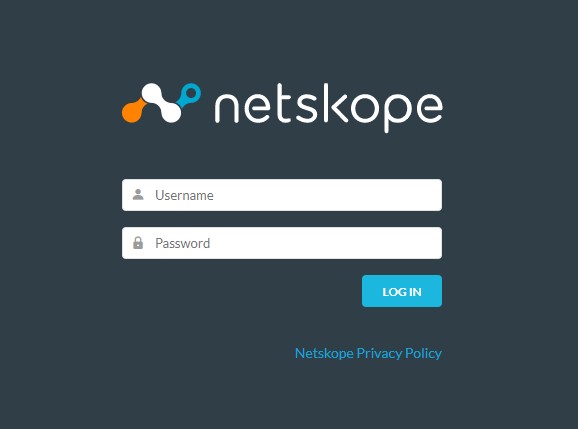
- 打开新的浏览器选项卡,然后转至相应的链接以下载 Netskope 客户端:
- Windows
- 美国数据中心:https://[TENANT].goskope.com/dlr/win/get
- 欧盟数据中心:https://[TENANT].eu.goskope.com/dlr/win/get
- 法兰克福数据中心:https://[TENANT].de.goskope.com/dlr/win/get
- Mac
- 美国数据中心:https://[TENANT].goskope.com/dlr/mac/get
- 欧盟数据中心:https://[TENANT].eu.goskope.com/dlr/mac/get
- 法兰克福数据中心:https://[TENANT].de.goskope.com/dlr/mac/get
- Windows
要联系支持部门,请参阅 Dell Data Security 国际支持电话号码。
转至 TechDirect,在线生成技术支持请求。
要获得更多见解和资源,请加入戴尔安全社区论坛。
Additional Information
Videos
Affected Products
NetskopeArticle Properties
Article Number: 000130769
Article Type: How To
Last Modified: 30 Aug 2024
Version: 10
Find answers to your questions from other Dell users
Support Services
Check if your device is covered by Support Services.