Dell NativeEdge: VM Memory Utilization statistic missing for Windows based Virtual Machines
Résumé: This article outlines why the Virtual Machine (VM) Memory Utilization statistic does not display for Windows based Virtual Machines under certain conditions on a NativeEdge Endpoint.
Cet article concerne
Cet article ne concerne pas
Cet article n’est associé à aucun produit spécifique.
Toutes les versions du produit ne sont pas identifiées dans cet article.
Symptômes
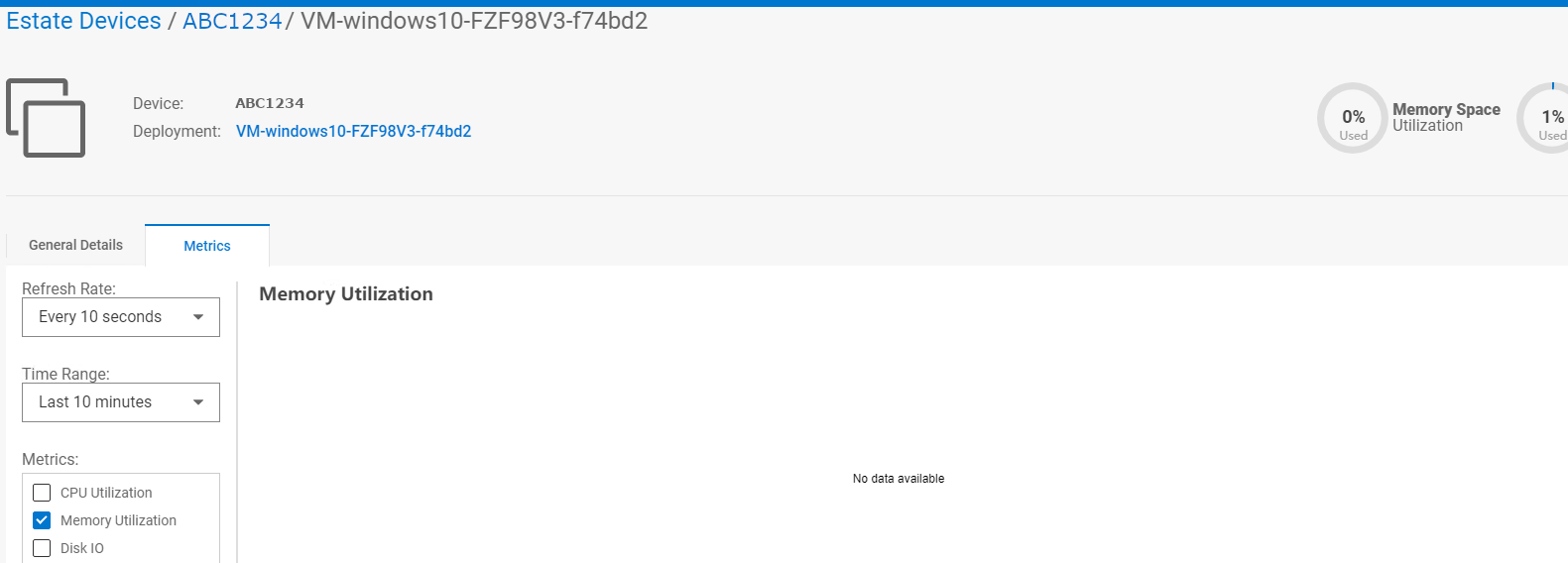
Under certain circumstances, the NativeEdge Endpoint's Device VM Memory Utilization statistic does not display.
In this example, our Windows VM has no data available for its Memory Utilization:
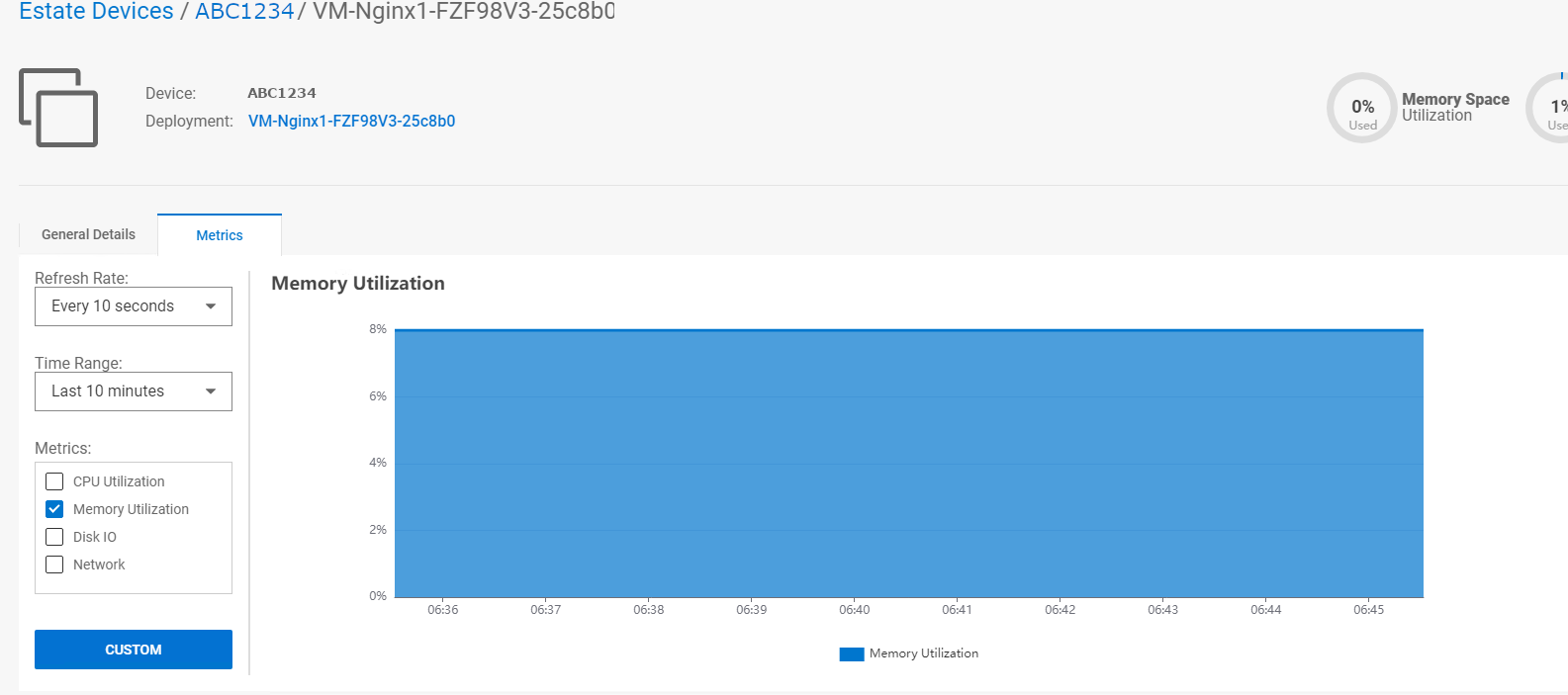
In this example, our Nginix VM is displaying its Memory Utilization:
In this example, our Windows VM has no data available for its Memory Utilization:
In this example, our Nginix VM is displaying its Memory Utilization:
Cause
If the guest Windows Virtual Machine does not have a balloon memory driver installed, the result is the Memory Utilization statistic is missing. This driver is needed for the NativeEdge Orchestrator to collect memory statistics.
Résolution
NativeEdge engineering recommends that the user installs the balloon memory driver manually using the steps outlined at https://pve.proxmox.com/wiki/Windows_VirtIO_Drivers
NativeEdge engineering recommends the user to use the 'stable' branch of the VirtIO driver bundle which contains the balloon memory driver.
Once the BalloonService is running, it is necessary to restart the service for metrics to appear in the NativeEdge Orchestrator. This also applies when the Virtual Machine reboots.
Produits concernés
NativeEdge Solutions, NativeEdgePropriétés de l’article
Numéro d’article: 000216216
Type d’article: Solution
Dernière modification: 22 avr. 2025
Version: 7
Trouvez des réponses à vos questions auprès d’autres utilisateurs Dell
Services de support
Vérifiez si votre appareil est couvert par les services de support.