PowerFlex 4.6: PFMP UI Slow Response
Résumé: UI pages load slowly during normal navigation.
Cet article concerne
Cet article ne concerne pas
Cet article n’est associé à aucun produit spécifique.
Toutes les versions du produit ne sont pas identifiées dans cet article.
Symptômes
PowerFlex Manager Platform (PFMP) UI is taking about 60 seconds to load.
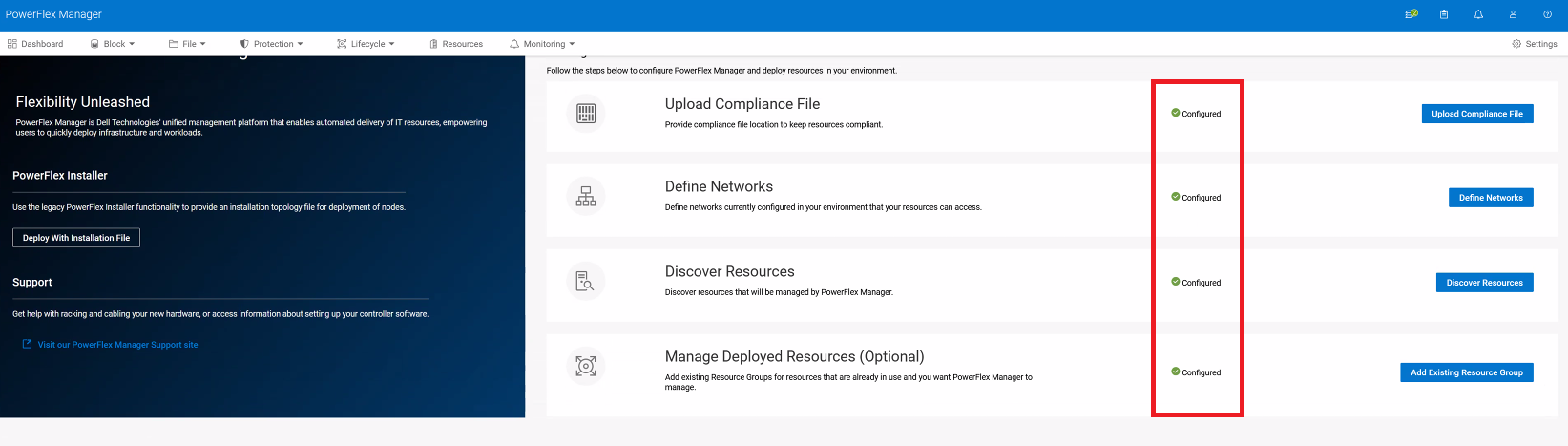
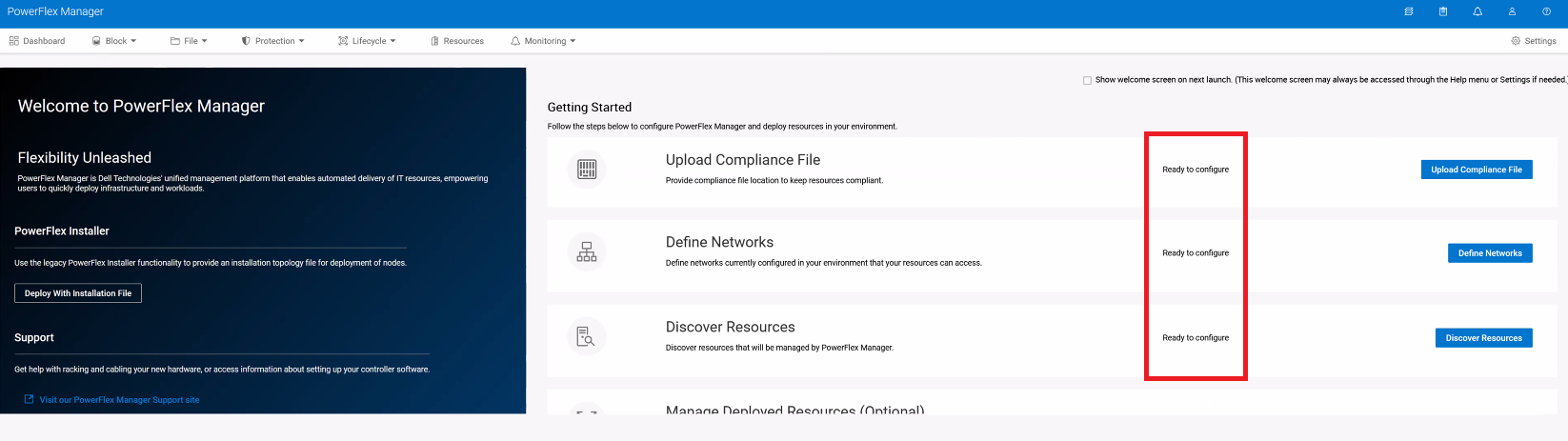
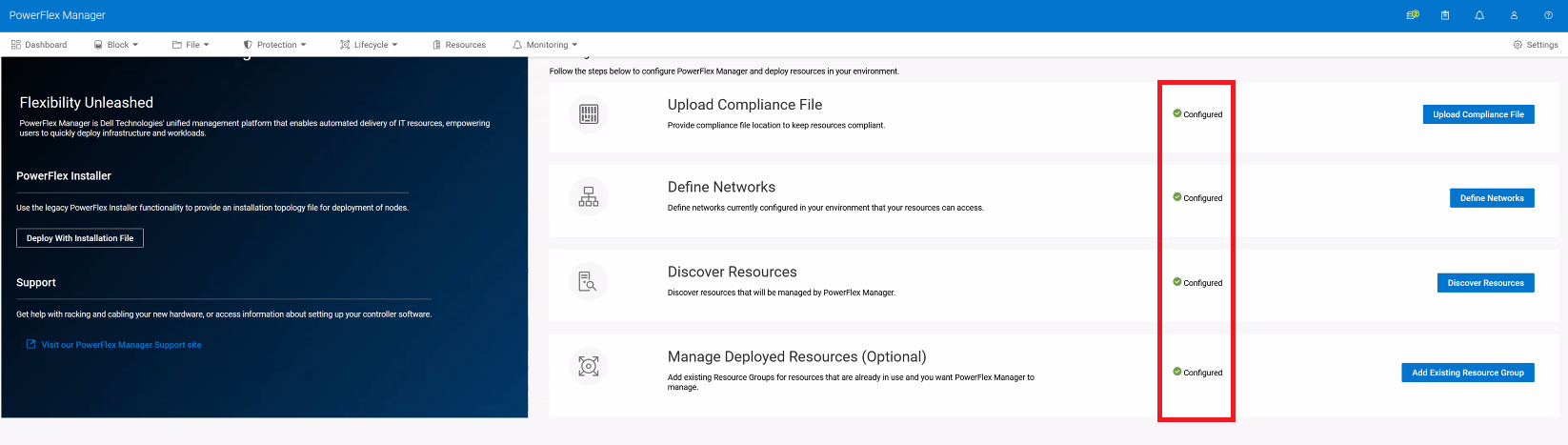
On the Getting Started page in the UI, the configuration topics change between "Ready to configure" and "Configured":
This is the cause for a 45-60 second delay.
asmmanager pod logs show an error
2025-03-10 19:27:23,470 [https-jsse-nio-9080-exec-4] (RestTemplateResponseErrorHandler.java:52) [ERROR] REST Error: {"http_status_code":500,"messages":[{"code":"NOTF-504","message":"ERROR, connecting to : http://supportassist-vxflexappliance:8080/ese/config/connectionState. Check if support assist service is running and product is registered correctly.","severity":"Error","timpstamp":null}]}
Impact
UI is very slow to respond.
Cause
Failing connection to SRS appears to cause problems for the asmmanager pod as it tries and fails to connect to the SRS Connector.
Résolution
Re-register Secure Remote Services (SRS) Connection.
Verify UI performance post successful registration.
The GettingStarted page should now load quickly in under 5 seconds use browser developer tools to see the UI load.
Impacted Versions
PFMP 4.6.0.x
Fixed In Version
PFMP 4.6.1
Produits
PowerFlex rack, VxFlex Ready Nodes, PowerFlex custom node, PowerFlex appliance R650, PowerFlex appliance R6525, PowerFlex appliance R660, PowerFlex appliance R6625, Powerflex appliance R750, PowerFlex appliance R760, PowerFlex appliance R7625
, PowerFlex appliance R860, PowerFlex appliance R640, PowerFlex appliance R740XD, PowerFlex appliance R7525, PowerFlex appliance R840
...
Propriétés de l’article
Numéro d’article: 000412335
Type d’article: Solution
Dernière modification: 07 Jan 2026
Version: 2
Trouvez des réponses à vos questions auprès d’autres utilisateurs Dell
Services de support
Vérifiez si votre appareil est couvert par les services de support.