How to Install the Dell Data Protection Remote Management Console
요약: Learn step-by-step instructions to install the Dell Data Protection Remote Management Console by following these instructions.
이 문서는 다음에 적용됩니다.
이 문서는 다음에 적용되지 않습니다.
이 문서는 특정 제품과 관련이 없습니다.
모든 제품 버전이 이 문서에 나와 있는 것은 아닙니다.
지침
Dell Data Protection Enterprise Edition and Dell Data Protection Virtual Edition servers require the Remote Management Console to manage:
- Policies
- Reports
- Encryption keys
Affected Products:
- Dell Data Protection Enterprise Edition
- Dell Data Protection Virtual Edition
Affected Versions:
- 8.0 to 9.1
Affected Operating Systems:
- Windows
The steps below cover installing the Remote Management Console (RMC) for both Dell Data Protection Enterprise Edition and Dell Data Protection Virtual Edition versions 8.0 to 9.1. Versions 9.2 and newer use a browser-based administration console. For versioning information, reference How to Identify the Dell Data Security Server Version. The RMC installer is located in the Dell Data Protection Virtual Edition package.
- Right-click and Extract the server software.
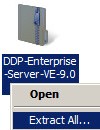 Note: For more information about how to download the server software, reference How to Download Dell Security Management Server.
 - From the extracted installer files, go to either:
- x64 bit:
Installers\Remote Console\x64 - x86 bit:
Installers\Remote Console\x86
- x64 bit:
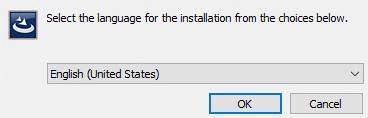
- Double-click setup.exe.

- Select a language and then click OK.
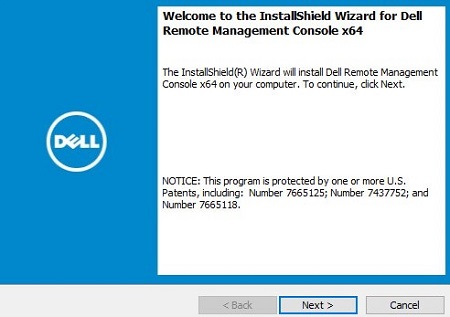
- Click Next.
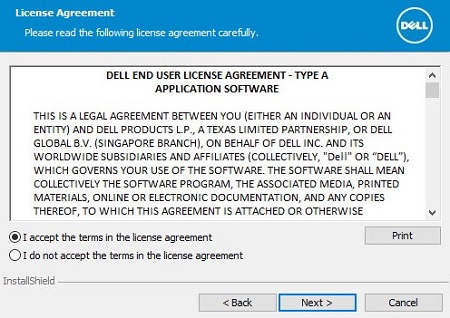
- Select I accept the terms in the license agreement and then click Next.
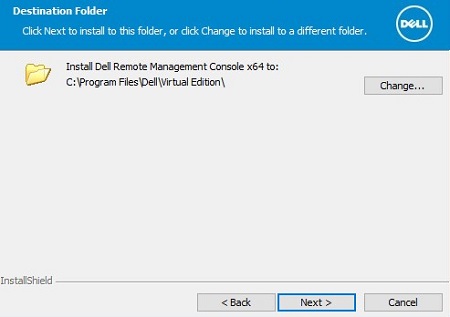
- Optionally, click Change to change the install location and then click Next.
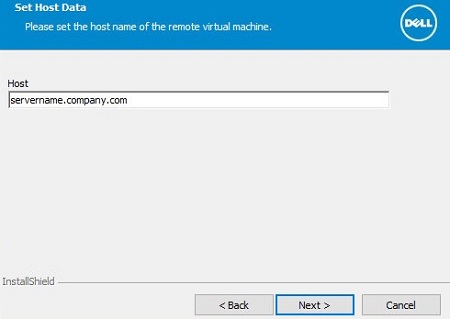
- Populate the Dell Data Protection server fully qualified domain name (FQDN) and then click Next.
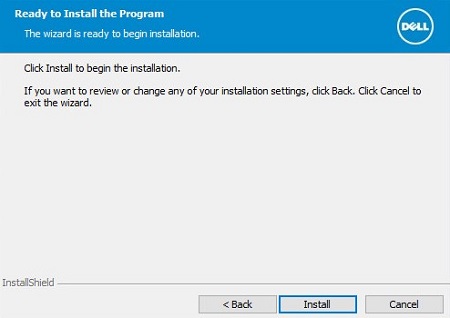
- Click Install.
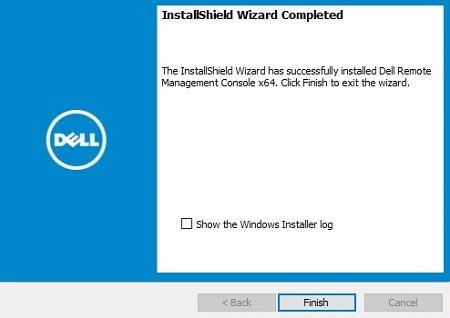
- Click Finish.
해당 제품
Dell Encryption문서 속성
문서 번호: 000175222
문서 유형: How To
마지막 수정 시간: 07 7월 2026
버전: 12
다른 Dell 사용자에게 질문에 대한 답변 찾기
지원 서비스
디바이스에 지원 서비스가 적용되는지 확인하십시오.