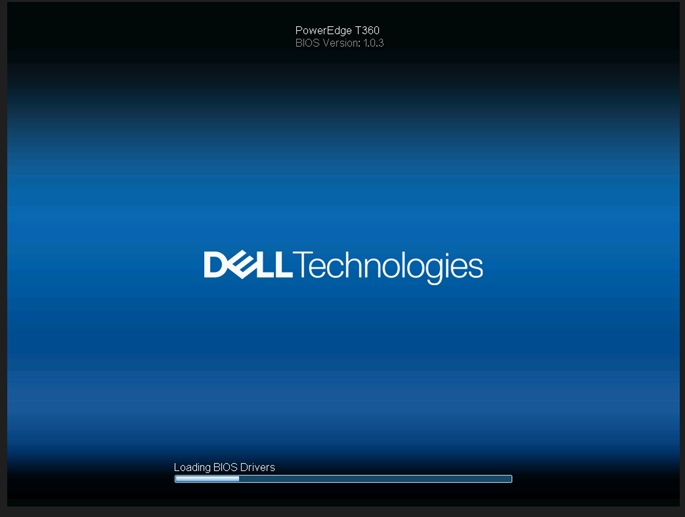
PowerEdge T360, R360: LC 언어가 영어 이외의 언어로 설정된 경우 BIOS 드라이버 로딩 페이지에서 POST가 응답하지 않습니다.
Samenvatting: LC(Life Cycle) 언어가 영어 이외의 언어로 설정된 경우 시스템이 'BIOS 드라이버 로드 중' 화면에서 응답하지 않습니다.
Dit artikel is van toepassing op
Dit artikel is niet van toepassing op
Dit artikel is niet gebonden aan een specifiek product.
Niet alle productversies worden in dit artikel vermeld.
Symptomen
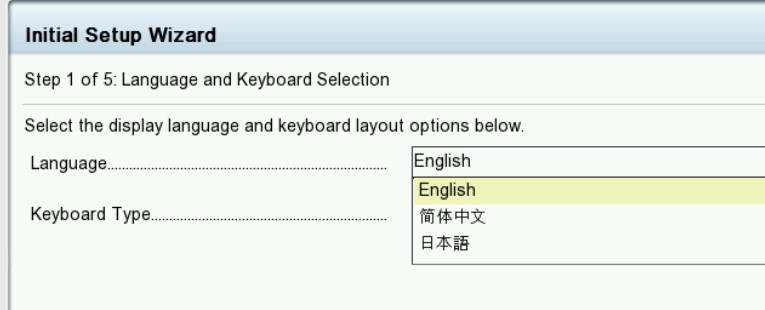
시스템이 "BIOS 드라이버 로드 중" 화면에서 멈춥니다. 수명주기 로그는 T360 및 R360에 대해 수명주기 언어가 영어 이외의 언어로 설정된 경우 PST0210 이벤트를 표시합니다.

Oorzaak
BIOS는 현재 언어로 문자열을 가져옵니다. 현재 언어의 문자열은 영어가 아닌 것으로 설정된 수명주기로 인해 ME 유형 "문자열"을 가져오도록 정의되지 않습니다.
Oplossing
BIOS 버전 1.1.2 이상
에서 해결됨 해결 방법: NVRAM을 지웁니다.
기능을 복원하려면 수명주기 언어를 다시 기본 영어로 변경합니다. Dell PowerEdge R360(T360) 설치 및 서비스 매뉴얼, 9장: 점퍼 및 커넥터:
NVRAM_CLR https://www.dell.com/support/home/en-us/product-support/product/poweredge-r360/docs
에서 해결됨 해결 방법: NVRAM을 지웁니다.
기능을 복원하려면 수명주기 언어를 다시 기본 영어로 변경합니다. Dell PowerEdge R360(T360) 설치 및 서비스 매뉴얼, 9장: 점퍼 및 커넥터:
NVRAM_CLR https://www.dell.com/support/home/en-us/product-support/product/poweredge-r360/docs
Getroffen producten
PowerEdge R360, PowerEdge T360Artikeleigenschappen
Artikelnummer: 000221245
Artikeltype: Solution
Laatst aangepast: 19 mei 2026
Versie: 5
Vind antwoorden op uw vragen via andere Dell gebruikers
Support Services
Controleer of uw apparaat wordt gedekt door Support Services.