Computers, Monitors & Technology Solutions
Please verify responses.

New XPS 13
Razor-thin. Featherlight. Starting at $699.
Exclusive student pricing starting at $599.*Back to School
Save Before the Semester Starts
Students can get the new XPS 13 starting at $599 and enjoy 10% off sitewide on eligible purchases.Dell 14 Plus
Save Up to $850
Copilot+ PCs combine powerful performance, built‑in intelligence, and all‑day battery life.Dell Technologies Showcase
Featured Products and Solutions
Exclusive Student Offer
The Ultimate Microsoft College Offer
Students save 10% & get the Microsoft College Offer for free (a $500+ value) on select PCs.
Dell Pro P 43 Conferencing Monitor
Transform Collaboration
A purpose built all in one solution with integrated webcam, AI noise cancellation, and USB C BYOD connectivity.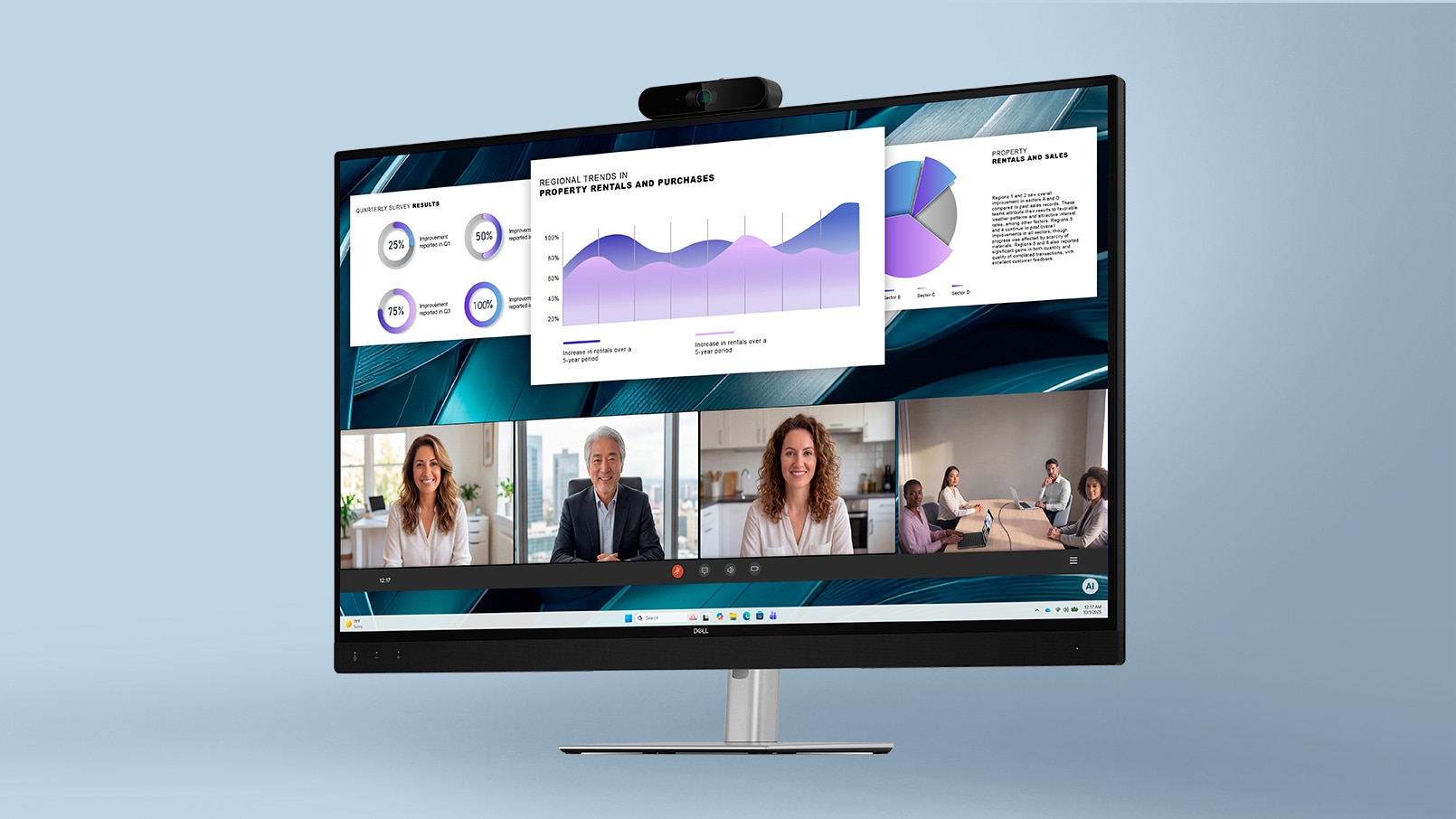
Dell Rewards
Limited Time 2X Rewards
Students enrolled in Dell Rewards get 2X rewards (6%) until August 23rd. Alienware 15 Gaming Laptop
Start Your Alienware Journey
Gaming-first performance meets durability in a sleek, modern design. PowerEdge Servers
Power Your Business with PowerEdge
Invest in the technology your business needs. Drive growth with performance, security, and scalability. Dell Pro 7 Webcam 4K – WB726
Unmatched Clarity, Secure Access
4K resolution with next-level visual precision for professional video calls. Support and Services
Built By Us, Supported By Us.
Add Dell Care Premium to your purchase for the best in PC care with 24/7 expert support. 
XPS
Everything You Imagined, Crafted for You
Effortless power, stunning design, and innovation—crafted to feel uniquely yours.Dell Support
We're Here to Help
From offering expert advice to solving complex problems, we've got you covered.My Account
Create a Dell account and enroll in Dell Rewards to unlock an array of special perks.Easy Ordering
Order Tracking
Dell Rewards

One Hub For All Your IT Needs
Dell Premier customizes your organization’s entire IT experience: explore comprehensive solutions, confidently buy at our best online price, streamline management and so much more.Personalized Solutions
Buy at our Best Online Price
IT Lifecycle Management
Latest from Dell Technologies
What's Happening

Dell Rewards
Shop More. Earn More.
Join Dell Rewards for free and earn up to 9% back in rewards to use toward future Dell.com purchases.