

Unsolved
2 Posts
0
656
September 18th, 2022 13:00
S3222DGM, OSD only Input Source, no HDMI signal
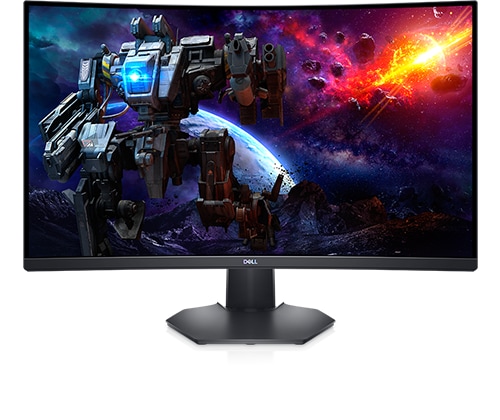
Dell 32 Curved Gaming Monitor S3222DGM
Just received my S3222DGM. It shows no HDMI signal from my device after I connected the S3222DGM to my laptop using the HDMI cable that came with the S3222DGM. I have tried to connect it with three different laptops, and none of them worked. I cannot access the OSD menu. I also tried to factory reset/change the HDMI version from 2.0 to 1.4, but whenever I opened the OSD menu, only the Input Source showed up.
No Events found!
DELL-Chris M
Community Manager
•
56.9K Posts
•
232.1K Points
0
September 19th, 2022 05:00
* I see that this S3222DGM was built 10 months ago. Where did you purchase it?
* The provided HDMI cable is HDMI 2.0 and backward compatible to HDMI 1.4
* The S3222DGM has two HDMI in ports, test both of them
Wawa49
2 Posts
0
September 19th, 2022 07:00
Hi Chris,
Thanks for replying back to my post!
I see that this S3222DGM was built 10 months ago. Where did you purchase it?
I'm surprised that this monitor was built 10 months ago, and I just purchased it few days ago on Dell.com.
The provided HDMI cable is HDMI 2.0 and backward compatible to HDMI 1.4
I didn't know this but when I looked up online there are posts saying I might have to change the HDMI 2.0 to HDMI 1.4 by accessing the OSD. However, I couldn't see any functions when I open the OSD menu except Input Source.
The S3222DGM has two HDMI in ports, test both of them
Yes, I realized there are two HDMI ports, 1 and 2. I tested both of them, but none of them seem to work.