

Unsolved
1 Rookie
•
20 Posts
0
624
December 1st, 2022 06:00
U4919DW, USB devices connect/disconnect when switching inputs
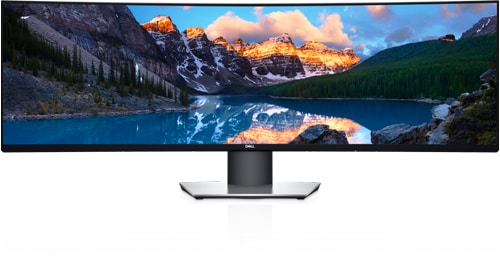
Dell U4919DW
I have a U4919DW hooked up to two computers:
- Dell laptop to U4919DW via USB-C
- HP Mini workstation to U4919DW via Display Port + USB
I have a wireless keyboard and wireless mouse and I have both dongles connected to the monitor.
Whenever I switch inputs on the U4919DW, I can hear the keyboard/mouse/USB disconnect from the other computer.
Is there a way to disable that?
Also, is there a way to force one of the USB ports to always be on one input? I want to plug a web cam in to one of the ports and I want it to always be on the Dell laptop.
No Events found!
vishvajitd
2 Intern
•
278 Posts
0
February 23rd, 2023 23:00
It seems that you're having an issue with the Dell U4919DW monitor when switching inputs between two computers. Whenever you switch inputs, you can hear the keyboard, mouse, and USB disconnect from the other computer. You're also wondering if there's a way to disable this and if there's a way to force one of the USB ports to always be on one input.
Regarding the first issue, the disconnection of the keyboard, mouse, and USB devices is expected behavior when switching inputs on the monitor. Unfortunately, there is no way to disable this behavior. It is a safety feature designed to prevent conflicts between devices and ensure that they work properly when connected to the correct computer.
Regarding the second issue, you can try assigning a USB upstream port to a specific input source using the On-Screen Display (OSD) menu. To do this, follow these steps:
Note that this will only work if your monitor has a USB hub and upstream ports that are associated with specific inputs. If your monitor does not have this feature, then you won't be able to assign a specific USB port to a specific input source.
I hope this helps! If you have any further questions or concerns, feel free to ask.
IMTheNachoMan
1 Rookie
•
20 Posts
0
February 24th, 2023 19:00
Got it. Thank you so much. Let me try this.