

Unsolved
1 Message
0
1035
April 24th, 2023 01:00
Dell Optiplex 5000, SSD not in boot configuration options
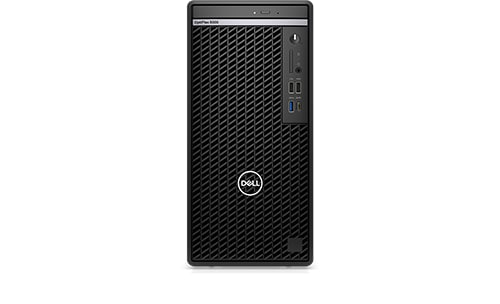
Optiplex 5000
Hi Everyone,
I am currently trying to upgrade 4x Optiplex 5000 Mini Tower from 1TB Mechanical drive to 256GB NVME SSD.
The SSD is detected in the BIOS but does not appear as an option under the Boot menu.
I have made sure the BIOS is on the latest version, but still does not make a difference.
I tried switch between RAID On and AHCI/NVME under SATA/NVME Operations in Storage in the BIOS.
The SSD is also detected in Windows when booting from the 1TB drive.
I also tried a 2.5" SATA SSD, but that also does not show up as a Boot option.
How do I get the NVME SSD as a boot option in the BIOS or how do I add it as a Boot option.
Any assistance will be appreciated as this is urgent.
Thank you
No Events found!
JOcean
11 Legend
•
12.6K Posts
•
69.5K Points
0
April 24th, 2023 04:00
Did you clone the old drive to the new one or do a clean install? If a clone then did you power the system down, disconnect the HDD and then reboot the system? Is Windows Boot Manager the first option in the boot menu? If you switch from RAID to AHCI in the BIOS, you will have to reinstall Windows.
fireberd
11 Legend
•
33.4K Posts
•
112.8K Points
0
April 24th, 2023 05:00
Another issue is the drive format. With UEFI BIOS it must be formatted in GPT, not MBR, for the BIOS to detect it.
bradthetechnut
9 Technologist
•
9.6K Posts
•
40.6K Points
0
April 24th, 2023 18:00
Adding to what fireberd said, boot drive should be formatted to NTFS using GPT partition scheme. Otherwise, there's places it might not show.
Windows also formats a raw drive when loading. If it's already formatted as stated above, nothing wrong with that.
With HDD disconnected, did you try loading Windows on the SSD?