

Unsolved
1 Message
0
1179
November 18th, 2022 20:00
XPS 8940, no boot, error Alert! Chipset heat sink not detected
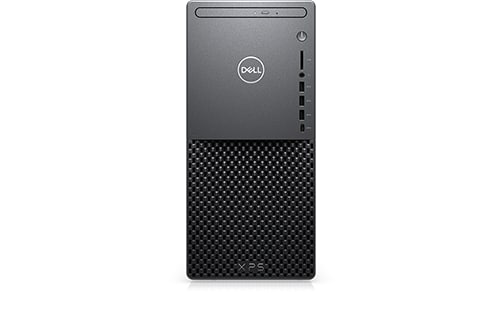
XPS 8940
On the XPS8940, an "Alert! Chipset heat sink not detected." error occurred and it became impossible to start. What should I do?
No Events found!
kras1
2 Intern
•
444 Posts
0
November 18th, 2022 21:00
Have you changed the cooler at all? I would open the case and inspect the cpu cooler/heatsink and see if anything is amiss.
redxps630
11 Legend
•
16.3K Posts
•
82.7K Points
1
November 19th, 2022 08:00
This aluminum passive heatsink is the chipset heatsink. Is it still securely fastened to motherboard?
RoHe
12 Elder
•
45.2K Posts
•
172.6K Points
0
November 19th, 2022 12:00
And if it still seems correctly/firmly attached, try clearing BIOS:
Tesla1856
10 Wizard
•
18K Posts
•
71.5K Points
0
November 19th, 2022 13:00
See if it's still attached.
On an old Pentium4-based Dell ... I had one of these get so hot that one of the loops in the motherboard heated-up and un-soldered itself . The heatsink fell off.
I had to remove the motherboard to re-solder it properly, but it worked fine after that.