

Unsolved
1 Rookie
•
2 Posts
0
593
July 24th, 2023 12:00
XPS 15 9520, fan control
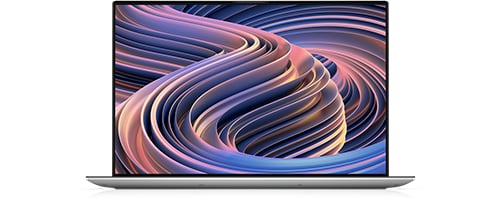
XPS 15 9520
Dear Dell,
I really like my XPS 15 9520 with the i7 12700H and RTX 3050 Ti. But I have one major complaint: it hits 100°C CPU temperature on heavy workloads but the fans only start to spin after about 15 seconds after the CPU hits this boiling hot temperature and they don't really spin fast. The CPU already throttles the clock before the fans ramp up. In my opinion, the fans should run at full speed when the CPU hits 70-80°C or 100 % usage to prevent or delay thermal throttling.
My system is technically flawless. I installed the latest driver and BIOS version. I have already texted with the support for 3 hours, but I could not find a satisfactory solution. The support told me to turn the system into "Cool" mode but that is not an option because I paid full price and would like to have full performance. Unfortunately the return window of the laptop is already closed.
I suggest that there should be a fan control tool to adjust RPM and the latency in which the fans turn on.
Niko