
UNSOLVED
i can't update ssd firmware without windows question
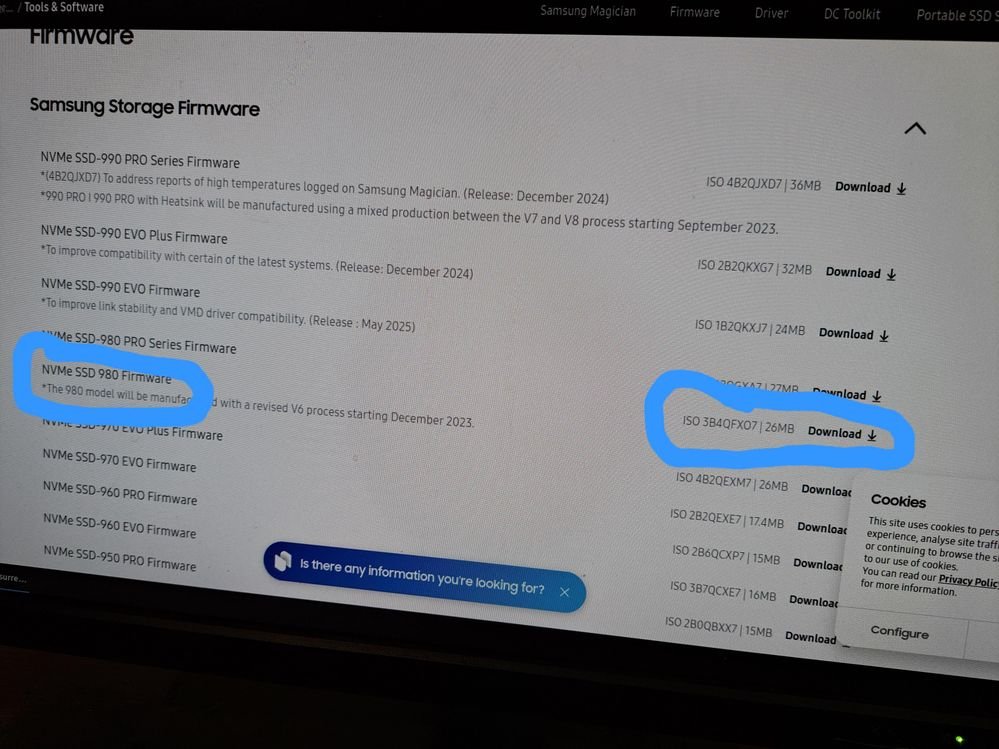
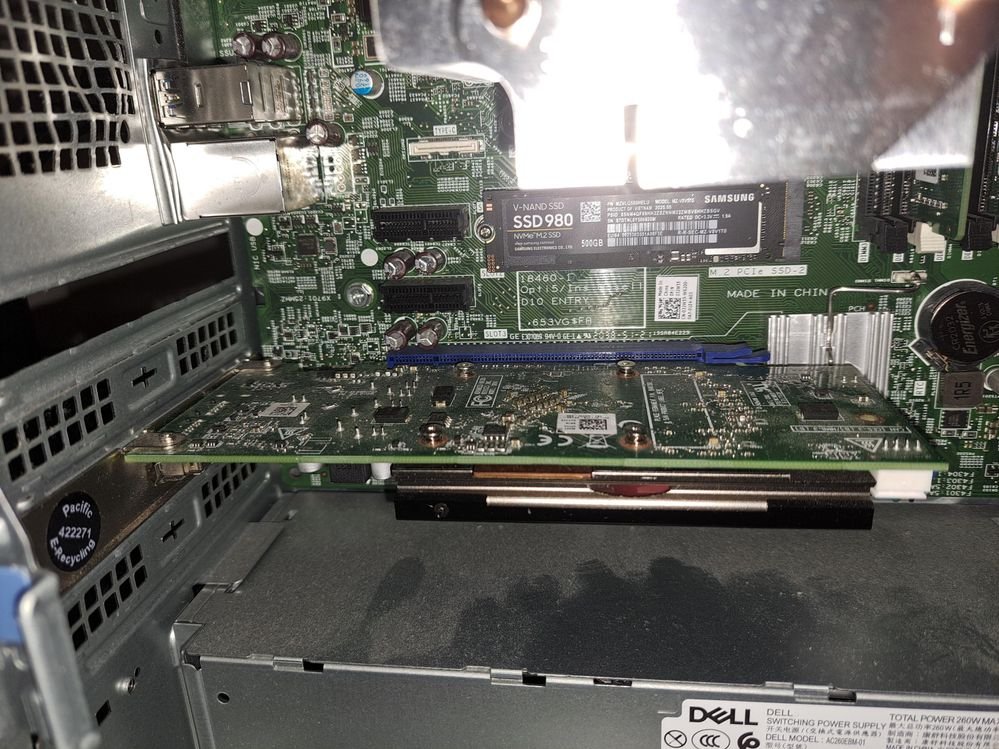
I am using Linux Mint operating system, Recently i just got my brand new Samsung 980 NVME SSD, please i would like to know how do i update ssd firmware without windows? I put ISO on my flash drive
https://semiconductor.samsung.com/consumer-storage/support/tools/

0
0
Posted August 28th, 2025 15:23
If so that's not the issue. Are you sure you're applying the correct firmware for the drive you have?
0
0
Posted August 28th, 2025 21:09
If the drive is already in AHCI mode, there is no need to do that. IRST will prevent access to the drive from flash mode -- it needs to be in AHCI mode.
Is this drive original to the system, or was it purchased at retail?
0
0
Posted August 28th, 2025 21:15
Where did the firmware update come from -- Dell, or Samsung? Note that Samsung firmware won't install on a Dell OEM drive, and Dell firmware won't install on a Samsung retail drive.
0
0
Posted August 28th, 2025 21:31
firmware update came from Samsung, i'm using my samsung 980 nvme ssd drive 500 gb
(edited)
0
0
Posted August 28th, 2025 22:19
bump still waiting for reply
0
0
Posted August 28th, 2025 22:29
Hi
As far as I can tell it is effectively a "LINUX" OS, with some firmware update(s)...
Therefore it should boot much as your Linux Mint ISO would boot.
The screenshot suggests it does that, and fails to match to a storage device.
I downloaded the ISO and opened it up in MINT, and can't for the life of me figure out which program is supposed to run... I did get something working though...
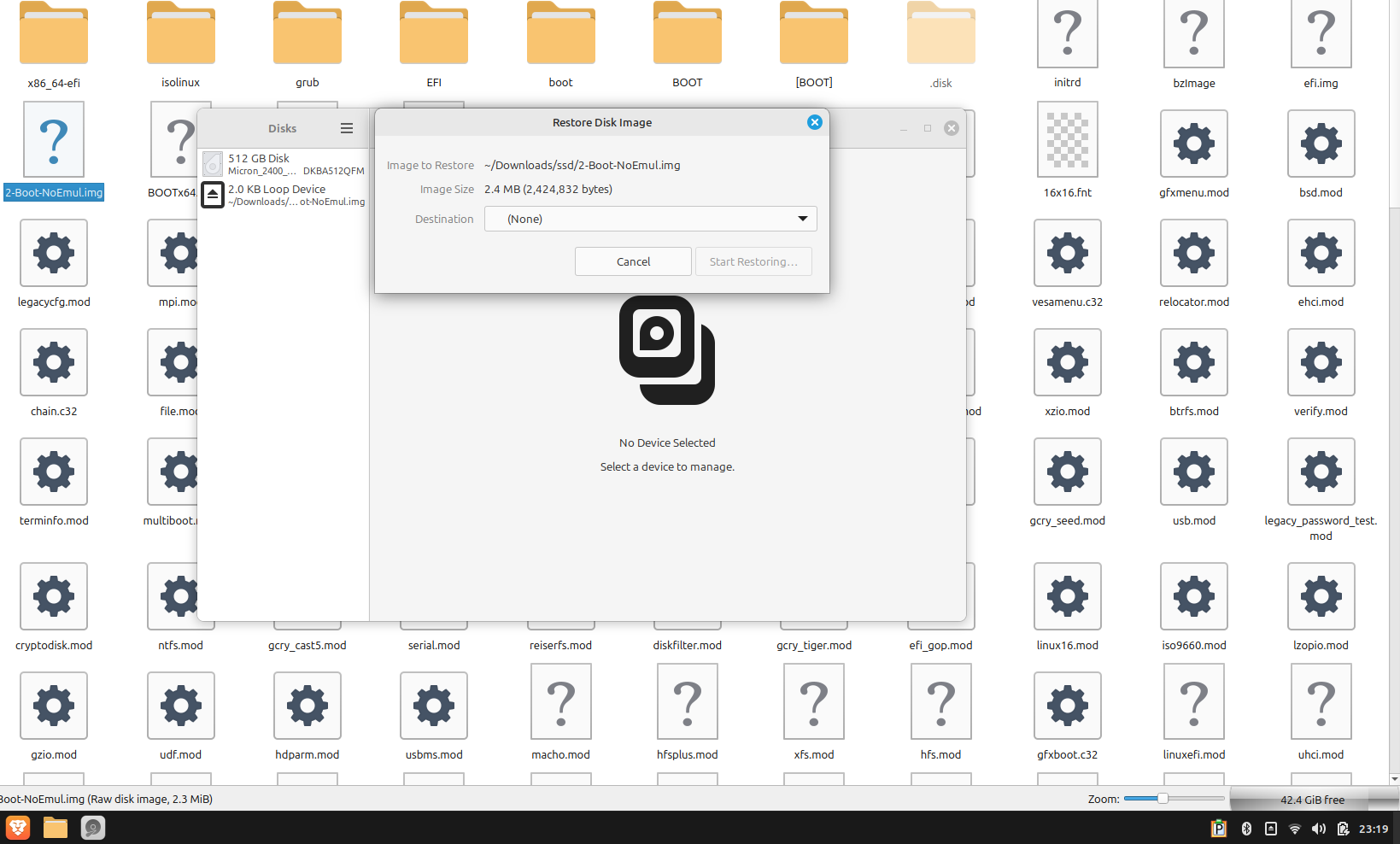
But what/which of the other 250+ files do, or to try to do is beyond me.
This seems more of a Manufacturer or Linux issue than a DELL issue.
Kind Regards
anne_droid


ejn63
12 Elder
•
31439 Posts
•
155044 Points
0
0
Posted August 28th, 2025 15:01
If the system is running in IRST (RAID) mode -- F2 at powerup to check) -- the updater won't see it. Most systems still have the option to disable IRST/RAID in favor of AHCI. Do that, save and then try the update again. You will have to reset to IRST mode in order for the OS to boot.