

Unsolved
1 Rookie
•
7 Posts
0
691
June 13th, 2023 07:00
Aurora R13, don't see drives while installing Windows
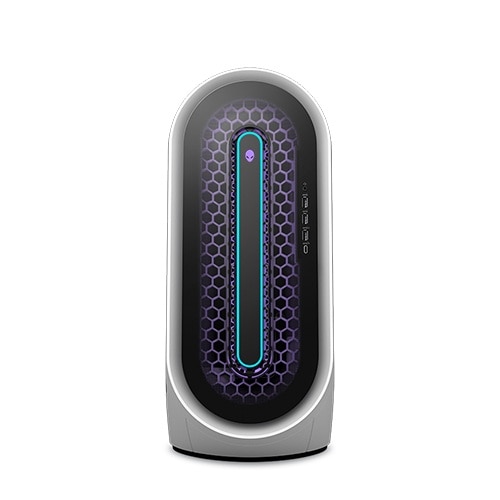
Alienware Aurora R13
Trying to reinstall Windows from a flash drive. Computer does not see hard drives. Downloaded Intel RST drivers, didn't help. What should I do? I tried switching the sata/ahci mode - doesn't help. Turning secure boot on and off also does not help.
No Events found!
notbadbet
1 Rookie
•
7 Posts
0
June 13th, 2023 09:00
I've downloaded the windows 11 installation iso from microsoft.com and burn it via balena etcher to usb drive.
Let me try to use this tool you talking about!
Vanadiel
8 Professor
•
7.1K Posts
•
29.7K Points
0
June 13th, 2023 09:00
If you turned off RAID in the BIOS,, it should show up as an AHCI device.
Did you use the Windows median creation tool to create the bootable flash drive?
Iain K Mackay
2 Intern
•
176 Posts
0
June 15th, 2023 02:00
Make sure the USB drive is a fairly recent one and has not been sitting in a drawer for years because Windows 11 does not like early edition USB drives.
Ensure the USB drive your using is formatted using FAT32 and not NTFS. Because DOS the OS your using to install Windows from is ancient and wont know what NTFS is.
Tesla1856
10 Wizard
•
17.9K Posts
•
71.3K Points
0
June 15th, 2023 12:00
Yes, AHCI-Mode (and NO INTEL-RST ever installed).
Be sure only C-Drive SSD is only drive connected for now. SSD must be completely blank (you might have to DiskPart clean it).
Boot installer-USB and install Windows to blank C-Drive's un-partitioned-space. Windows will Initialize it GPT and format as NTFS for you.