

Unsolved
2 Intern
•
19 Posts
0
3430
December 24th, 2023 08:39
Aurora R16, overclocking resetting
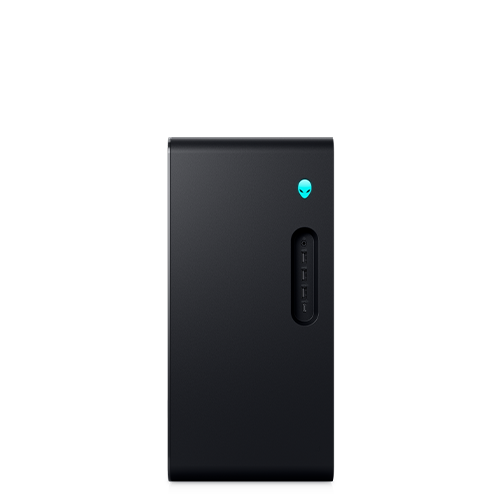
Alienware Aurora R16
I am trying to use overclocking on my Aurora R16 to see what it can do but when I go into the BIOS I get the screen attached. I cannot see anything in my AWCC to use either
i have XMP RAM and it should be an overclockable processor but nothing seems simple

i did get the overclocking by pressing F9 but then a fail in windows with:

No Events found!
redxps630
11 Legend
•
16.1K Posts
•
82.1K Points
0
December 24th, 2023 13:53
Do you have the 14th gen KF cpu? The 12/13th gen cpu offered in R16 seem to be non-k.
if you have 14900KF, user reported in bios “you would go to advanced => performance options, and you’ll see the overclocking feature”
13th Gen Intel Core i7-13700F/
13900F
(edited)
andydragon247_562aea
2 Intern
•
19 Posts
0
December 24th, 2023 13:58
@redxps630 I have i9-14900KF
i can see performance options if I press F9 in the BIOS but it seems to keep resetting itself
redxps630
11 Legend
•
16.1K Posts
•
82.1K Points
0
December 24th, 2023 14:05
Can you upload a screenshot of your bios>performance?
you ought to be able to see OC1 and OC2 according to user report.
(edited)
andydragon247_562aea
2 Intern
•
19 Posts
0
December 24th, 2023 15:30
I posted the screen shot I have in the BIOS in the first message. I can get the screenshot you showed if I press F9 but it doesn’t last and resets when Windows boots. AWCC is saying that default setting are being loaded from the BIOS (also see picture in first message)
redxps630
11 Legend
•
16.1K Posts
•
82.1K Points
0
December 24th, 2023 22:04
Try uninstall AWCC completely or better still try use a test drive to do a clean OS install without any Dell software. Then enable cpu overclock in bios, apply/save, exit bios. Now boot into clean fresh OS. Open task mgr to view cpu performance. Do you see any overclocking?
andydragon247_562aea
2 Intern
•
19 Posts
0
December 25th, 2023 10:38
I removed AWCC and the BIOS settings seem to be sticking now but I can’t see anything in CPU performance to say over locking had taken effect. I loaded COU-Z also and cannot see anything different
what am I looking for?
(edited)
redxps630
11 Legend
•
16.1K Posts
•
82.1K Points
0
December 25th, 2023 14:12
Good that bios is not reset any more b/c I suspect AWCC was resetting your bios change. Try play w bios cpu OC and save change then check cpu frequency in task mgr. it would not say oc there but the cpu freq ought to be different from base freq when you disable oc in bios.
(edited)
ProfessorW00d
6 Operator
•
2.4K Posts
•
10.2K Points
0
December 25th, 2023 19:30
Install Intel Extreme Tuning Utility and run the 5 minute CPU stress test. You will be able to see performance metrics in the bottom right corner of the screen.