

1 Rookie
•
1 Message
0
425
February 13th, 2024 01:37
AW3225QF, FX Lighting Alienware
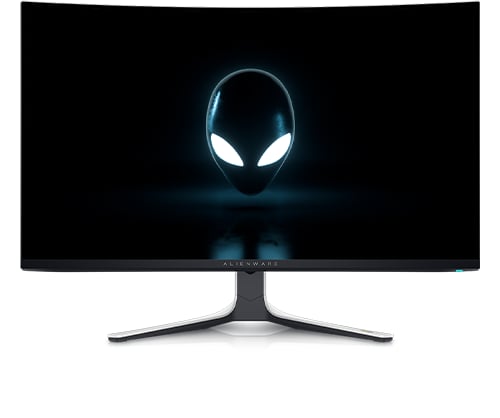
Alienware 32 4K QD OLED Gaming Monitor AW3225QF
My FX Lighting on the monitor forgets the FX lighting setting I set if I turn off the monitor. When I turn the monitor back on it goes to default FX lighting. I have to turn off the monitor after playing some games because the screensaver won't come back on unless I reboot. Do I need to use the Alienware software? Thanks
No Events found!
DELL-Nat M
Community Manager
•
3.7K Posts
•
20.9K Points
0
January 13th, 2026 20:23
Hi everyone,
Update the monitor firmware
Install the latest AW3225QF firmware from Drivers & Downloads. Run the updater in Windows with the monitor powered on.
Reinstall/repair Alienware Command Center (AWCC)
Reinstall AWCC and its Package Manager so AlienFX components refresh and the monitor is detected.
Dell KB: Resolve Alienware FX Lighting Issues
Connect the USB‑B upstream cable
AWCC needs the monitor’s USB upstream connection to control lighting zones. Use the supplied USB 3.2 upstream cable.
Set in OSD, then save in AWCC
If you want the front LED off, also set Zone 3: Power Button to Off.
If it still reverts
If the issue persists, click Get Help Now on the page to share your Service Tag and current firmware with support for individual troubleshooting.
Vetco90
1 Message
1
February 18th, 2024 01:24
Extremely frustrating, all settings on my lighting reset constantly too. Thought it was me, Dell please fix this! Also, can you please add an option to Zone 3 power button Off in Standby Mode (only)?