

1 Message
0
627
December 21st, 2022 11:00
Latitude 3510 audio jack problem
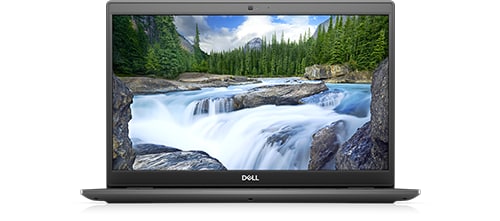
Latitude 3510
In latitude 3510 For some time after connecting the headphones, the sound is heard only in the left earphone. How to solve this problem?
No Events found!
1 Message
0
627
December 21st, 2022 11:00
Latitude 3510
In latitude 3510 For some time after connecting the headphones, the sound is heard only in the left earphone. How to solve this problem?
Top
crimsom
9 Technologist
•
6.1K Posts
1
December 21st, 2022 13:00
Hi @slawekk welcome to this free user-to-user Alienware laptop discussion forum.
Please use a bright light to look inside the Universal Audio Jack port, are the electrical contacts damaged? Does the audio plug fully insert into audio port? Please try different headset to check that headset port is good. Please try your head set in different PC to check that your headset and its plug is good.
Latitude 3510 Service Manual - IO Board - remove and install | Dell US
Dell OEM Latitude 3510 Right-side IO Circuit Board with SD Slot / Audio / USB / RJ45 Port is Dell Part Number (DP/N) Y67KR
Please visit Device Manager and look for Realtek High Definition Audio Driver. Audio driver is the software that helps your operating system to communicate with audio devices such as internal sound cards, speakers, headsets, and microphones. Is this Audio driver listed or missing or has a warning yellow triangle. If Audio driver has warning yellow triangle, connect laptop to internet, delete audio driver and then Restart (not Shut Down) so that during restart, the windows operating system will automatically install the audio driver.