

Unsolved
1 Message
0
446
November 1st, 2022 19:00
m15 R4, broken LCD, won't turn on
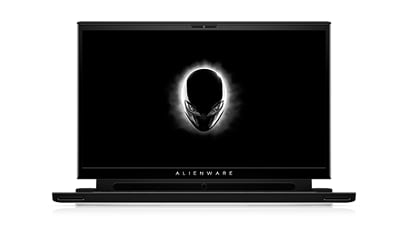
Alienware m15 R4
Hey all, I have a m15 R4. Had my laptop at work and left it connected to an HDMI cable. When I stood up and tried to walk away the HDMI cable didn't unplug and it pulled the laptop out of my hands and smashy smashy, it killed my LCD screen. I took it to a local repair place and they removed the LCD screen for me but they couldn't get DELL parts. So until I send it back into DELL for repair, I've been trying to use the base/keyboard/trackpad with an external monitor plugged into HDMI. But it just beeps at me when I try and turn it on. According to the interwebs, that means it's not detecting the display. Is there anyway to trick the hardware into turning on with an external display plugged in?
crimsom
9 Technologist
•
6.1K Posts
0
November 2nd, 2022 02:00
Hi @VectorExpert welcome to this free user-to-user Alienware laptop discussion forum.
Support for Alienware m15 R4 System-diagnostic lights should provide diagnostic information. What sequence of diagnostic beeps is being generated?
Did the local repair remove more than the damaged screen? Dell OEM parts might be available from Parts-People, Dell Alienware m15 R4 Laptop Replacement Parts | Parts-People.com.
Please check Alienware m15 R4 laptop invoice to see if repairs for accidental damage is included in your Dell warranty.