

Unsolved
1 Rookie
•
2 Posts
•
2 Points
0
41
March 12th, 2026 16:49
Issue with original configurations
I am looking at gear we are looking at purchasing, and using the dell.com/support site to look up each Serial number and what's in it before we place our bid on the gear. The issue I am running into is that there is gear that search for that then brings us to a login page to see the gear. I created an account with dell TDM and it still will not show me the original configuration it was shipped with.
does anyone know of a way to see the original configuration such as RAM, CPU of the equipment when they run into the login page when searching certain serial numbers?
No Events found!
DELL-Daniel V
Community Manager
•
538 Posts
•
2.8K Points
0
March 12th, 2026 16:54
Normally system specs are not locked to an account. If using our support page, then you would just click on the product specs option under Quick Links. You should then be able to view the original configuration a system shipped with.
Brandon H92
1 Rookie
•
2 Posts
•
2 Points
0
March 12th, 2026 17:02
@DELL-Daniel V

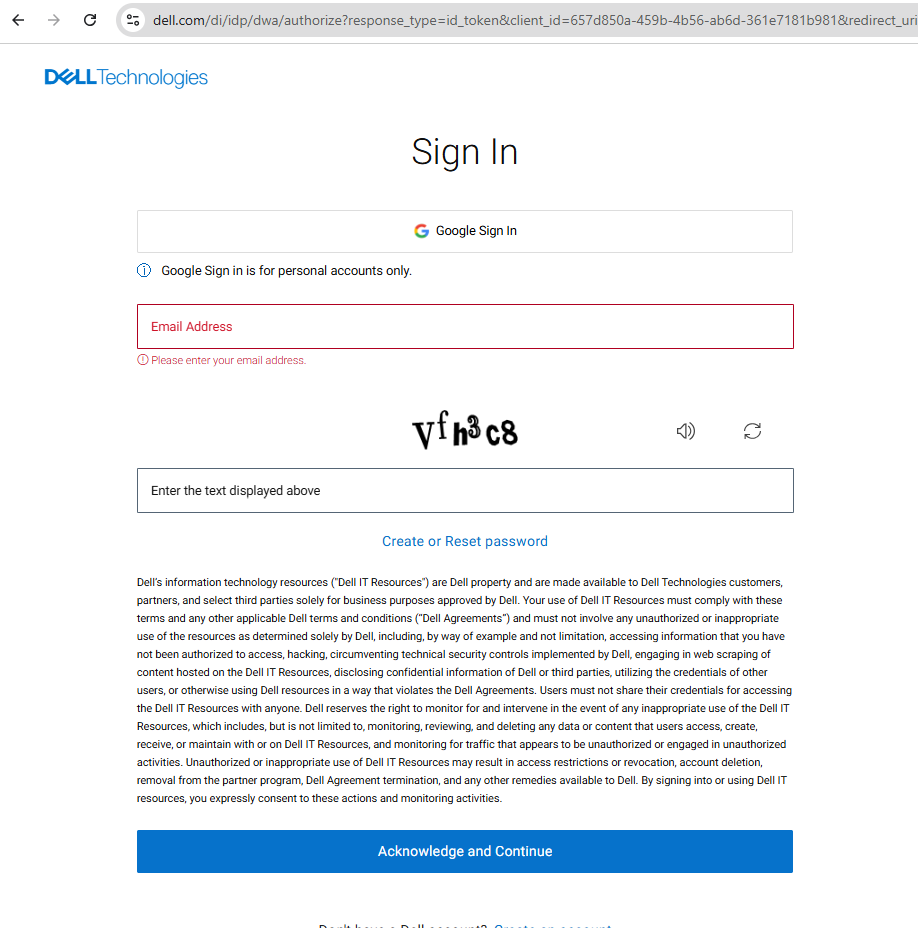

ive uploaded 3 images
but in the image you provided, you are correct, that would be the correct way of looking up.
The issue is with Serials such as <To protect your privacy, all private information was removed from this public post. DELL-Admin>. If you try that, it will re-direct to you a sign in page, and once signed in ( i had to make an account ) it still doesnt show the original configurations
instead where the product specifications are, it shows
and does not show any place to click to see the product specifications
(edited)