

Unsolved
4 Posts
0
919
December 31st, 2022 15:00
memory upgrade, laptop won't boot
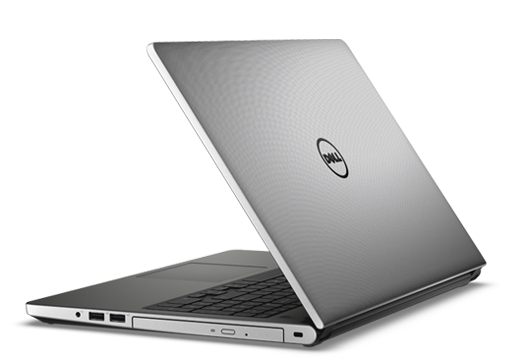
Inspiron 5559
DELLL 5559
I'm trying what should be a simple memory upgrade. I'm upgrading from 2 x 4GB to 2 x 8GB. I purchased 2-8GB DDR3L-1600 SODIMM 1.35V CL11 chips. Once I switch out the memory the laptop will not boot. I get 4 white blinking lights followed by 2 amber blinking lights.
No Events found!
JOcean
11 Legend
•
12.6K Posts
•
69.5K Points
1
December 31st, 2022 15:00
You did not state which make the RAM modules are. The most compatible RAM for a Dell is Crucial. That RAM can be found here. However I had a similar problem with my Latitude E6420 using Timetec RAM. Pull the CMOS battery out of your system and leave it out for 15 minutes. Then reinstall the battery but considering your system is approaching 8 years old I would suggest a brand new CMOS battery (CR2032) leaving the old one out for 15 minutes before installing the new one.
John harper
2 Intern
•
346 Posts
0
January 1st, 2023 22:00
Remove the computer's coin cell battery from the motherboard (the steps depend on the computer). Press and hold your computer's Power button for 20 seconds, after which you release it. Replace the PC's coin cell battery. Reconnect your PC's power cable to a power source and restart the computer.
Regards,
James
AdrianG001
6 Operator
•
4K Posts
0
January 4th, 2023 22:00
Remove the computer's coin cell battery from the motherboard (the steps depend on the computer). Press and hold your computer's Power button for 20 seconds, after which you release it. Replace the PC's coin cell battery. Reconnect your PC's power cable to a power source and restart the computer.