

Unsolved
1 Rookie
•
4 Posts
0
1089
February 5th, 2023 23:00
P2722H, enable the inactive functions on DDM 2.1.0.45?
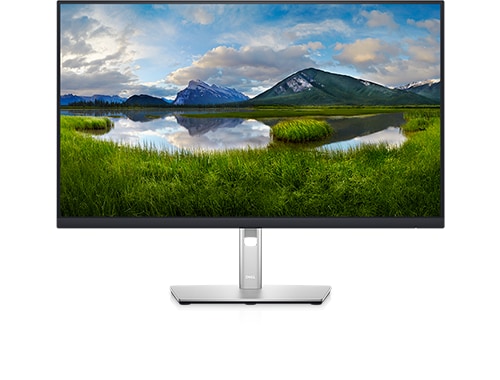
Dell P2722H
I have Dell P2722H and I'm using it as an extended monitor. I installed DDM 2.1.0.45 and many functions in the application are inactive. How can I enable the inactive functions? I can't find anything in the online user guide.
No Events found!
DELL-Chris M
Community Manager
•
56.9K Posts
•
232.1K Points
0
February 6th, 2023 04:00
* Built on March 1, 2022. Shipped from Dell on June 22, 2022
* Is the P2722H the only external monitor connected to the PC?
* Is the P2722H USB 3.0 upstream cable connected to the PC?
* What PC model?
* What PC GPU video card?
* List all of the available PC GPU video card out ports to test on the P2722H HDMI/VGA/DP in ports
* What operating system?
Sepehr
1 Rookie
•
4 Posts
0
February 6th, 2023 05:00
The P2722H is the only external monitor connected to my PC.
The USB 3.0 upstream cable isn't connected to my PC. (So that's the problem, right?)
My PC is "Microsoft Surface Laptop Studio" with "Intel Iris Xe Graphics" and "NVIDIA GeForce RTX 3050 Ti laptop GPU", running on the latest official "Windows 11 Pro".
I'm using a video adapter to connect the monitor to my PC. (Thunderbolt 4 to HDMI)
DELL-Chris M
Community Manager
•
56.9K Posts
•
232.1K Points
0
February 6th, 2023 09:00
* DDM requires DDC/CI. Open the monitor Menu- Others. Ensure that the DDC/CI feature is Enabled/On
* If still not working, connect the USB-B to USB-A upstream cable from the monitor USB-B port to PC USB-A port. Then retest DDM
Sepehr
1 Rookie
•
4 Posts
0
February 7th, 2023 03:00
That's not the problem, I connected the upstream cable USB to my PC and nothing changed.
DELL-Chris M
Community Manager
•
56.9K Posts
•
232.1K Points
0
February 8th, 2023 06:00
Is there a non-tablet Windows PC there to test the P2722H and DDM 2.1?
The P2722H User's Guide states that it supports, "Easy Arrange and other key features".
Specifically, what DDM 2.1 functions are not working on the P2722H? What happens when you choose Easy Arrange in DDM 2.1? The DDM 2.1 User's Guide does state =


Consider uninstalling DDM 2.1 and testing the older DDM 2.0 =
Sepehr
1 Rookie
•
4 Posts
0
February 8th, 2023 07:00
Easy Arrange is working well but other functions are inactive.
Maybe I'm trying to install old versions.