

1 Message
0
189
February 13th, 2023 06:00
S2422HG, driver question
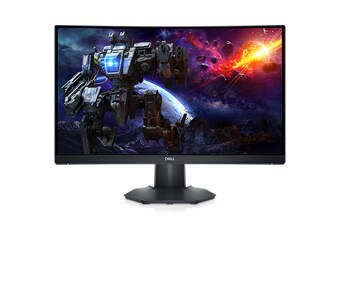
Dell 24 Curved Gaming Monitor S2422HG
Hi,
I have Dell 24 Curved Gaming Monitor S2422HG and I'm not sure if I need to download driver 'DELL_S2422HG-MONITOR_A00-00_DRVR_GH0JM' which is version 'A00-00, A00-00'. I use Windows 11 Pro x64 with DP connection to my dedicated AMD GPU? For now, Windows installed driver with version 1.0.0.0.
No Events found!
ewongsmx
2 Intern
•
176 Posts
1
February 13th, 2023 06:00
@Levin97
It is not necessary to download and install the specific driver for your Dell 24 Curved Gaming Monitor S2422HG if the current driver installed by Windows is functioning properly. The version 1.0.0.0 of the driver is likely a generic driver provided by Windows and should be sufficient for basic display functionality.
However, if you encounter any issues with your monitor, such as display problems or limited resolution options, you can try downloading and installing the specific driver for your monitor. The driver provided by Dell is designed to optimize the performance and features of your monitor.
To download the driver, visit the Dell Support website, enter your monitor model number, and select the latest available driver for your operating system. Make sure to carefully follow the instructions provided with the driver to ensure a successful installation.