

1 Rookie
•
1 Message
1
881
July 15th, 2023 14:00
U2720Q, MacBook, no USB-C from your device, #2
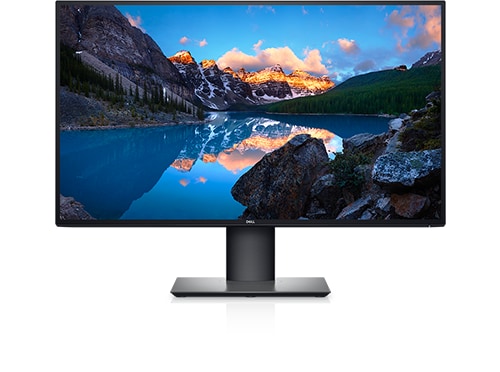
Dell U2720Q
My U2720Q stopped accepting a signal from my USB-C port of my Mac. The MacBook still gets power from the U2720Q. But there is no video signal. I have tried both USB-C ports on the U2720Q and all three USB-C ports on the MacBook. I have also tried replacing the USB-C cable and it still does not work. The U2720Q says no signal detected In "Auto" or in USB-C input mode. I have also tried plugging and unplugging the U2720Q. The U2720Q is plugged into a power strip. It worked until yesterday.
No Events found!
DELL-Chris M
Community Manager
•
56.9K Posts
•
232.1K Points
0
July 17th, 2023 10:00
To receive assistance from Dell Chat support, they need to verify the warranty status and ownership. Then you must troubleshoot with them. Click the "Get help now" icon on the right to start a live private chat session. Provide to them the private U2720Q/QM Service Tag.
* Dell only validated the provided 1m/3.2ft USB-C to USB-C cable
* Reminder, the U2720Q/QM side USB-C downstream port is NO VIDEO, data only. You must use the bottom #5 USB-C port for video
* Remove any power strip. The U2720Q/QM should be plugged directly into the wall power socket
* Turn the MacBook off
* Turn the U2720Q/QM off
* Disconnect every cable (including the power cable) from the U2720Q/QM
* Press the U2720Q/QM power button in for 8 seconds (clears any residual power in the circuits)
* Reconnect the power cable and our USB-C to USB-C cable to the U2720Q/QM and MacBook
* Turn the MacBook on, then the U2720Q/QM
(edited)