

Unsolved
1 Rookie
•
3 Posts
•
2 Points
0
364
December 16th, 2024 02:34
U2723QE, random black screen, USB-C charging issue
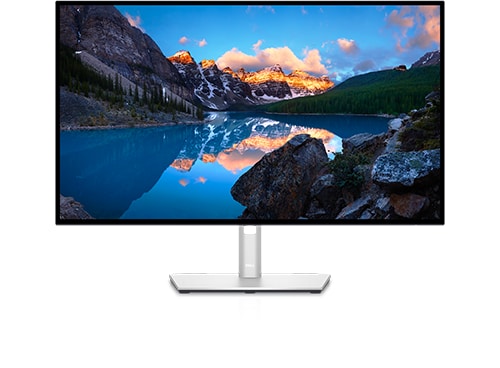
Dell U2723QE
I have a Dell U2723QE monitor connected via USB-C to my new Lenovo Yoga (Core Ultra 2) laptop. It's been working well overall, but I occasionally experience two issues:
I have the monitor connected to a power strip and I have it off when not in use. When I'm ready to use my laptop, I turn on the power strip which turns the monitor on and then I turn on my computer. If I don't time it up just right, the laptop sometimes does not start charging via USB-C and will slowly drain even though it is connected and the other inputs (display, ethernet, usb, etc) are all working just fine. It seems that if I turn my laptop on too soon or a few seconds later (when the monitor starts to go into standby mode) then the USB-C charging fails to stay on. But if I time it right, it works perfectly.
Every so often (between once every other day to a couple times a day) the monitor will flash an artifact on the screen (typically black with some colored (such as purple) lines) and then go black for 1-2 seconds and then return to normal. It doesn't lose ethernet or power during that time and it is completely random and not related to anything I am doing on the computer. I've tried both USB-C ports on my laptop, different USB C cables, updating my intel graphics drivers, etc and it still continues. I did test this monitor on an old laptop prior and the issue didn't occur.
Any tips for resolving these issues would be greatly appreciated!
Andy K
2 Intern
•
211 Posts
•
16 Points
0
December 16th, 2024 11:30
1. I would recommend using the power button on the rear of your monitor to powerup the laptop and to power down the laptop. It should do all the hand shaking using this button
(edited)
jpzsports
1 Rookie
•
3 Posts
•
2 Points
0
December 21st, 2024 20:18
@Andy K Thanks for the response. Can you further explain what you mean by this? The power button on my monitor only turns my monitor on/off. I still need to turn my laptop on/off via it's own power button.
Andy K
2 Intern
•
211 Posts
•
16 Points
0
December 22nd, 2024 11:57
have a look in the monitors menu, and enable DPBS.
I'm not sure it will work with your laptop, but worth ago.
This will power up and power down the laptop with the monitors power button, and helps with syncing
Dell Power Button Sync (DPBS)
The other thing you could try is changing the setting of charging the laptop when the monitor is switched off. Change the setting to be different to what it currently is.
jpzsports
1 Rookie
•
3 Posts
•
2 Points
0
December 26th, 2024 14:57
@Andy K I enabled DPBS but it hasn't fixed the issue. I don't think that mode even works because I have a Lenovo laptop.