

Unsolved
1 Message
1
691
August 23rd, 2023 19:30
U2723QE sleep mode
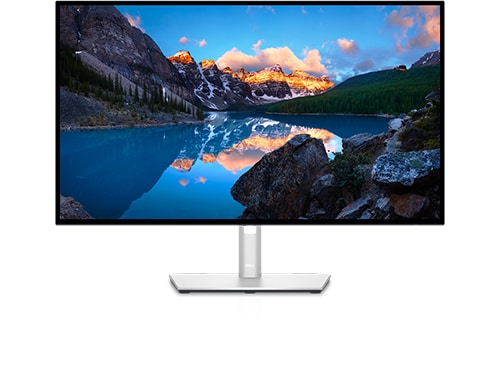
Dell U2723QE
Hello,
I have a Dell U2719DC and newly purchased Dell U2723QE. I’ve been having problems with wake on the display port and with the U2723QE going completely to sleep, it stays in a state with back lighting. Any suggestions would be appreciated. Both computers do enter a power off sleep state. Note: I do have a case open with Dell and am waiting better guidance.
The configuration is:
Computer 1 = Lenovo laptop, Windows 11 PRO 22H2, Power settings – screen off after 5 min, sleep after 30 min
Computer 2 = MSI Desktop with RTX 3060, Windows PRO 22H2, Power settings – screen off after 5 min, sleep after 30 min Note: Single DP cable to U2723QE, no other connections from 3060
U2723QE – Firmware=M2T104 (previous Firmware M2T103 had the same issues)
U2719DE – Firmware – M3T103 (No problems with this monitor going to sleep)
Connections – Please let me know if you see a problem with my connections or if there is a better way to do this. https://www.dell.com/en-us/shop/dell-ultrasharp-27-4k-usb-c-hub-monitor-u2723qe/apd/210-bdpf/computer-monitors Scroll down for monitor port map.
Unlisted ports are not being used
- PWR
- DisplayPort in – Computer 2 (RTX 3060)
- USB-C (Powered) – Computer 1
- DisplayPort out – U2719DC
- USB-C (Upstream port) – Computer 2
- USB-A – Dell conference speaker
- USB-A – Keyboard
- USB-A – Mouse
Troubleshooting steps to date.
Power cycle everything, Upgrade Monitor firmware, Windows updates, monitor factory reset, Disconnect USB-C to Computer 1, Change monitor setting Fast Wakeup=On
Thanks in advance for your suggestions. If I have missed a post that covers this, please let me know.