

Unsolved
1 Rookie
•
2 Posts
0
1388
March 11th, 2023 04:00
U2723QE, USB-C ports don't work
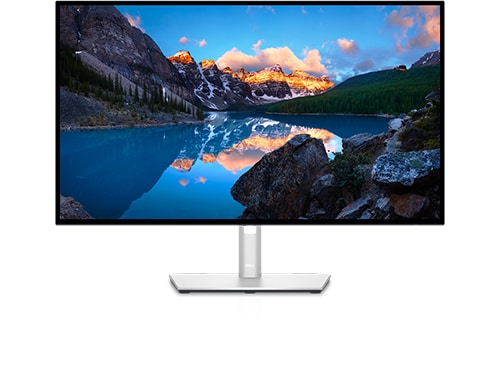
Dell U2723QE
I purchased a brand new U2723QE yesterday, and it works perfectly when my laptop is the only device connected to it. However, when I plug in a USB-C cable to any of the monitor's USB-C ports, even when the other end of the cable is not connected to anything, I receive a "power surge on USB port" error message, and that port stops working. I tested two different laptops with different operating systems (macOS and Windows 10), but both produced the same error message (although the wording was slightly different on macOS, where it said "USB Accessories Disabled. Unplug the accessory using too much power to re-enable USB devices"). I have also tried resetting the display to its factory defaults and rebooting both the laptops and the display, but the issue persists. Does anyone have any ideas on how to resolve this problem?
DELL-Chris M
Community Manager
•
56.9K Posts
•
232.1K Points
0
March 11th, 2023 17:00
How are the laptops connecting to the U2723QE? List every cable and port used.
Do all laptops have their supplied AC power connected to them? The U2723QE #5 USB-C port (Video + Data) port only provides up to 90W. What devices are you plugging into the U2723QE #15 USB-C downstream port?
alexu2723qe
1 Rookie
•
2 Posts
0
March 12th, 2023 10:00
It works when AC power is supplied. Thank you for the advice.