

Unsolved
1 Rookie
•
33 Posts
0
751
September 14th, 2022 12:00
U2723QE, white uniformity issue
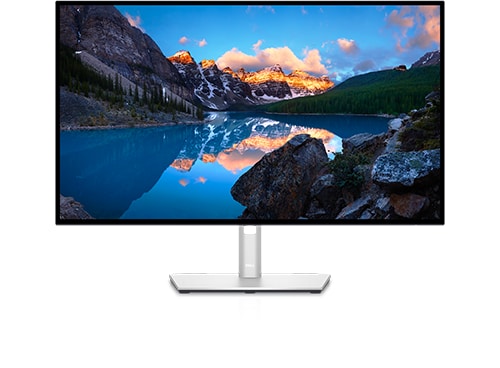
Dell U2723QE
Earlier today I noticed that the whites on my U2723QE are no longer pure white. I validated that by dragging a white web page across it to the U2720Q that is immediately adjacent. These monitors are on a Windows 11 system and connected to a 3070 Ti graphics card through DisplayPort cables. Both monitors are set to factory settings and I've never calibrated either of them. I've had the U2723QE since March and I believe something changed today. Prior to calling Support I did the following on the U2723QE:
- Did a factory reset
- Swapped cables
- Swapped ports on the graphics card
- Even with 100% brightness the whites on the U2723QE are still dirty
Support agreed to replace the U2723QE with a refurbished unit which is not surprising but still disappointing. So, a resolution is in the making but I'm making this post to see if others have had a similar experience?
DELL-Chris M
Community Manager
•
56.9K Posts
•
232.1K Points
0
September 15th, 2022 04:00
"I believe something changed today"
Just prior to the issue, did you or Windows Updates install a new Chipset or Video card driver?
bwentzel13
1 Rookie
•
33 Posts
0
September 15th, 2022 06:00
@DELL-Chris M , thanks for your help.
I try to be diligent with Windows updates and I've listed them below. Otherwise, I have not applied any other updates.