

Unsolved
This post is more than 5 years old
3 Posts
0
15018
August 19th, 2014 09:00
U3014, Dead, stuck, or burned Pixels/Subpixels
Hi! I just received a few days ago the replacement (A03) unit of an U3014 (A02) that was faulty.
All the issues seems to have been fixed and this new unit is definitely much better. However I just notice 3 grey/light brown small spots nearly to center upper half of the screen. Two of them are barely noticeable but the third one is fairly bigger and very distracting. I'm not a pixel expert since I never had this kind of issue with my monitors but are these pixels dead or stuck? Can this be fixed or does the Dell Pixel Policy covers my monitor since I live in Portugal?
Thanks
EDIT: I have tried to post High Resolution photos where this pixels are very noticeable but due to size restriction can't figure it out how can I post them with better quality than this.

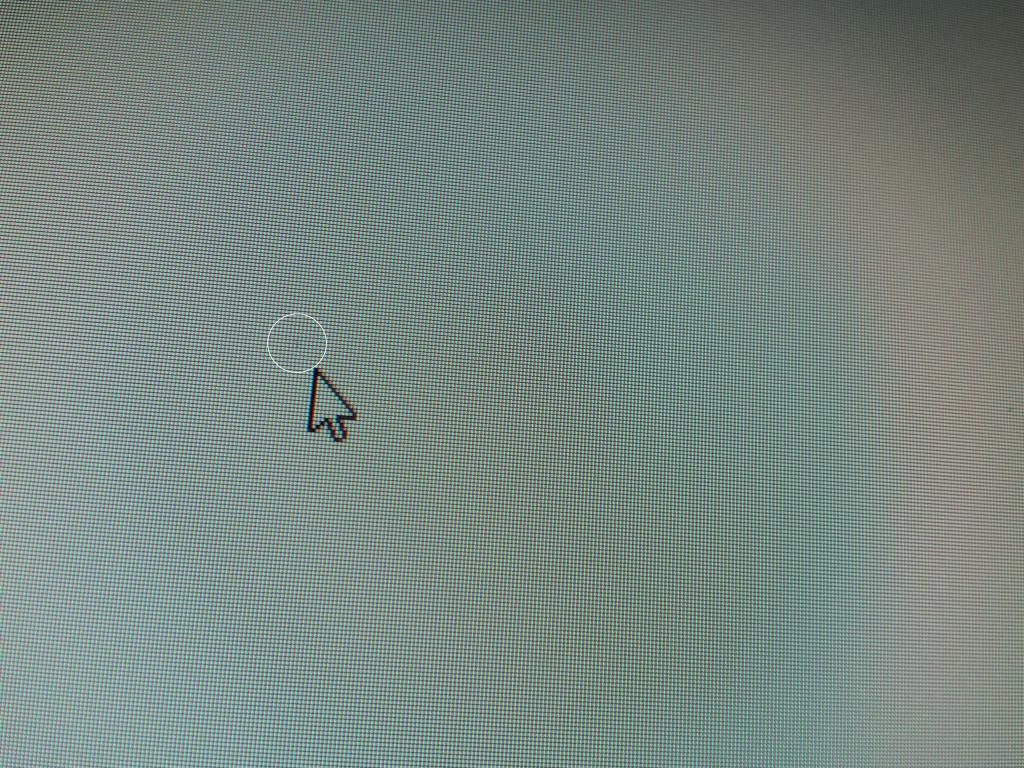
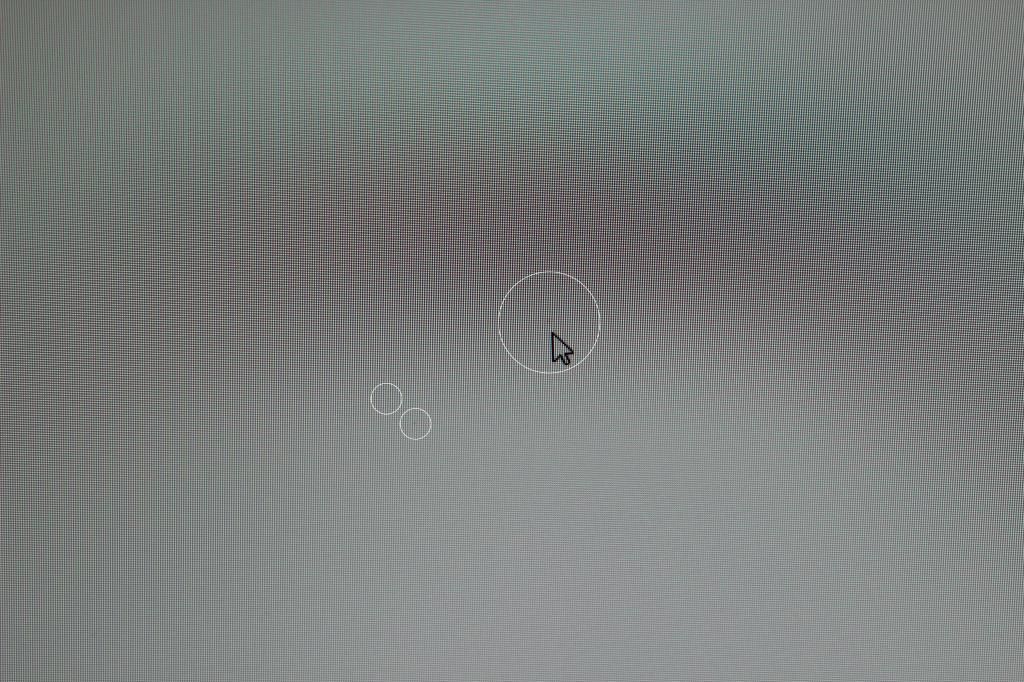



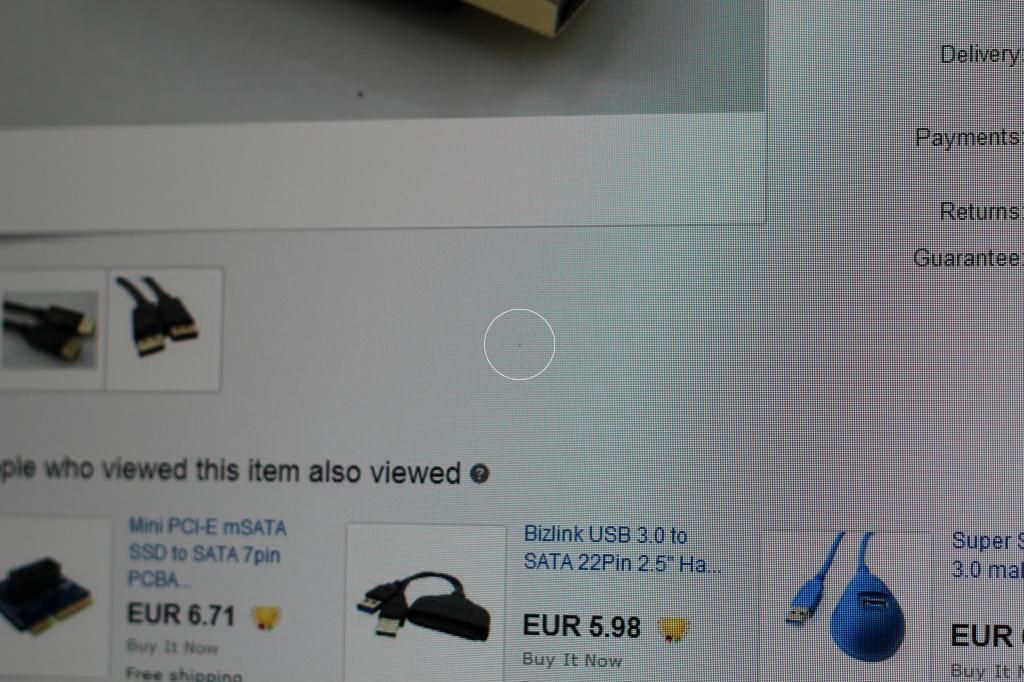
DELL-Chris M
Community Manager
•
56.9K Posts
•
232.1K Points
0
August 20th, 2014 09:00
The "Dell Premium Panel Guarantee" only applies to Bright Dot Pixel defects. The policy does not apply to Dark Dot Pixel defects which is what those are. You would need six or more Dark Dot Pixel defects to justify a replacement monitor.
Tanquen2
1 Rookie
•
47 Posts
0
April 22nd, 2016 11:00
What if you have both? My Dell U3014 has some that are stuck off and many groupings of dim pixels. I've never seen that before. I have many Dell displays including 2 U3011s. Is this something only the U3014 has? How do I get it swapped out?
DELL-Chris M
Community Manager
•
56.9K Posts
•
232.1K Points
0
April 22nd, 2016 17:00
* The room must be using standard office lighting
* Change the windows desktop to an all black background
* Take and post a picture of this showing the pixel defects
* Change the windows desktop to an all white background
* Take and post a picture of this showing the pixel defects