

1 Rookie
•
2 Posts
0
165
July 12th, 2023 10:00
2nd hand XPS 13 can't remove customer from Windows Image
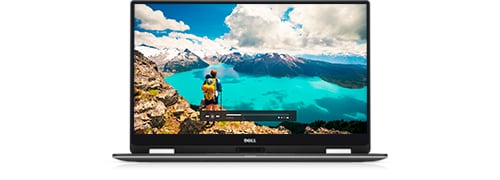
XPS 13 9365 2-in-1
Hi,
I bought a 2nd hands XPS 13 9365 in the Netherlands. Checking the service tag it looks like it has been sold in Norway, so made a trip to NL. Anyway: the previous owner did a factory reset (his words) and at home I noticed a work or school account is required to continue installation/configuration. So I did a fresh reinstall (first Ubuntu, but then again W10) and I see the same login requirements after reimaging the laptop with W10.
So, somewhere (can't see where) the first company did something in the BIOS or something on the SSD which prevents me from installing W10
I have searched through the BIOS, but I cant find anything....
What can I do to completly remove everything so it is back in the same state as when it was shipped from factory (factory bios settings is not the answer)
ejn63
12 Elder
•
31.4K Posts
•
154.9K Points
0
July 12th, 2023 11:00
Make sure the install is done completely offline. Then disable auto-activation and activate manually. There are a number of ways to do this.
https://www.wikihow.com/Turn-Off-Windows-Activation
NoClaim71
1 Rookie
•
2 Posts
0
July 12th, 2023 11:00
Is there no way to bypass this? Not sure if the company is still in business
ejn63
12 Elder
•
31.4K Posts
•
154.9K Points
0
July 12th, 2023 11:00
Contact the previous owner, who needs to deactivate the system in their Microsoft account. The system is auto-activating when you connect to Microsoft's activation servers.