

1 Rookie
•
1 Message
3
1690
September 10th, 2022 07:00
XPS Plus 9320, backlight keyboard settings
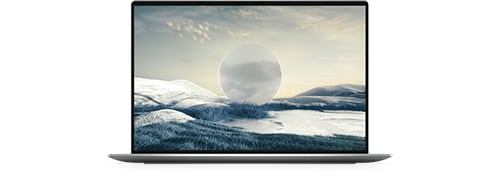
XPS 13 Plus 9320
Is there a way to turn on/off or increase/decrease the brightness of the top row of the keyboard (i.e. the a capacitive touch panel) of the XPS Plus? Ideally, I'd like it to be unlit when PC screen is off, or at least decrease the brightness. Currently, it only turns off when the device is in sleep mode or device is powered down.
No Events found!
d5123101
2 Intern
•
457 Posts
1
September 10th, 2022 10:00
No such option currently exists (and if it does it is not documented functionality). Dell could add it if they took the advice to create another BIOS revision (current revision 1.7.1 does not allow the computer to remain off).
RoCaTD
1 Message
0
January 30th, 2024 16:09
Any chance this issue can be addressed, I don't need it off just dimmed is really eye straining