
UNSOLVED

Mordhena

updated

10 years ago

M

Mordhena

4 Posts

0

1432

April 27th, 2016 04:00

Disc is jammed inside computer

I have a Dell Inspiron 17 5759 running windows 10. It is fairly new and still under warranty until November. Tonight was the first time that I attempted to use the CD/DVD Rom and now I have a disc jammed inside the laptop.

I installed the disc into the drive per usual, I thought that it was mounted correctly it was sitting flush in the drive, but the computer didn't seem to be able to read the disc. I tried ejecting it, but the DVD drive ejected, leaving the disc still inside the computer!?

I can see the disc, if I look from underneath the laptop, but can't seem to remove it. 

What should I do? Is there any way I can resolve this issue without needing to take the computer in for service?

Thanks.
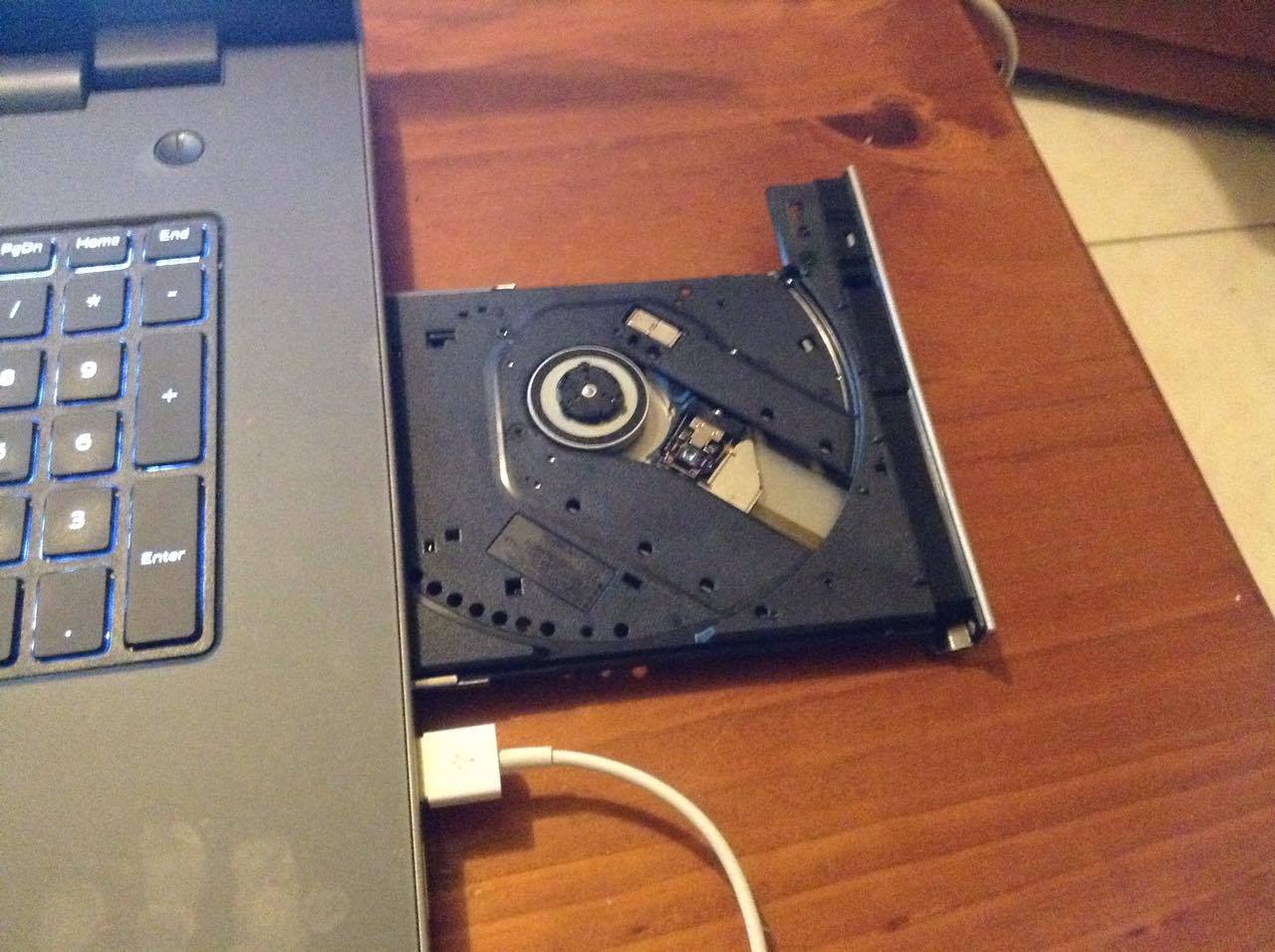
1 Attachment

  • ejn63

    11 Legend

    87468 Posts

    321253 Points

    740

    0

    Posted April 27th, 2016 05:00

    Is the disc inside the drive, or wedged above it?

    Either way, remove the drive to have a better chance of extracting the disc without damaging it, the drive or the system:

    < >

    (service manual).

  • Mordhena

    4 Posts

    740

    0

    Posted April 27th, 2016 11:00

    If I remove the drive myself will this void the warranty?

  • Mordhena

    4 Posts

    740

    0

    Posted April 27th, 2016 11:00

    Th disk is inside the space where the drive slides in.

  • shesagordie

    12 Elder

    46017 Posts

    740

    0

    Posted April 27th, 2016 13:00

    If I remove the drive myself will this void the warranty?

    Mordhena

    No.

    Bev.
