Dell Unity:備份 Dell Unity 組態檔案
Summary: Dell 建議在每次重大組態變更後,將 Dell Unity 系統組態檔案儲存至遠端位置。
This article applies to
This article does not apply to
This article is not tied to any specific product.
Not all product versions are identified in this article.
Instructions
Dell 是否提供備份 Dell Unity 組態檔案的建議或最佳實務?
是的。Dell 建議在每次重大組態變更後,將 Unity 系統組態檔案儲存至遠端位置。這種做法有助於確保您始終保持存儲系統配置設置的最新副本,這對於系統恢復、故障排除或在需要時重建環境很有價值。
最佳實務
- 在進行任何重大系統修改後儲存設定檔,例如:
- 網路組態變更
- 儲存集區修改
- 使用者或安全設定更新
- 複寫或資料保護組態變更
- 新增或更換硬體
如何將組態檔案儲存在 Unisphere 中
若要建立和下載 Unity 組態檔案的備份:
- 登入 Unisphere。
- 前往服務。
- 選取「服務工作」。
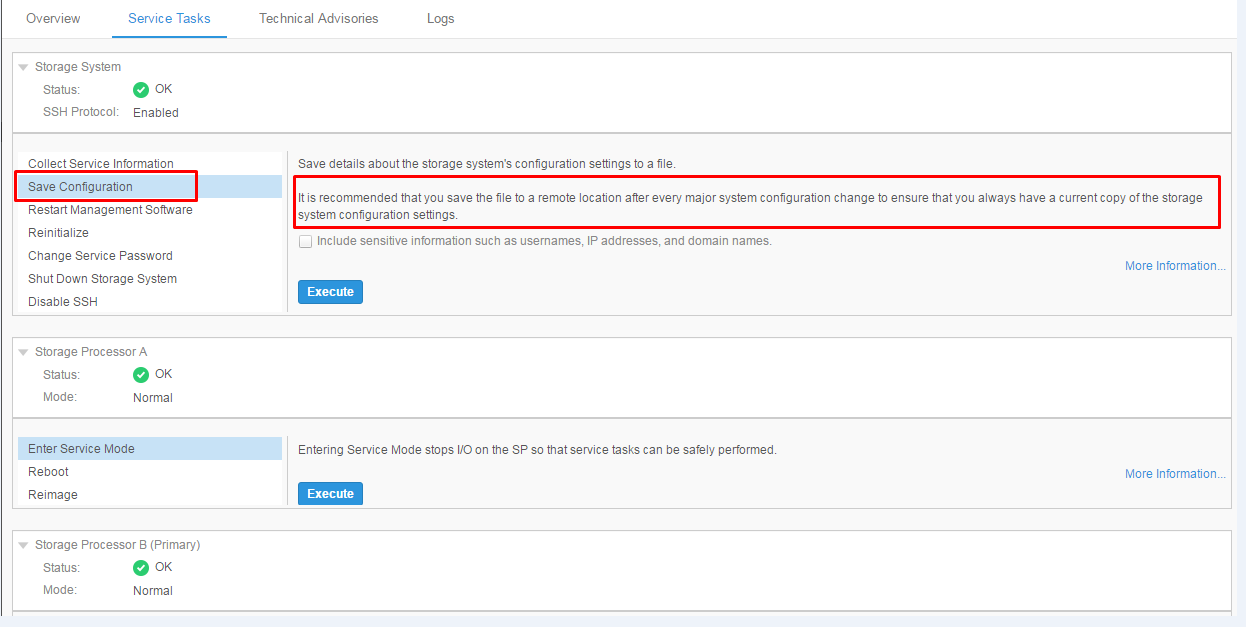
- 按 一下儲存組態。
- 選取 執行 以產生並下載組態檔案。
- 作為常規備份和恢復過程的一部分,將檔存儲在安全的遠端位置。
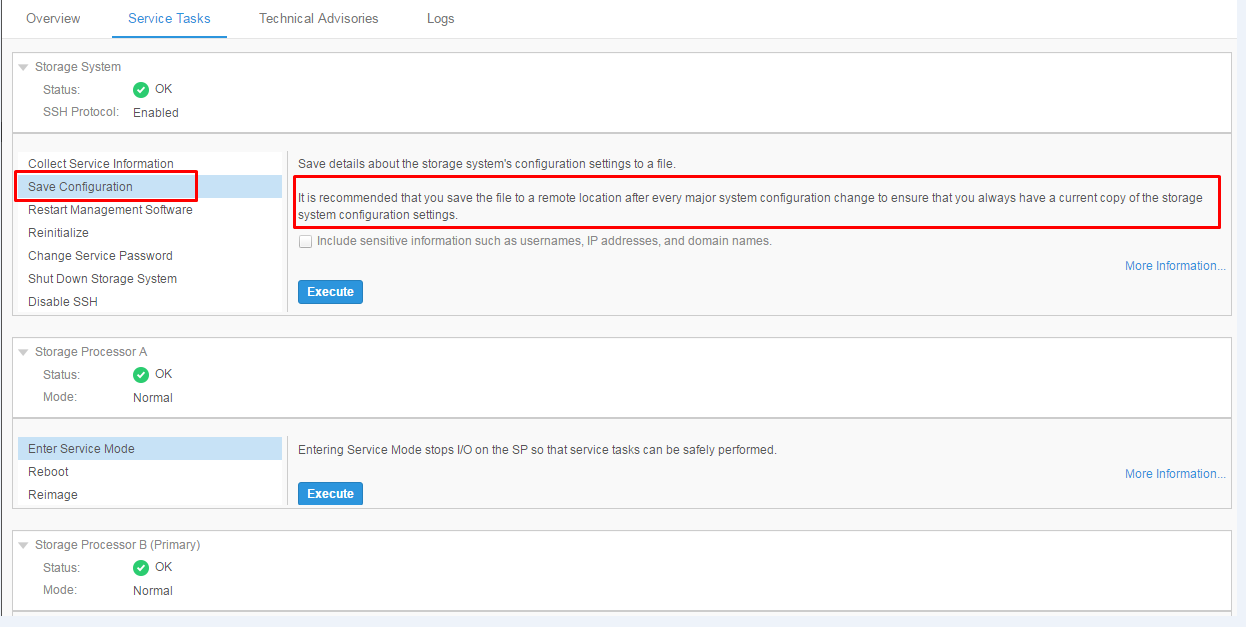
保持最新的配置備份可確保在發生系統問題或恢復操作時,可以快速還原或引用關鍵系統設置。
Additional Information
Affected Products
Dell EMC Unity FamilyProducts
Dell EMC Unity FamilyArticle Properties
Article Number: 000022810
Article Type: How To
Last Modified: 15 يوليو 2026
Version: 6
Find answers to your questions from other Dell users
Support Services
Check if your device is covered by Support Services.