How to Identify the Dell Enterprise Security Suite Pro Version
Summary: Learn how to identify the version of Dell Endpoint Security Suite Pro by following these instructions.
Αυτό το άρθρο ισχύει για
Αυτό το άρθρο δεν ισχύει για
Αυτό το άρθρο δεν συνδέεται με κάποιο συγκεκριμένο προϊόν.
Δεν προσδιορίζονται όλες οι εκδόσεις προϊόντων σε αυτό το άρθρο.
Instructions
Versioning can be determined either through the product user interface (UI) or through the product Installer. Click the appropriate tab for more information.
UI
Note: Dell Endpoint Security Suite Pro must be installed before identifying the version through the UI.
- Log in to the Windows computer.
- In the Windows system tray, right-click the Dell Data Security icon and then select About.
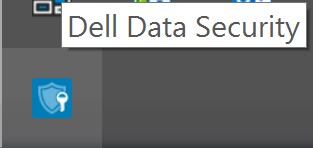
- Record the number to the right of Dell Endpoint Security Suite Pro. In the example image, 1.8.0 is the version.
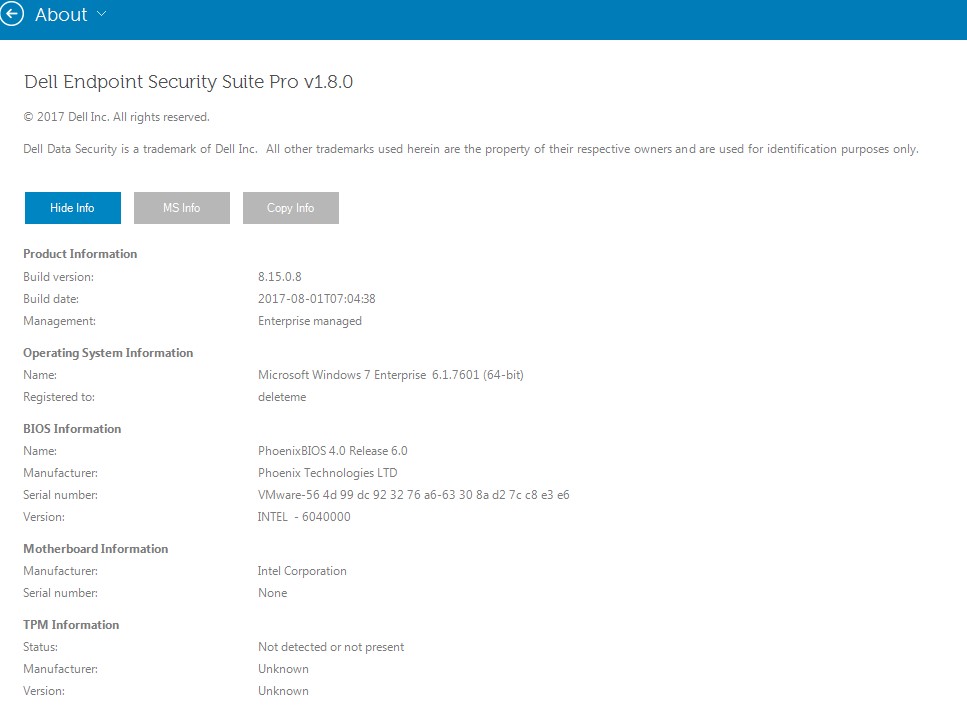 Note: The version of your client may differ from the above screenshot.
Installer
- Right-click
DDSSuite.exe(formerlyDDPSuite.exe) and then select Properties.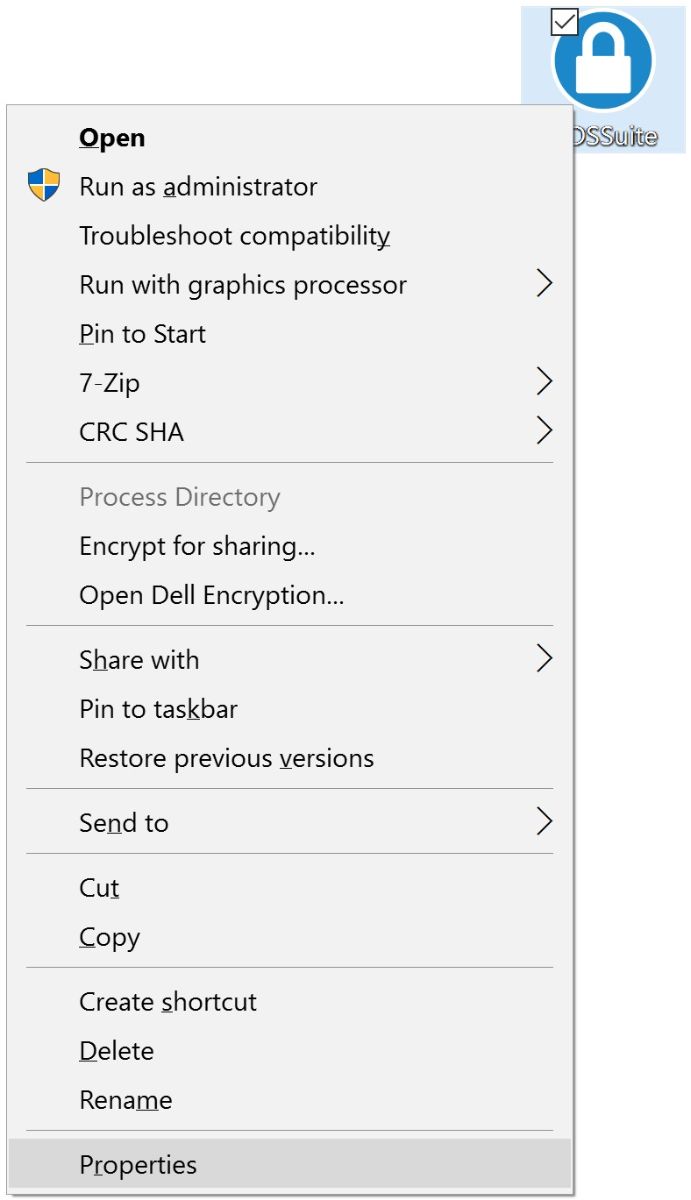
- Click the Details tab.
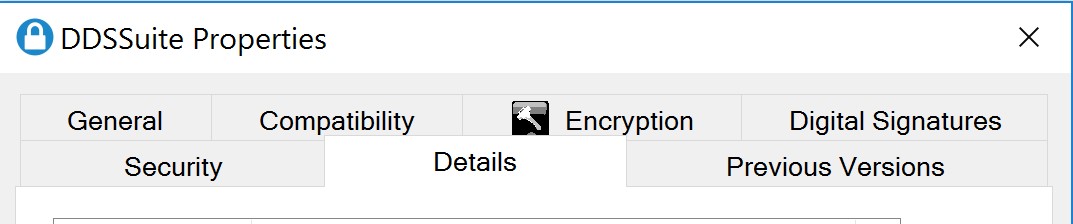
- Record the Product version. In the example, 1.8.0.45 is the version.
 Note: The version of your client may differ from the above screenshot.
To contact support, reference Dell Data Security International Support Phone Numbers.
Go to TechDirect to generate a technical support request online.
For additional insights and resources, join the Dell Security Community Forum.
Επηρεαζόμενα προϊόντα
Dell Endpoint Security Suite ProΙδιότητες άρθρου
Article Number: 000125145
Article Type: How To
Τελευταία τροποποίηση: 02 Ιουν 2025
Version: 11
Βρείτε απαντήσεις στις ερωτήσεις σας από άλλους χρήστες της Dell
Υπηρεσίες υποστήριξης
Ελέγξτε αν η συσκευή σας καλύπτεται από τις Υπηρεσίες υποστήριξης.