Επιλέξτε ένα προϊόν για να ελέγξετε τη συνάφεια του άρθρου
Αυτό το άρθρο ισχύει για Αυτό το άρθρο δεν ισχύει γιαΑυτό το άρθρο δεν συνδέεται με κάποιο συγκεκριμένο προϊόν.Δεν προσδιορίζονται όλες οι εκδόσεις προϊόντων σε αυτό το άρθρο.
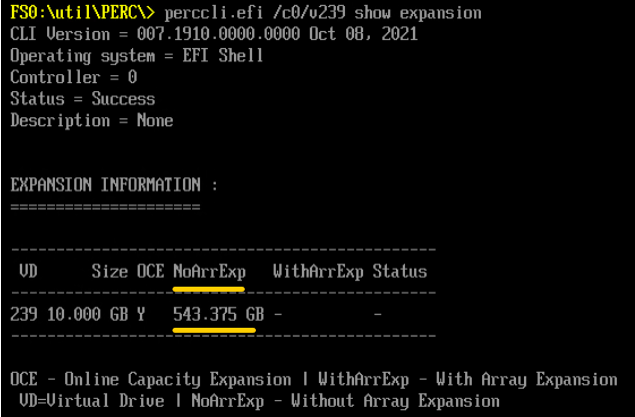
既存のアレイに使用可能なスペースがある場合は、 PERCCLI 拡張するユーティリティ。
PERCCLI /cx/vx show expansion下に使用可能なスペースが表示されます NoArrExp.
図5:PERCCLI 出力 NoArrExp
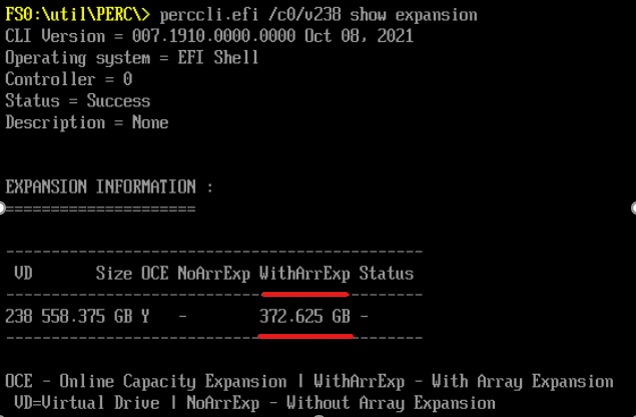
ただし、ディスク グループ内のハード ドライブがより容量の大きいディスクに交換された場合は、使用可能な容量が WithArrExp の PERCCLI /cx/vx show expansion 出力:
図6:PERCCLI 出力 WithArrExp
Cause
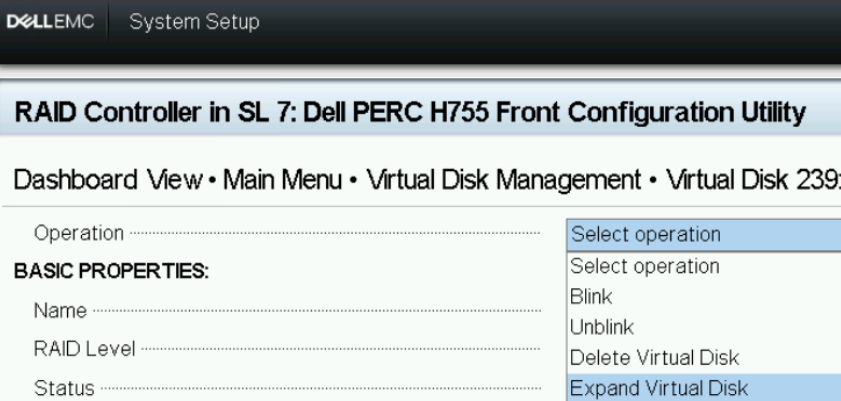
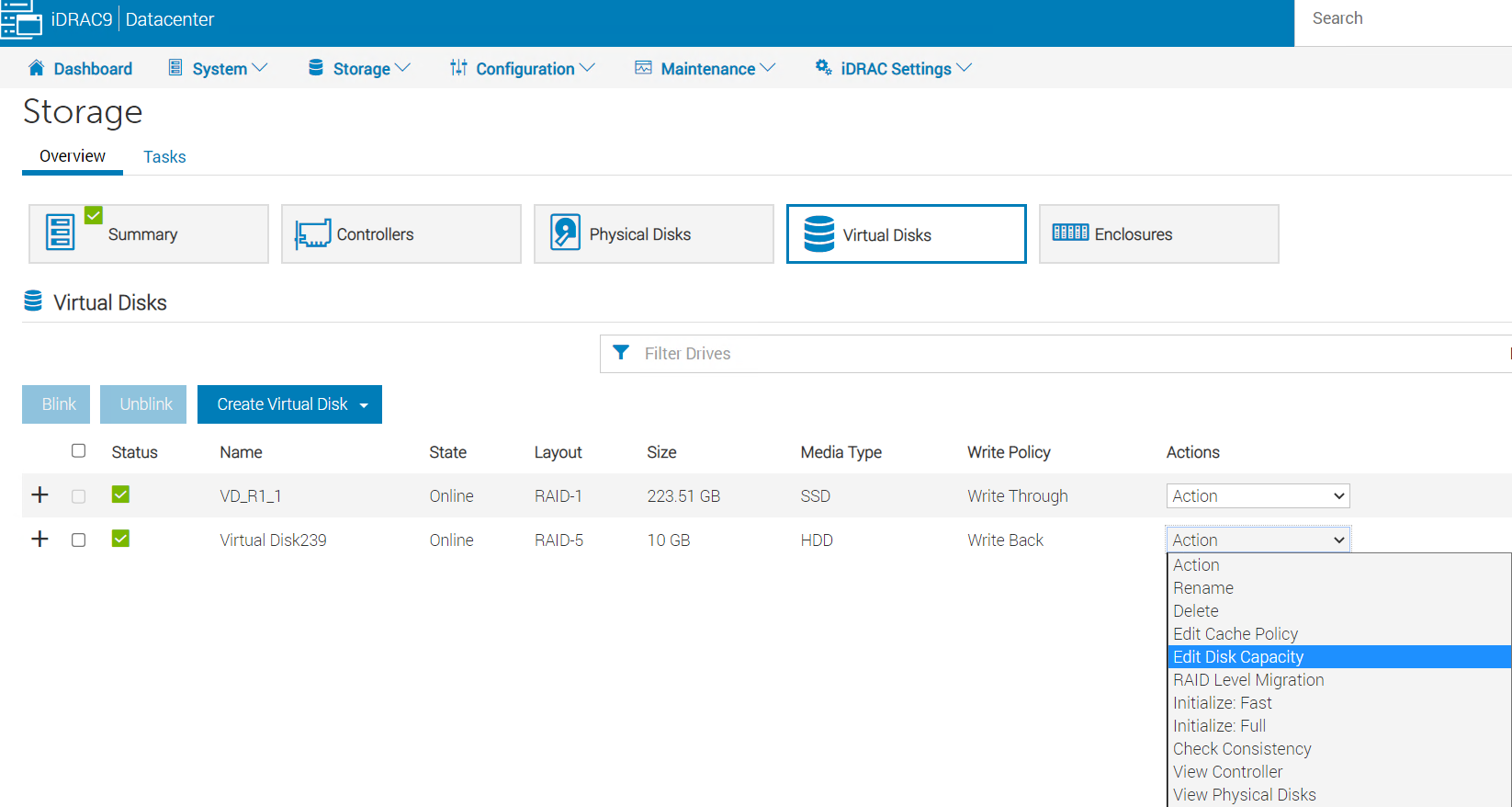
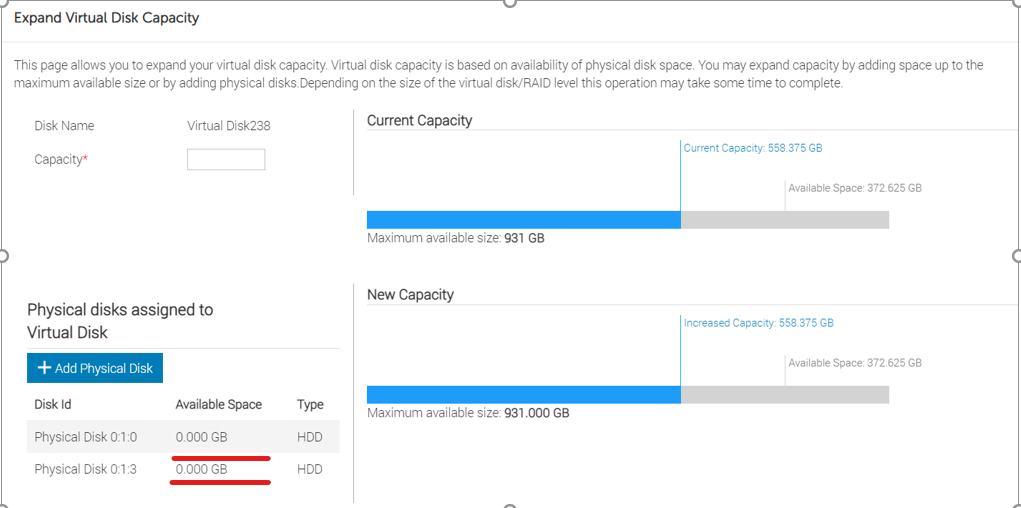
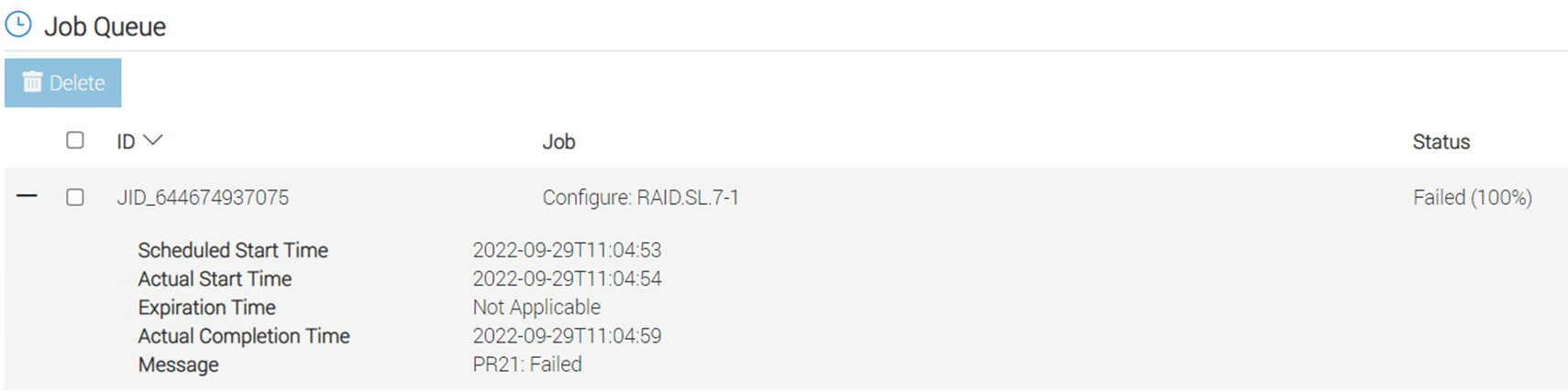
PERC HII設定ユーティリティーとiDRACは、アレイ容量の拡張をサポートしていません。
Resolution
Dellの PERCCLI ユーティリティ:
1. Run "perccli /cx/vx show expansion" to determine the available expansion space.

2. Then run "perccli /cx/vx expand Size=<xx> expandarray" to perform the array expansion.

            The expand command will expand the virtual drive within the existing array if there is available space, or expand into additional capacity if the drives have been replaced with larger ones.
            The <xx> size value is specified in MB.
            If the "expandarray" option is specified, the full array capacity will be expanded.
            If this option is not specified, only the virtual drive capacity will be expanded rather than the full array.