Avamar FLR fails for vCenter image backup with error "Failed to parse the LVM GUID list".
Summary: FLR Browse fails with error message "Failed to parse the LVM GUID list" for vCenter image backup.
Symptoms
FLR fails with error message "Failed to parse the LVM GUID list" on AUI or Avamar Administrator if it is a vCenter image backup.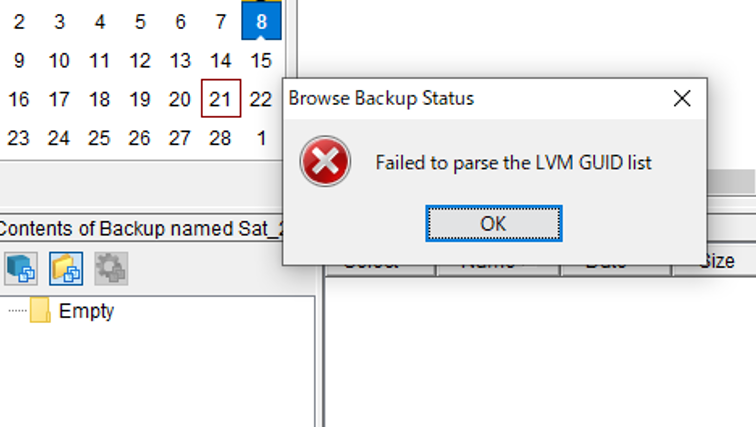

Cause
If the vCenter OS is VMware Photon, FLR fails with the error since the OS is not supported.
Resolution
How to check the vCenter OS type:
Log into the vCenter as root, and run below command to check the OS type.
shell
cat /etc/*release
<Snippet>
root@vCenter01 [ ~ ]# cat /etc/*releaseDISTRIB_ID="VMware Photon OS"DISTRIB_RELEASE="3.0"DISTRIB_CODENAME=PhotonDISTRIB_DESCRIPTION="VMware Photon OS 3.0"NAME="VMware Photon OS"VERSION="3.0"ID=photonVERSION_ID=3.0PRETTY_NAME="VMware Photon OS/Linux"ANSI_COLOR="1;34"HOME_URL="https://vmware.github.io/photon/"BUG_REPORT_URL="https://github.com/vmware/photon/issues"VMware Photon OS 3.0PHOTON_BUILD_NUMBER=05f9d3d8d